MX8000 Installation and Operation Guide
4–2
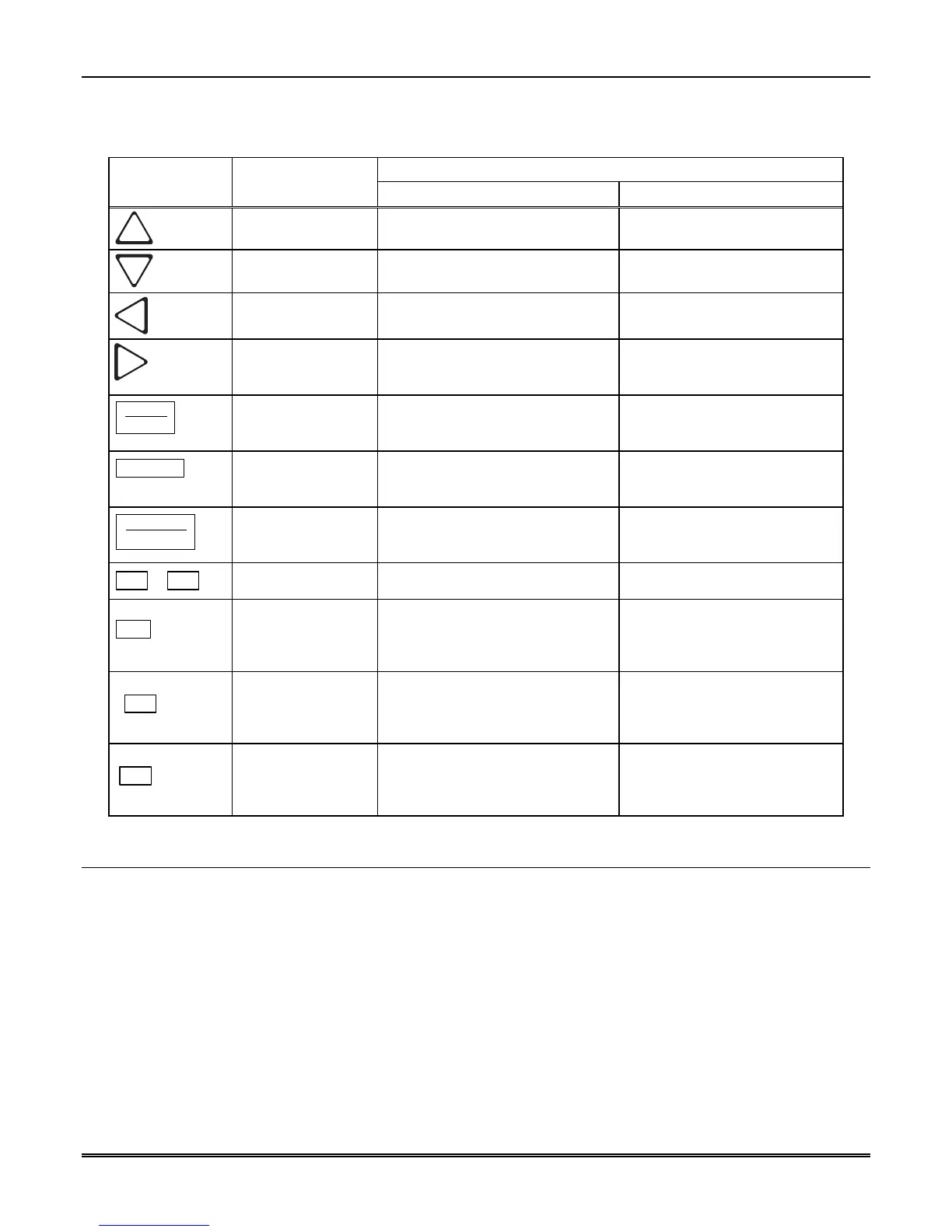
Table 4–1 displays each individual touchpad key and describes its function in each operating mode.
Table 4–1: Touchpad Buttons Description
Operating Mode
Key Name
Normal Programming
Up Arrow Display previous item in the Call
History or System History.
Go back to previous choice or
character.
Down Arrow Display next item in the Call History
or System History.
Move to next choice or character.
Left Arrow Display previous item in the Call
History. Exits System History.
Exit the current menu. Move to
previous programming field.
Right Arrow Display next item in the Call History.
Not used in System History
Select menu item indicated by
equal sign (see Figure 4–5). Move
to next programming field.
ENTER
MENU
Enter/Menu Button Bring up Main Menu. Select menu item indicated by
equal sign (see Figure 4–5). Enter
chosen parameter.
ACK
Acknowledge Button Manually Acknowledge a call or
event. (Used only if receiver is in
manual mode.)
Used in log mode to acknowledge
and silence system troubles.
LOG
STATUS
Log Button Pressed to log on or off the system.
Pressed to view system status
messages.
N/A
1
–
9
Digit Keys Used to enter numeric inputs. Numeric input, option selection.
HOME
✶
✶✶
✶
Star or Home Key Will return display to the oldest
unacknowledged event.
Enters a * Character when
programming in an “Edit” field.
See Table 5–1 for
Types of
Programming Fields,
descriptions.
HANGUP
0
0 or Hangup key In manual mode the 0/ hangup key is
used to hangup line card when the
listen feature was activated, or to
end a runaway call from a panel.
Used to enter numeric inputs.
LISTEN
#
Pound Key or Listen
Key
In manual mode this key is used to
initiate the listen in feature.
Enters a # Character when
programming in an “Edit” field.
See Table 5–1 for
Types of
Programming Fields,
descriptions.
4.2 Displays
This section describes the two types of displays that the MX8000 receiver uses.



 To Next Page