MX8000 Installation and Operation Guide
4–8
4.6.2 How to Maneuver Through Main Menu
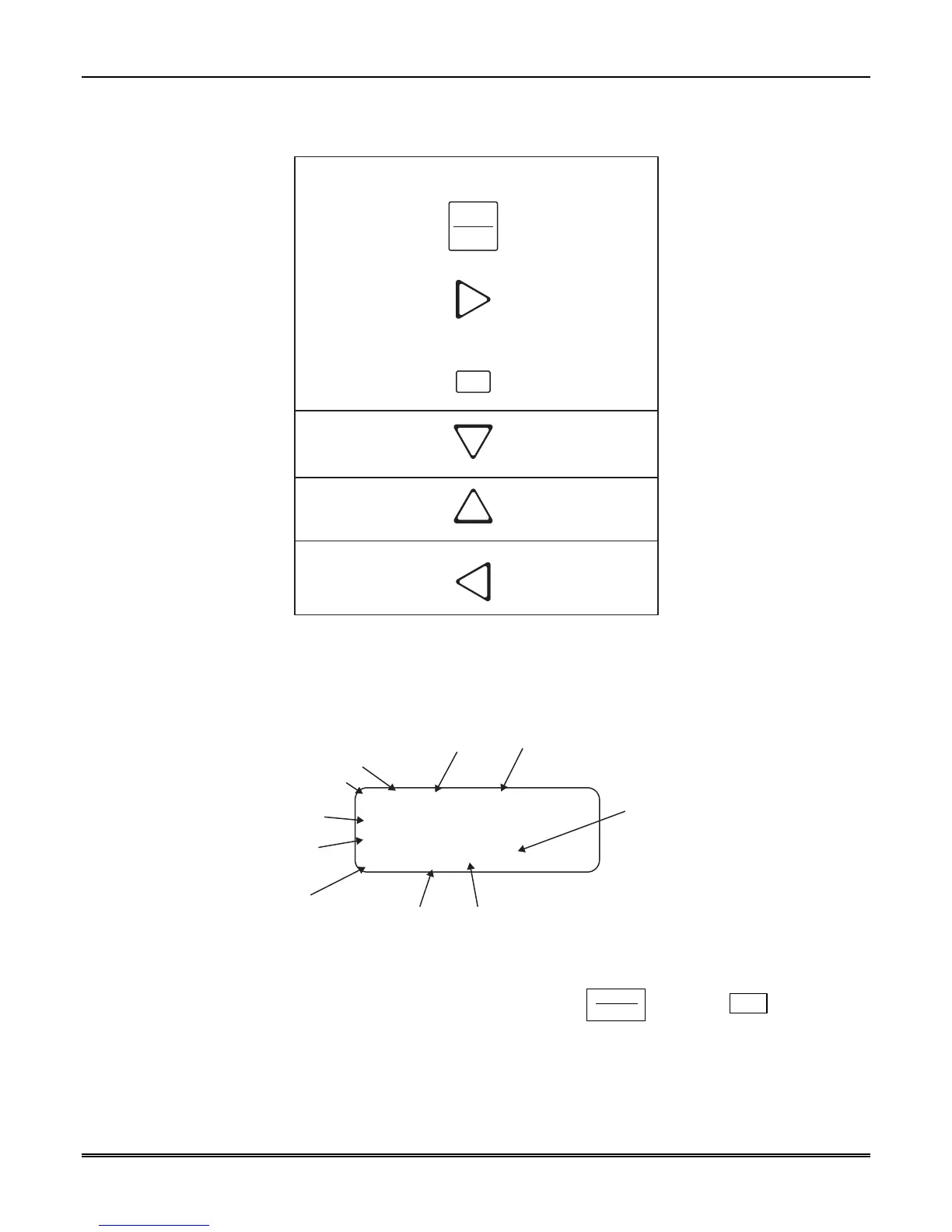
Figure 4–6 indicates what keys on the touchpad are used to maneuver through the Main Menu.
Menu Controls
1
To accept a
menu item press
Or press
Or press the
number key
corresponding
to the desired
menu option
To Choose the next
menu item press
Go back to
previous choice
Exit current menu
or menu item.
Move back to previous
entry.
ENTER
MENU
Number can also
be used to enter
numeric information
where needed
Figure 4–6: Main Menu Controls
4.6.3 Call History
Call history displays the calls that are in the history buffer.
010083-01 #12345
Trbl
Z# 42
01/01 10:26P *E1/1
Event Reference
No. (0001-9999)
Reason for Call
Zone Number
Month & Day
Time Star indicates that
the call was acknowledged
Number and order
of events for this
report.
Account Number
(Up to Ten Digits)
Line Port No.
Programmable 2-Digit
Receiver No.
Figure 4–7: View of a Call History Screen
To display a specific event enter the reference number then press the
ENTER
MENU
. Press the
✶
✶✶
✶
to go to most
recent call. See Table 4–3 for display abbreviations.



 To Next Page