MX8000 Installation and Operation Guide
5–24
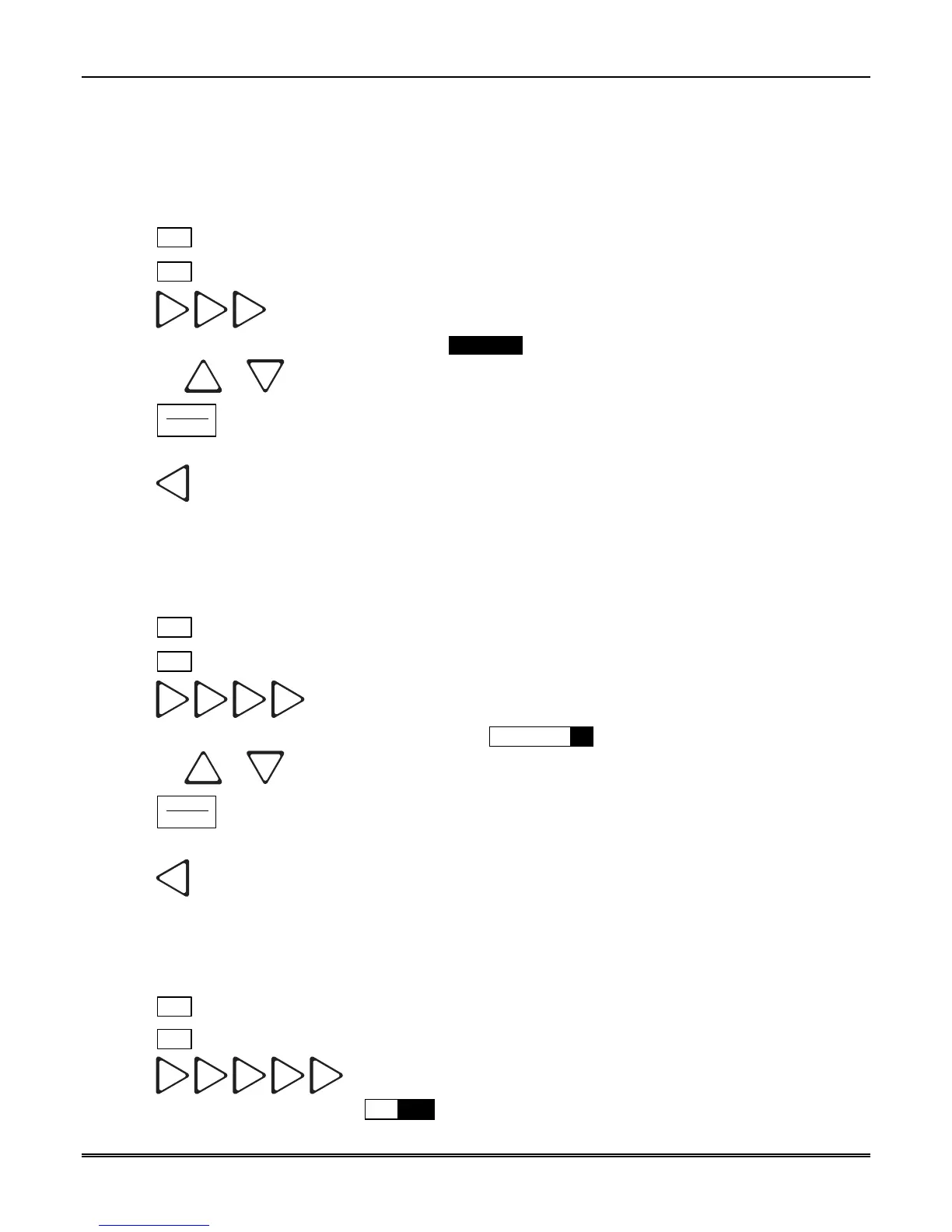
5.4.4.4 How to Configure Output for Bad Data Blocks
This feature selects how bad data blocks will be sent from the receiver to the automation computer. If Strip
Bad is selected then an indicator will be sent to the automation computer when a bad data block is received,
but the actual bad data block will not be sent. If Send Bad is selected an indicator will be sent to the
automation computer along with the bad data block.
1. Enter program mode. (See Section 5.1.)
2. Press
1
for general options.
3. Press
4
for system options.
4. Press
.
The display will flash on the Bad Data Blocks: Strip_Bad
5. Press the
or button until the display flashes on the desired setting.
6. Press
ENTER
MENU
.
To Exit:
Press
until you return to the main menu.
5.4.4.5 How to Set the Normal State of the Auxiliary Relay Contact
The auxiliary relay contact is a Form C relay. This feature allows you to set the state of the auxiliary relay
normally open contact when power is applied to the receiver.
1. Enter program mode. (See Section 5.1.)
2. Press
1
for general options.
3. Press
4
for system options.
4. Press
.
The display will flash on the auxiliary relay setting: Aux Relay=Off
5. Press the or button until the display flashes on the desired setting.
6. Press
ENTER
MENU
.
To Exit:
Press
until you return to the main menu.
5.4.4.6 How to Set Clock Synchronization Source
This feature allows you to set the synchronization source for the receiver’s clock.
1. Enter program mode. (See Section 5.1.)
2. Press
1
for general options.
3. Press
4
for system options.
4. Press
.
The display will flash on the clock: Clk=60Hz



 To Next Page