Section 5 – Programming
5–9
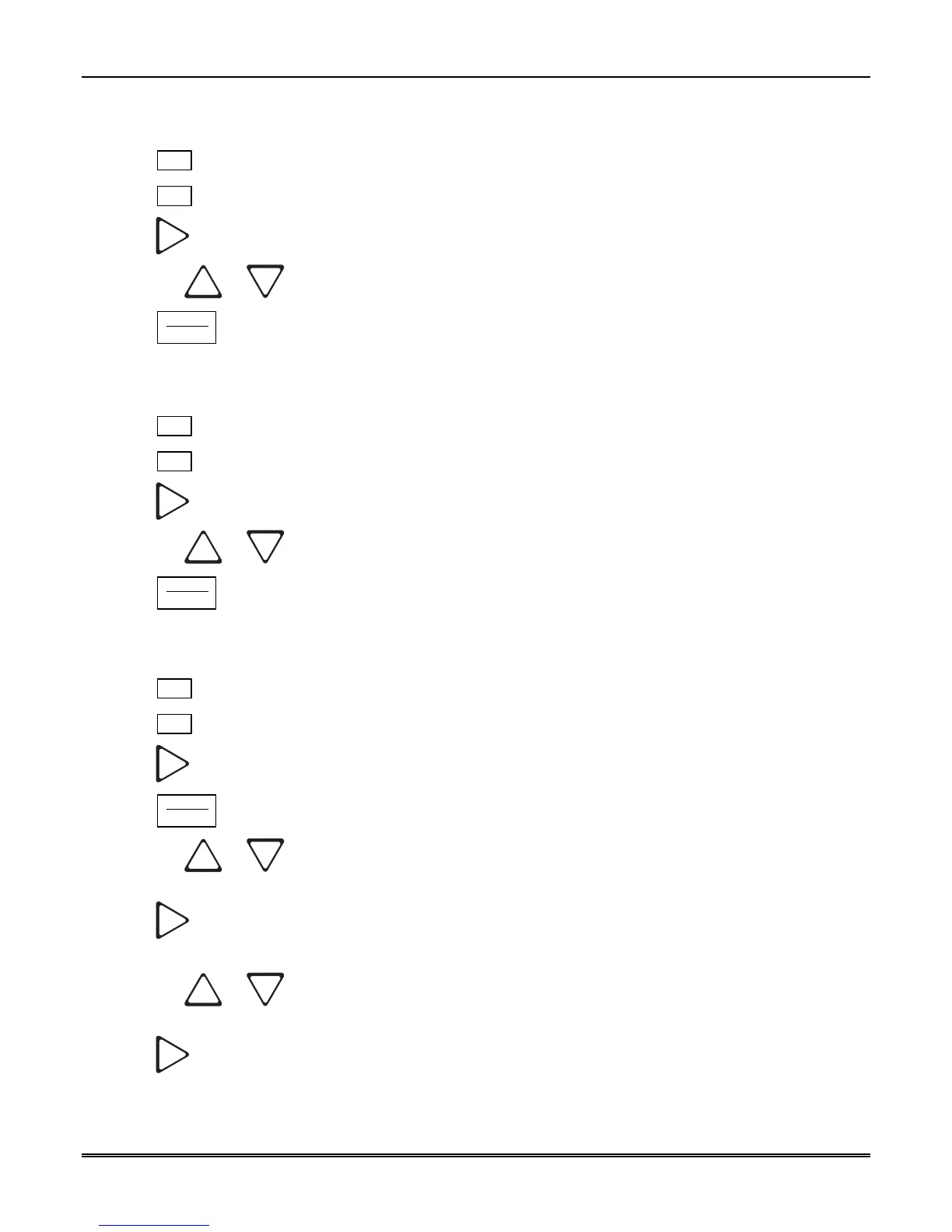
5.4.2.2 How to Change Time Format Display
1. Enter program mode. (See Section 5.1.)
2. Press
1
for general options.
3. Press
2
for display options.
4. Press
until the display flashes on the time format field.
5. Press the
or button until the display flashes on the desired setting.
6. Press
ENTER
MENU
.
5.4.2.3 How to Change Date Format Display
1. Enter program mode. (See Section 5.1.)
2. Press
1
for general options.
3. Press
2
for display options.
4. Press
until the display flashes on the date format field.
5. Press the
or button until the display flashes on the desired setting.
6. Press
ENTER
MENU
.
5.4.2.4 How to Select and Set Daylight Savings
1. Enter program mode. (See Section 5.1.)
2. Press
1
for general options.
3. Press
2
for display options.
4. Press
until the display flashes on the daylight savings time field.
5. Press
ENTER
MENU
.
6. Press the
or button until the display flashes on the desired setting for enabling (Y) or
disabling (N) daylight savings time.
7. Press
to advance to the hour field.
8. Press the
or button until the display flashes on the desired hour for daylight savings time to
take effect.
9. Press
to advance to the start month field.



 To Next Page