102 Getting Connected
Adding the Data and Wi-Fi widgets
Add the Data connection and/or Wi-Fi widget to the Home screen to make it faster
for you to turn on or off these connections. Tap the widget to turn on or off the
connection.
To learn how to add widgets, refer to “To add an HTC widget” in Chapter 1.
6.4 Using Browser
Open Browser to start surfing the web. Browser is fully optimized and comes with
advanced features that let you enjoy Internet browsing on your phone.
Note You must have an active data (3G, GPRS) or Wi-Fi connection to access the Internet.
Opening Browser
Do one of the following:
Press HOME, and then tap Browser.
Press HOME, tap , and then tap Browser.
Going to a web page
On the Browser screen, press MENU and then tap the URL field on top of the
screen.
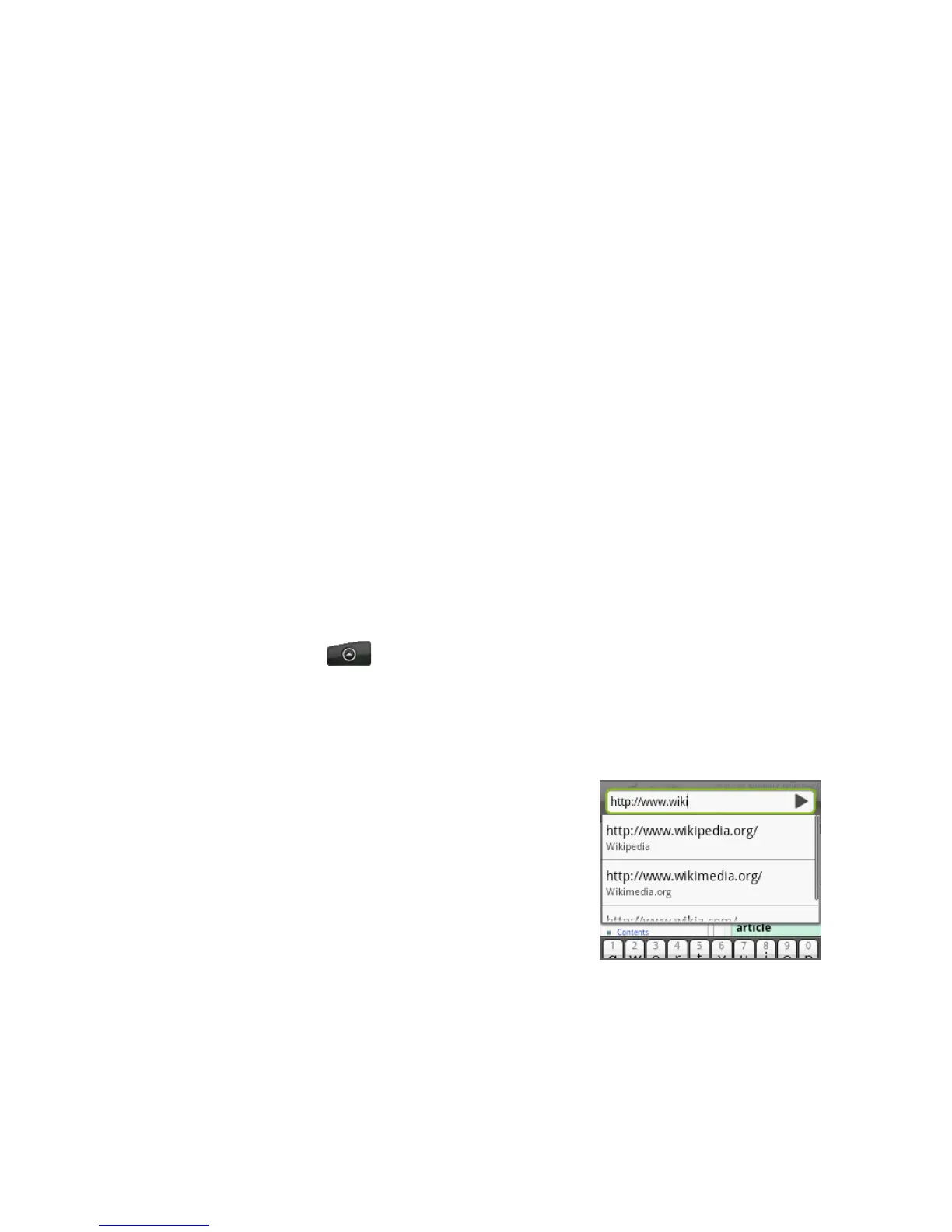
2. Enter the web page address using the
keyboard. As you enter the address,
matching web page addresses will
appear on the screen. Tap an address to
go directly to that web page or continue
entering the web page address.
3. Tap Go.
•
•
1.



 To Next Page