Google Apps 157
Watching videos
On the YouTube screen, search a video or select a video from the available
categories.
Tap a video to play it. The screen automatically switches to landscape
orientation when you play a video.
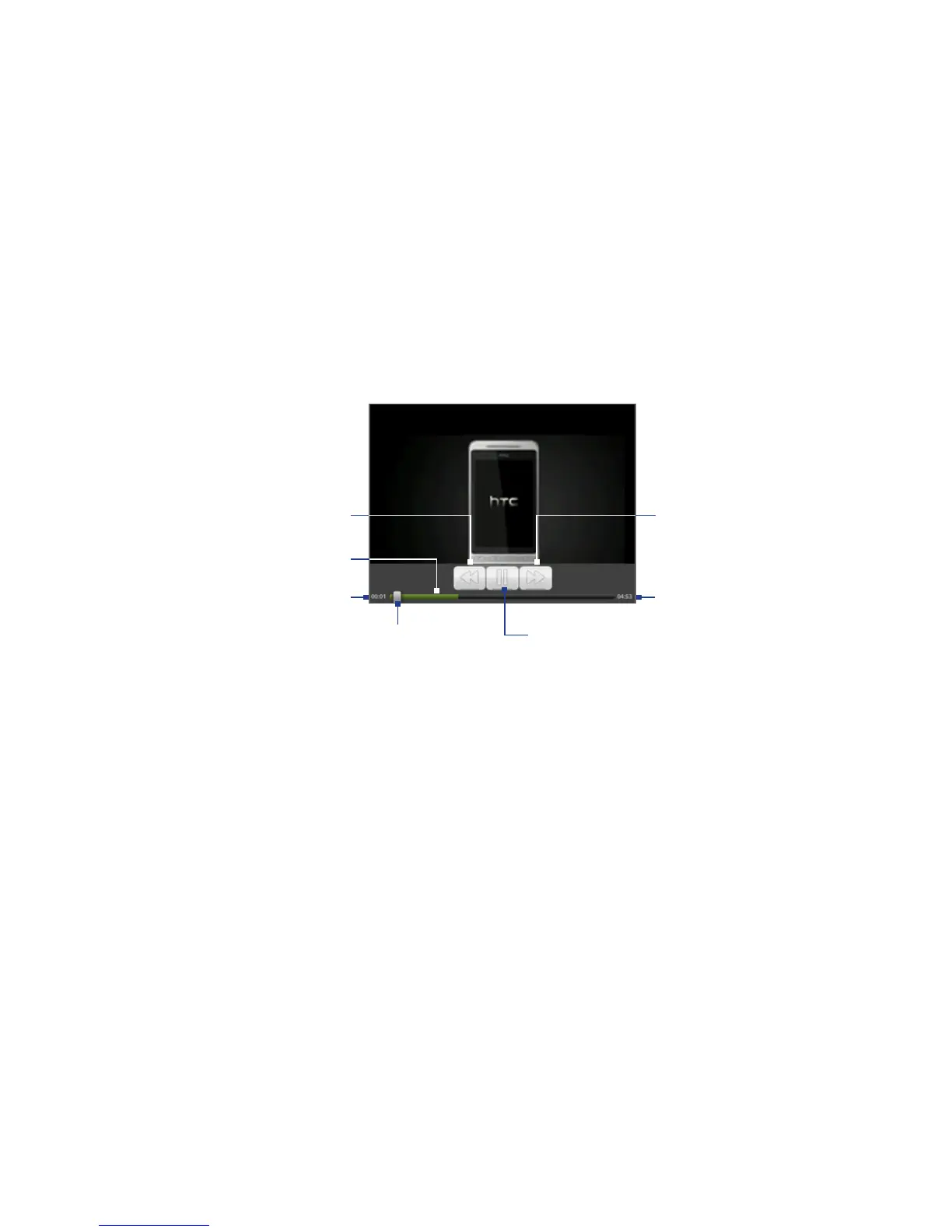
3. Tap the screen to display the playback controls.
Tap to toggle between playing
and pausing the video.
Drag to the left or right
to go backward or
forward in the video.
Progress bar
Elapsed time Total playback time
Press and hold
to fast forward
the video.
Press and hold to
rewind the video.
4. Press BACK to stop playback and return to the videos list.
Searching for videos
On the YouTube screen, press SEARCH.
Enter a search keyword, and then press SEARCH again.
The number of search results appears below the status bar. Scroll through the
results and tap a video to watch it.
1.
2.
1.
2.
3.



 To Next Page