Google Apps 149
Viewing maps
While viewing a map, take advantage of the following zoom and navigation
techniques.
To zoom in or out on a map
Tap to zoom in; tap to zoom out.
To navigate on a map
Press the Navigation Control or slide your finger on the screen in any direction to
view other areas of the map.
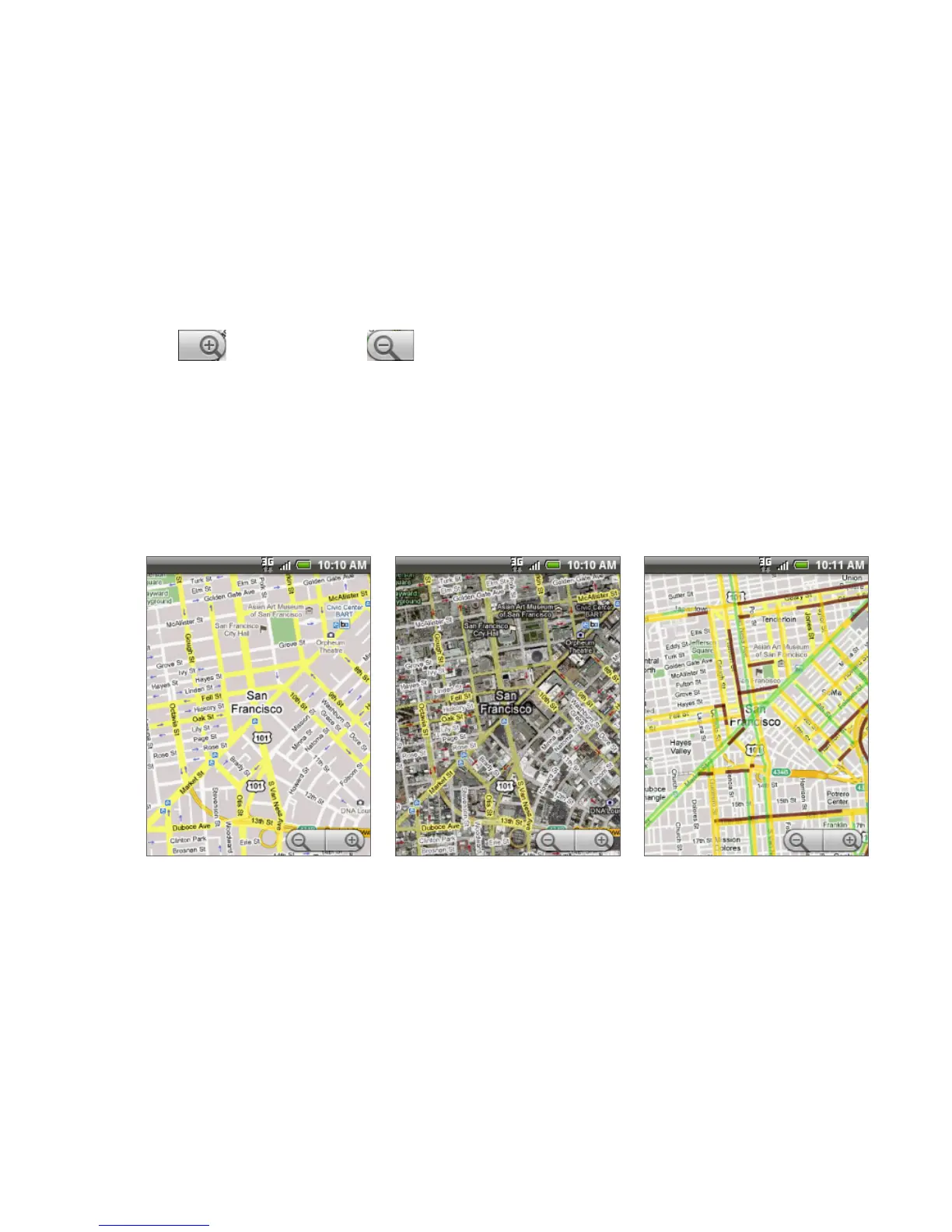
To change map modes
When viewing a map, you can switch to another map mode. Press MENU and then
tap Map mode. Select from Map, Satellite, or Traffic.
Traffic modeMap mode Satellite mode
Map mode This is the default view and displays a map, complete with names
of streets, rivers, lakes, mountains, parks, and boundaries.
Satellite mode Google Maps uses the same satellite data as Google Earth™.
Satellite images are not real-time. Google Earth acquires the best imagery
available, most of which is approximately one to three years old.
•
•



 To Next Page