156 Google Apps
8.6 Using YouTube
YouTube is an online video streaming service that allows you to view videos that
have been uploaded by YouTube members.
Notes • You do not need a YouTube account to browse and view videos. However, to use all
the features of YouTube (such as viewing “My account”), you must create a YouTube
account from your computer and sign in to that account from your phone.
• You must have an active data (3G/GPRS/EDGE) or Wi-Fi connection to access
YouTube.
To open YouTube
Press HOME, then tap , and then tap YouTube.
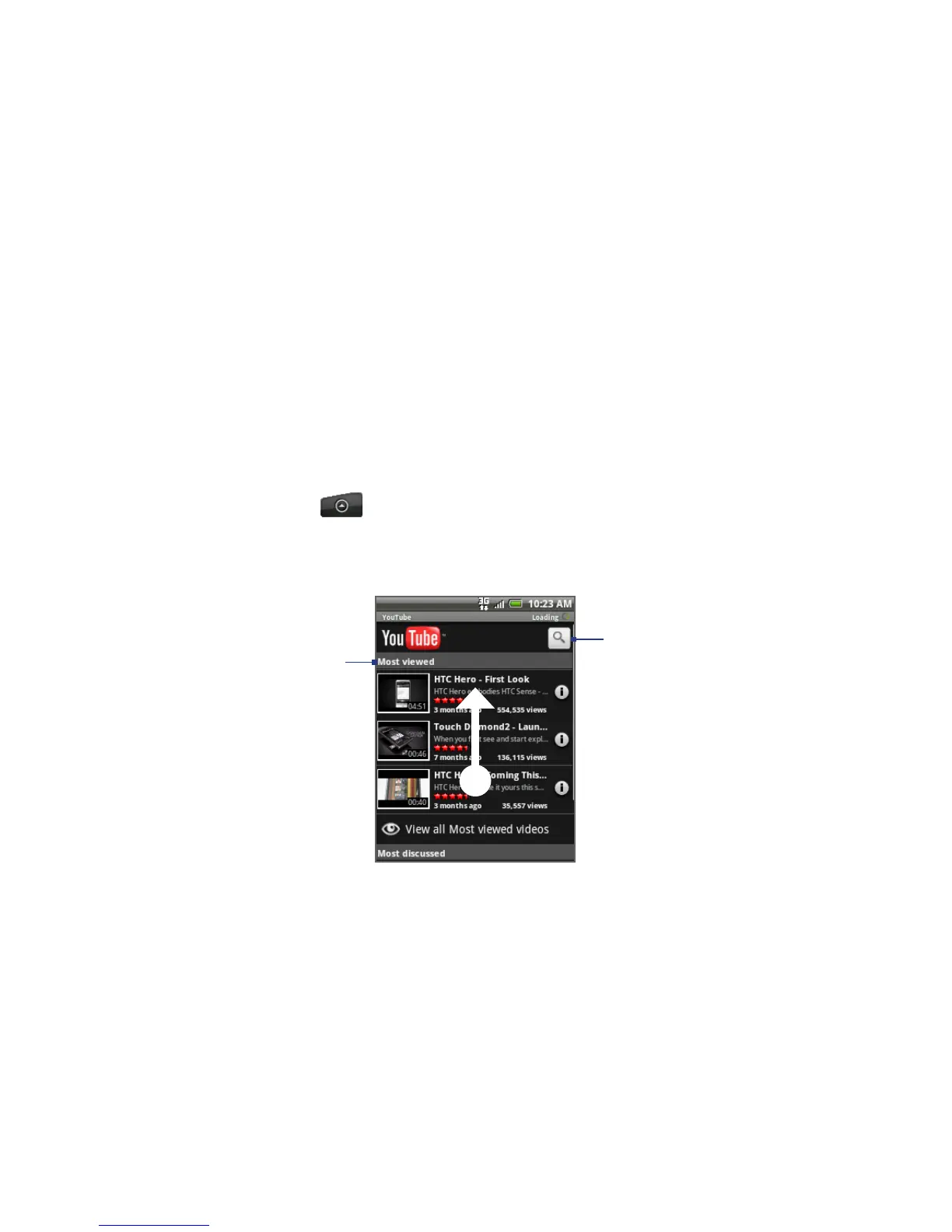
The YouTube screen appears with the videos grouped into categories, such as
Most viewed, Most discussed, Most recent, and Top rated.
Video category
Scroll your finger
up to view more
video categories
and videos.
Tap to search
for videos
To close YouTube
While on the YouTube screen, press HOME or BACK to close YouTube.



 To Next Page