Entering Text 79
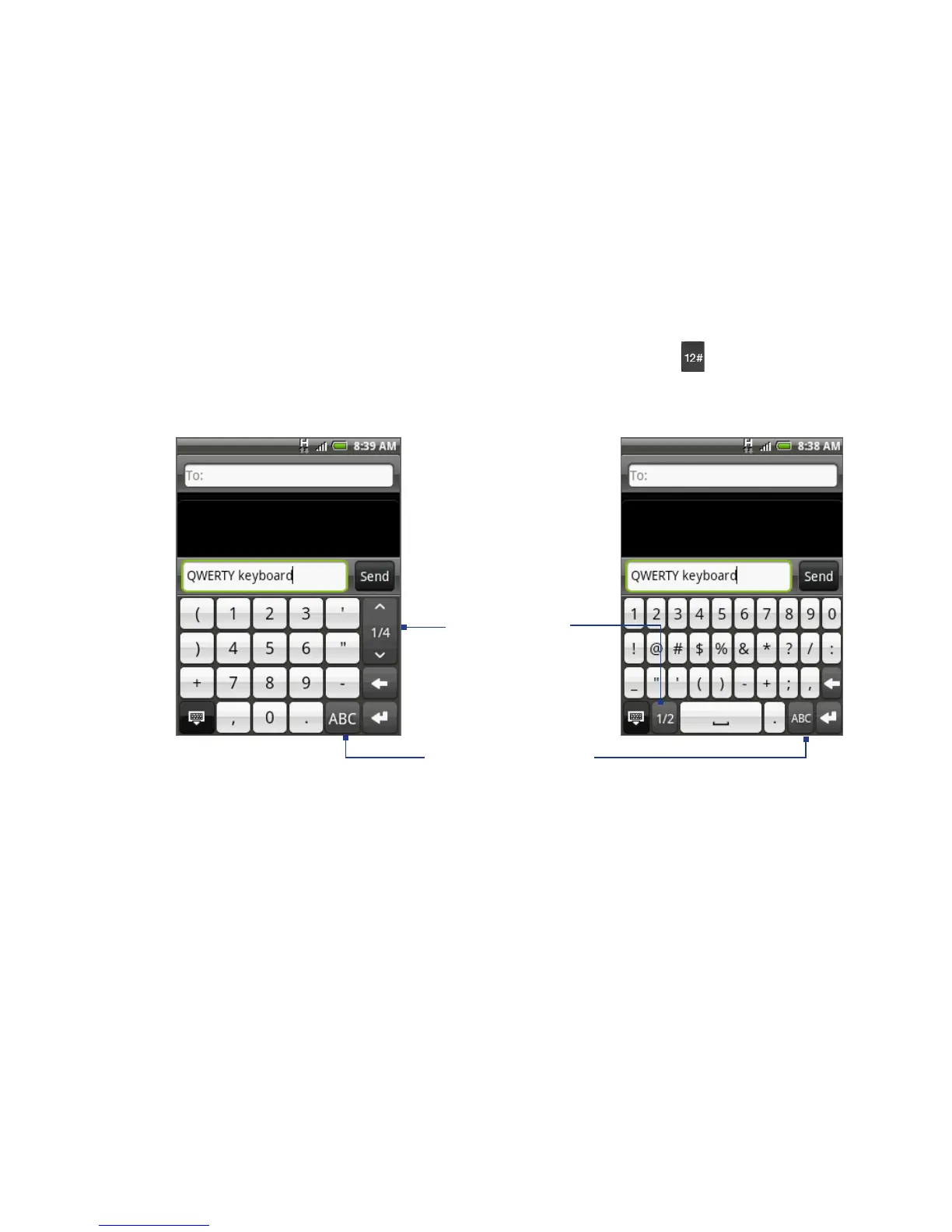
4.2 Entering Numbers and Symbols
Switch to the numeric and symbol onscreen keyboard to let you easily enter
numbers and common symbols such as parentheses, braces, currency signs,
punctuation marks, special characters, and more.
To switch to the numeric and symbol onscreen keyboard, tap on the
alphanumeric keyboard.
Tap to switch back
to the alphanumeric
keyboard.
Compact QWERTY and Phone keypad
QWERTY keyboard
Tap to show
more symbols.



 To Next Page