54 Phone Calls
Calling a speed dial number
To call a stored speed dial number, press and hold a number button. For
information on setting up speed dial numbers, see “To add a contact to speed dial”
in Chapter 3.
Making an emergency call
On the Phone screen, dial the international emergency number for your locale (for
example, 000), and then tap Call.
Note Additional emergency numbers may be included in your SIM card. Contact your
wireless service provider for details.
2.2 Answering or Rejecting a Call
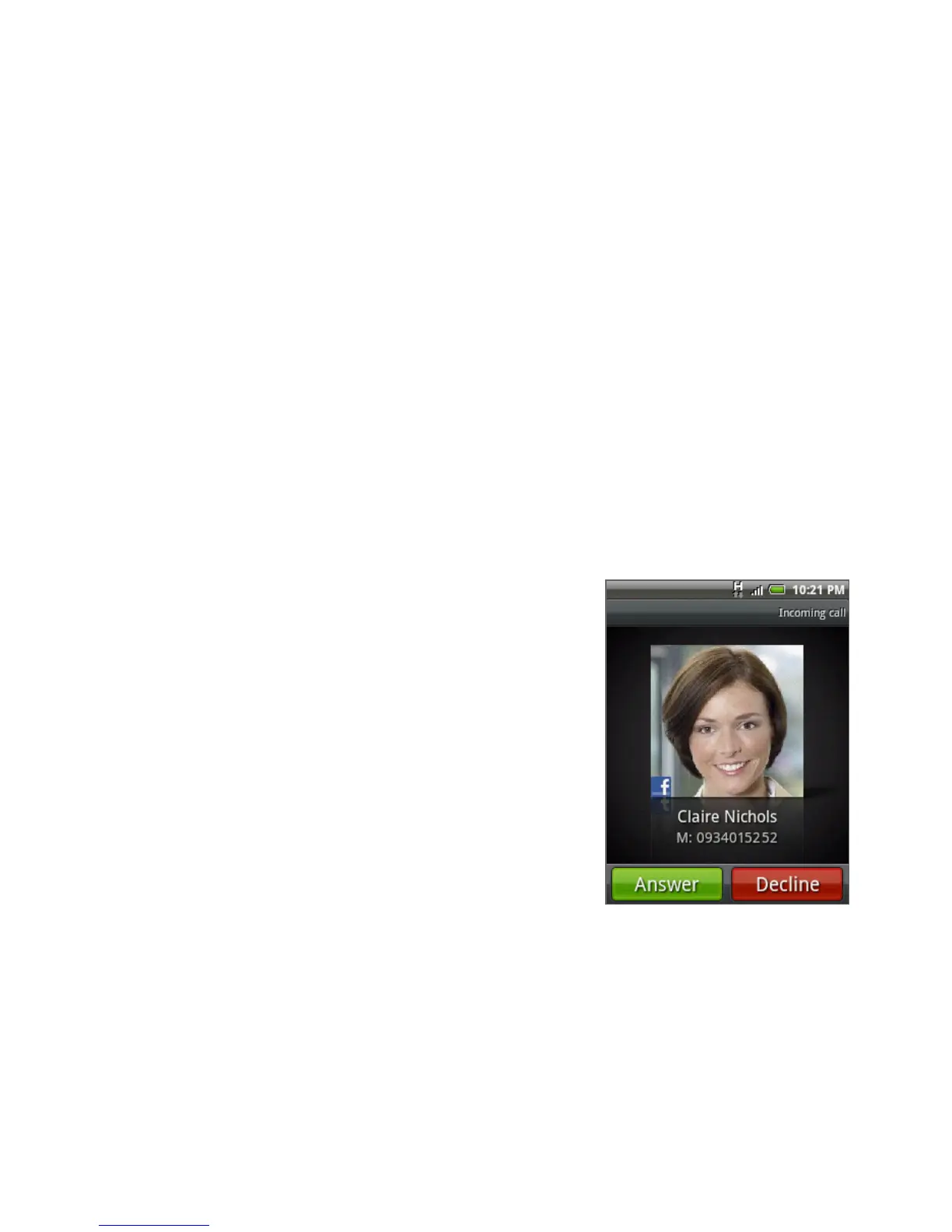
When you receive a phone call from a contact, the
Incoming call screen appears and displays the caller
ID icon, name, and phone number of the calling
party. When you receive a phone call from someone
who is not stored in People, only the default caller
ID icon and phone number appear on the Incoming
call screen.
Answering an incoming call
Tap Answer or press the CALL button.
Rejecting an incoming call
Tap Decline or press the END CALL/POWER button
to reject and send the call to your voice mail.



 To Next Page