Camera and Multimedia 115
Shooting videos
1. Switch to the Video capture mode.
2. Frame your subject on the screen.
3. Press the ENTER button to start capturing video. Press ENTER again to stop
capturing video.
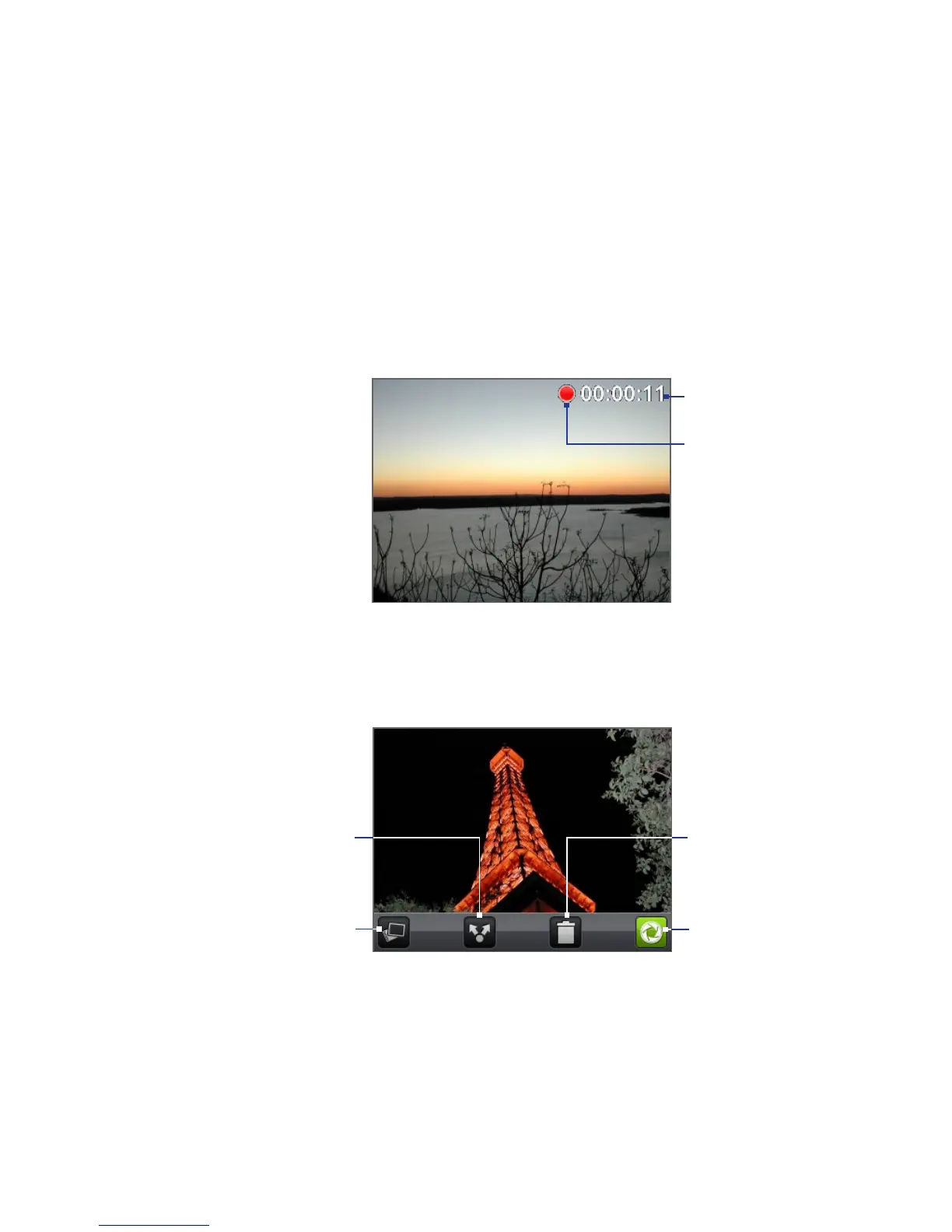
Recording indicator
Capture duration
Review screen
After capturing a photo or video, the review screen lets you save, view, send, or
delete the picture or video by tapping a button at the bottom of the screen.
View the captured image
or video in Albums.
Send the captured image
or video via email or
MMS, upload it to Flickr,
or share it via Facebook
or Peep.
Delete the captured
image or video.
Return to the live
Camera or Camcorder
screen.



 To Next Page