4.1 Using the Onscreen Keyboard
When you start a program or select a field that requires text or numbers, the
onscreen keyboard becomes available. You can choose from these keyboard
layouts: QWERTY, Compact QWERTY, and Phone keypad.
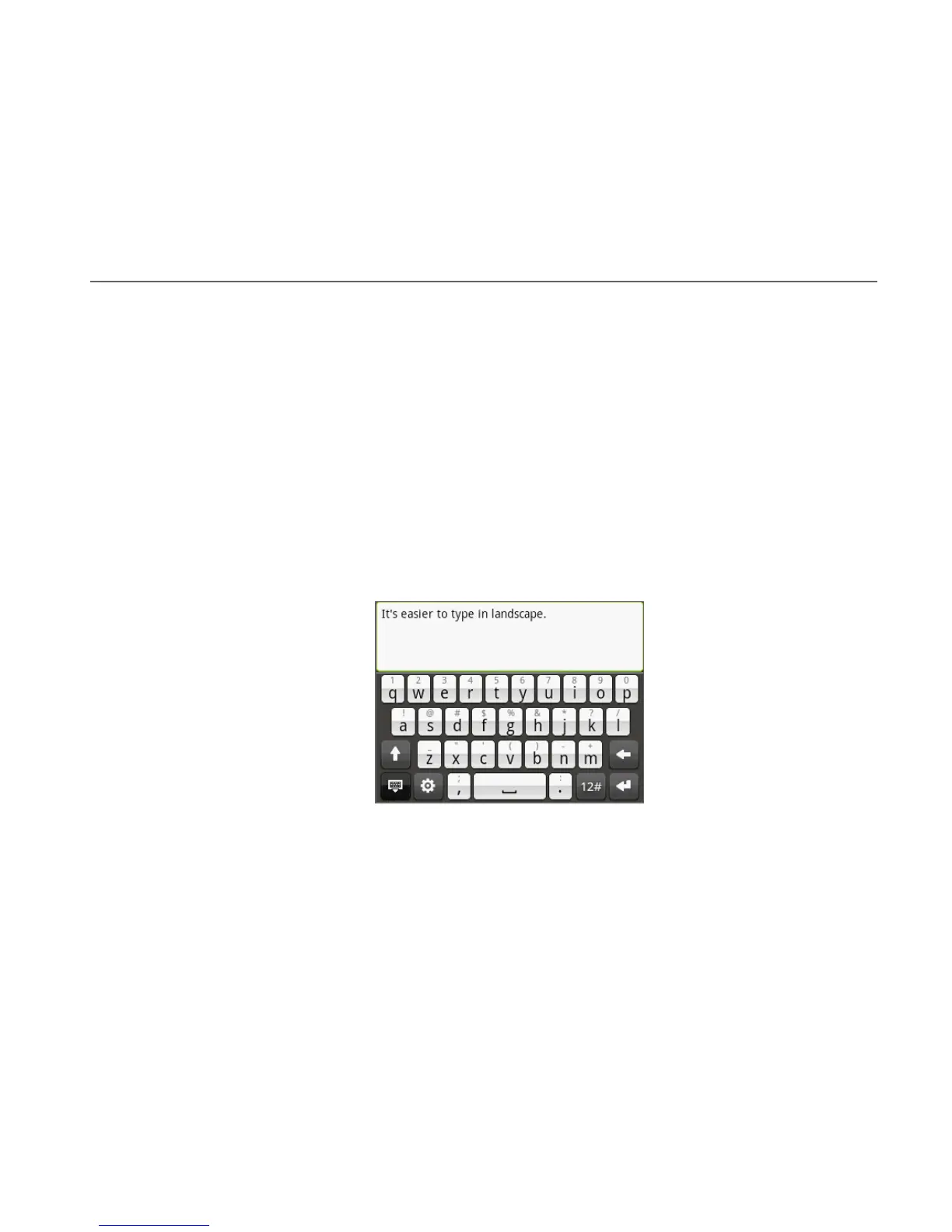
Using the landscape onscreen keyboard
When entering text, you can choose to use the landscape orientation of the
onscreen keyboard, by turning the phone sideways, to use a larger keyboard that
lets you type easily using two thumbs.
Notes • The Orientation check box in HOME > MENU > Settings > Sound & display
needs to be selected for the screen orientation to automatically change.
• The landscape orientation keyboard is not supported in all applications.
Chapter 4 - Entering Text



 To Next Page