Phone Basics 27
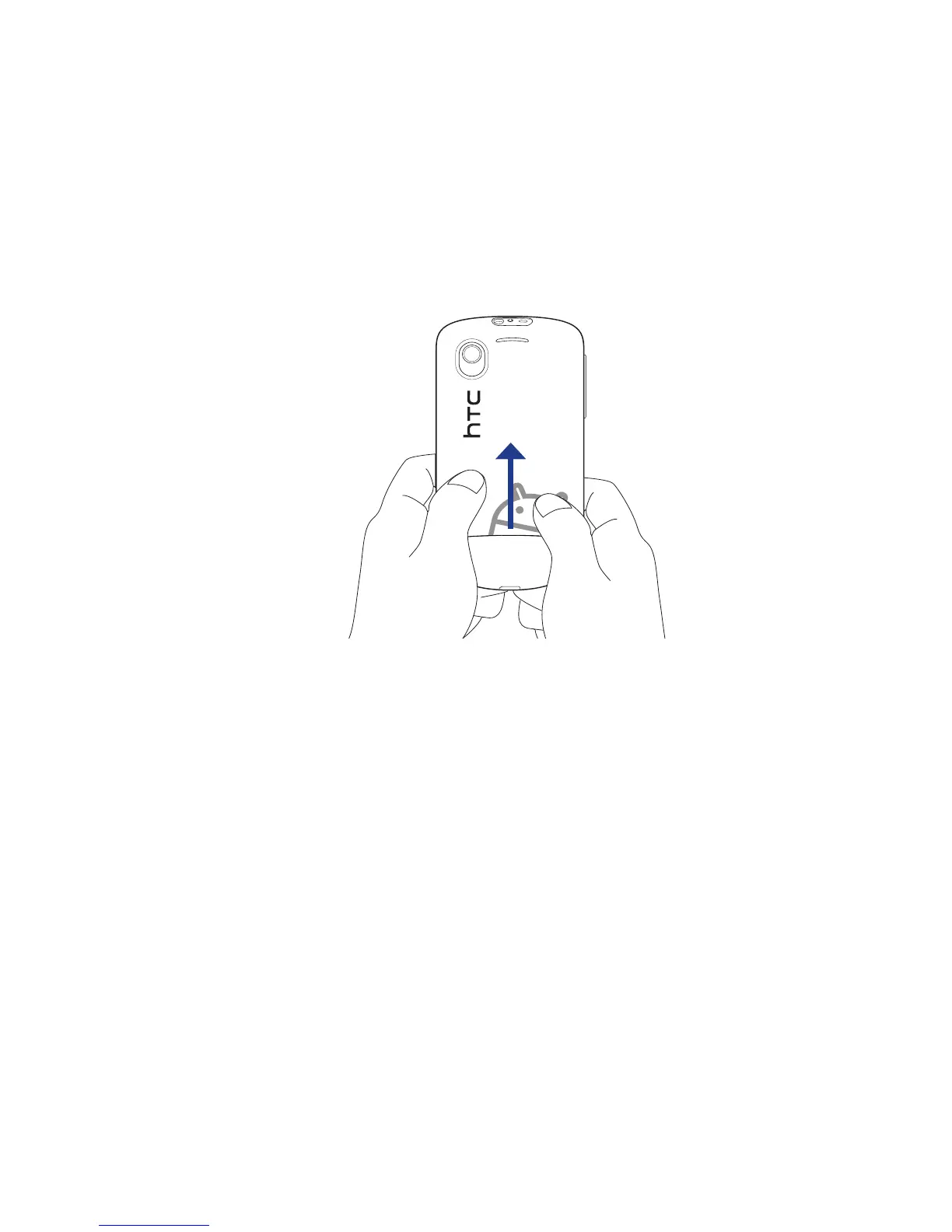
3. Gently press the back cover with your thumbs, and then slide it up until it
disengages from the phone.
4. Remove the back cover completely.
To replace the back cover
Align the back cover tabs with the notches located at the edges of the
exposed back panel.
Slide down the back cover until it clicks in place.
Battery
Your phone comes with a rechargeable Lithium-ion battery and is designed to use
only manufacturer-specified original batteries and accessories. Battery performance
depends on many factors, including network configuration, signal strength, and
usage patterns. For battery life estimates, see “Specifications” in the Appendix.
Important When the phone is shipped, the battery is already installed on the phone.
A thin film is inserted in between the battery and the battery compartment.
You need to remove this film before charging the battery.
1.
2.



 To Next Page