170 Other Applications
Setting your home city’s date and time
1. In Clock, go to the World Clock tab, then press MENU, and then tap
Home settings.
2. Enter your home city name. As you enter letters, the list is filtered to show
matching cities and countries.
3. Tap the city when it appears on the list.
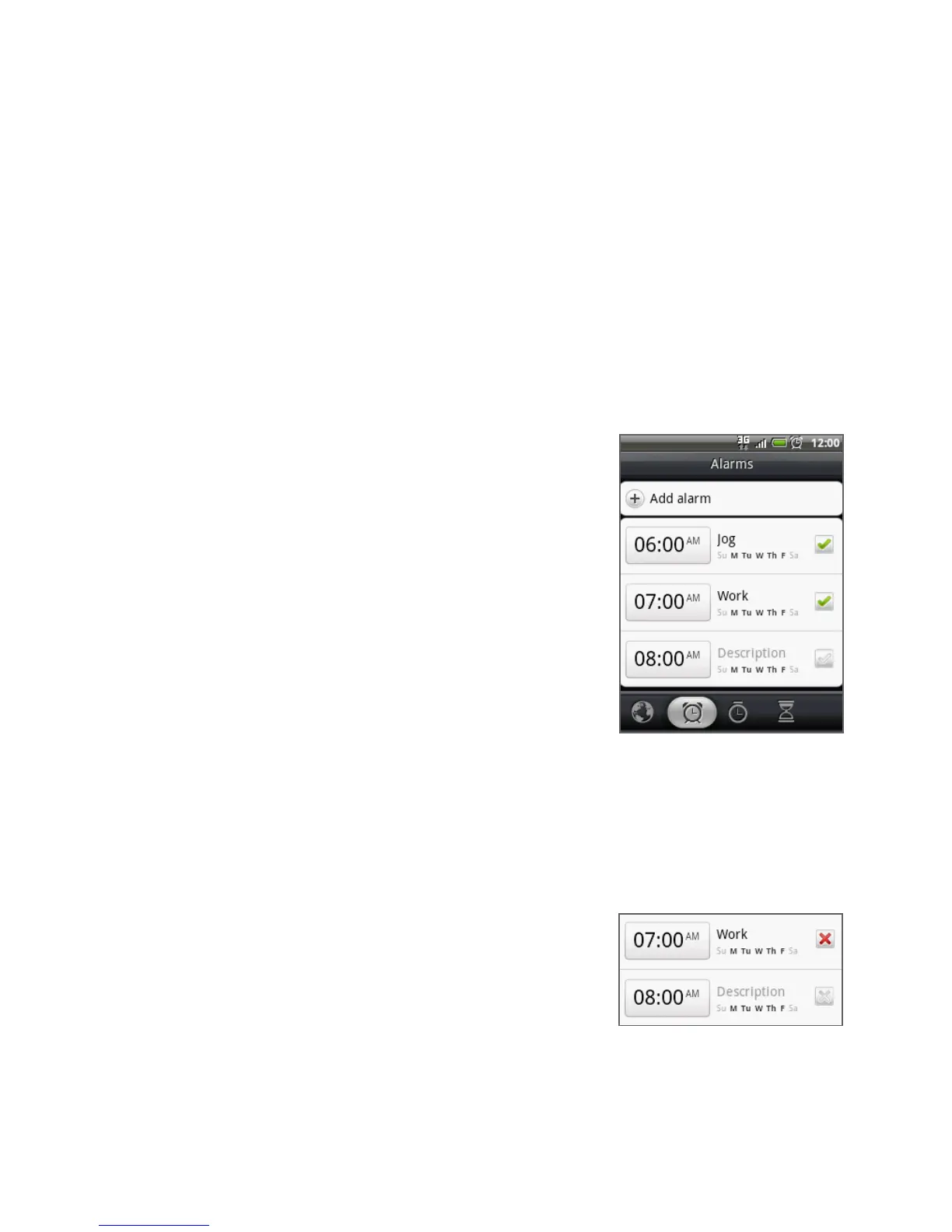
Setting an alarm
1. In Clock, go to the Alarms tab.
2. Tap one of the default alarms on the screen.
3. In the Set alarm screen, set the alarm time by
scrolling the time wheel for hours, minutes,
and AM/PM.
4. Enter the alarm Description, set the Alarm
sound and Repeat, and select the Vibrate
checkbox if you want the phone to also
vibrate when the alarm goes off.
Note Scroll up the screen to see all the Alarm
options.
5. Tap Done.
Note If you need to set more than 3 alarms, you can add more alarms by tapping Add alarm.
You can temporarily disable an alarm by clearing the check box (by tapping it) of
the alarm on the Alarms tab.
Deleting an alarm
On the Alarms tab, press MENU and then
tap Delete.
Select the alarms you want to delete and then
tap Delete.
1.
2.



 To Next Page