Google Apps 151
3. Choose how you want to get to your destination: Driving, Public transit, or
Walking.
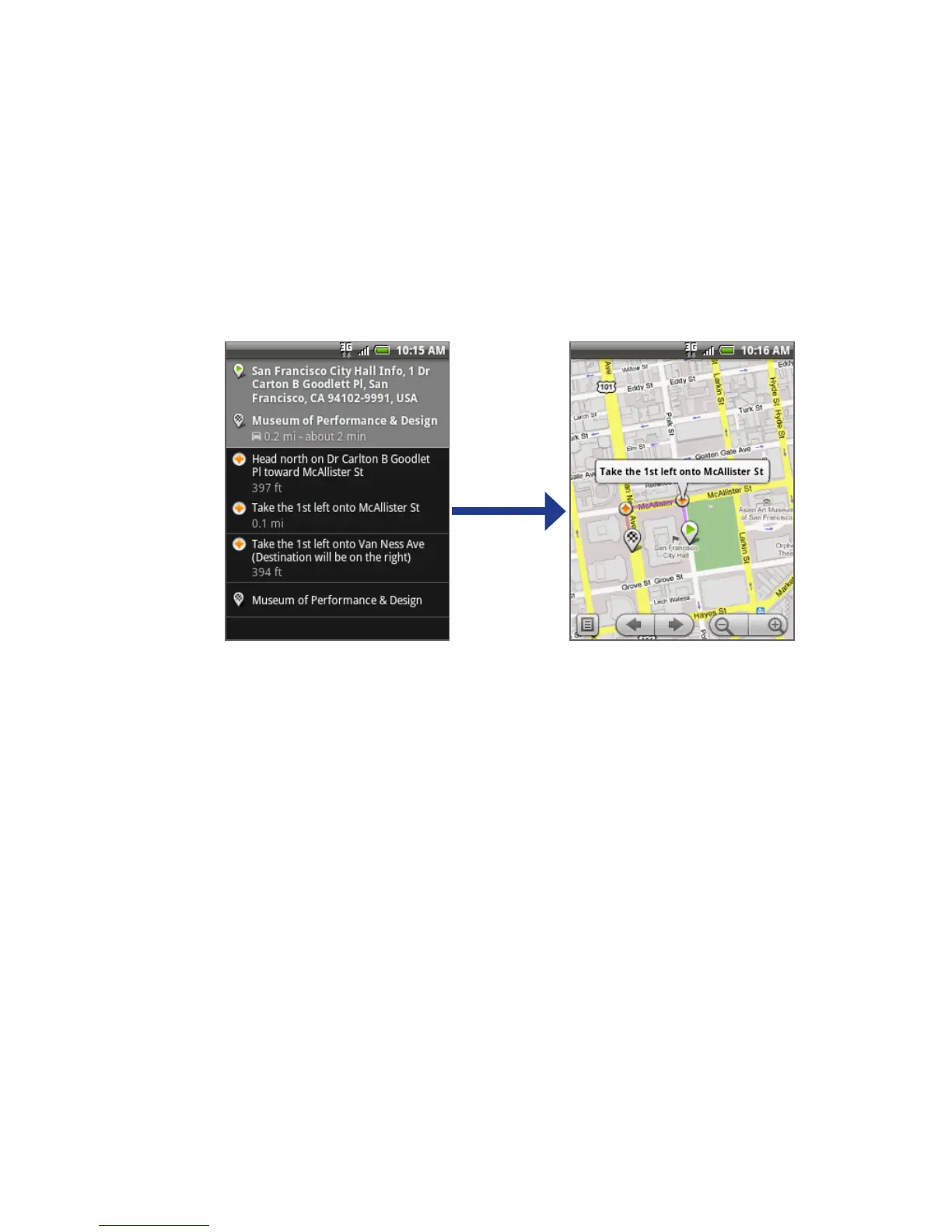
4. Tap Go. The directions to your destination appears in a list. Tap a direction
instruction on the list to show the map.
When you are finished viewing or following the directions, press MENU and then
tap More > Clear map to reset the map. Your destination is automatically saved in
the Google Maps history.
8.5 Using Google Latitude (Available by Country)
Google Latitude™ user location service lets you and your friends share locations
and status messages with each other. It also lets you send instant messages and
emails, make phone calls, and get directions to your friends’ locations.
Your location is not shared automatically. You must join Latitude, and then invite
your friends to view your location or accept their invitations.



 To Next Page