114 Camera and Multimedia
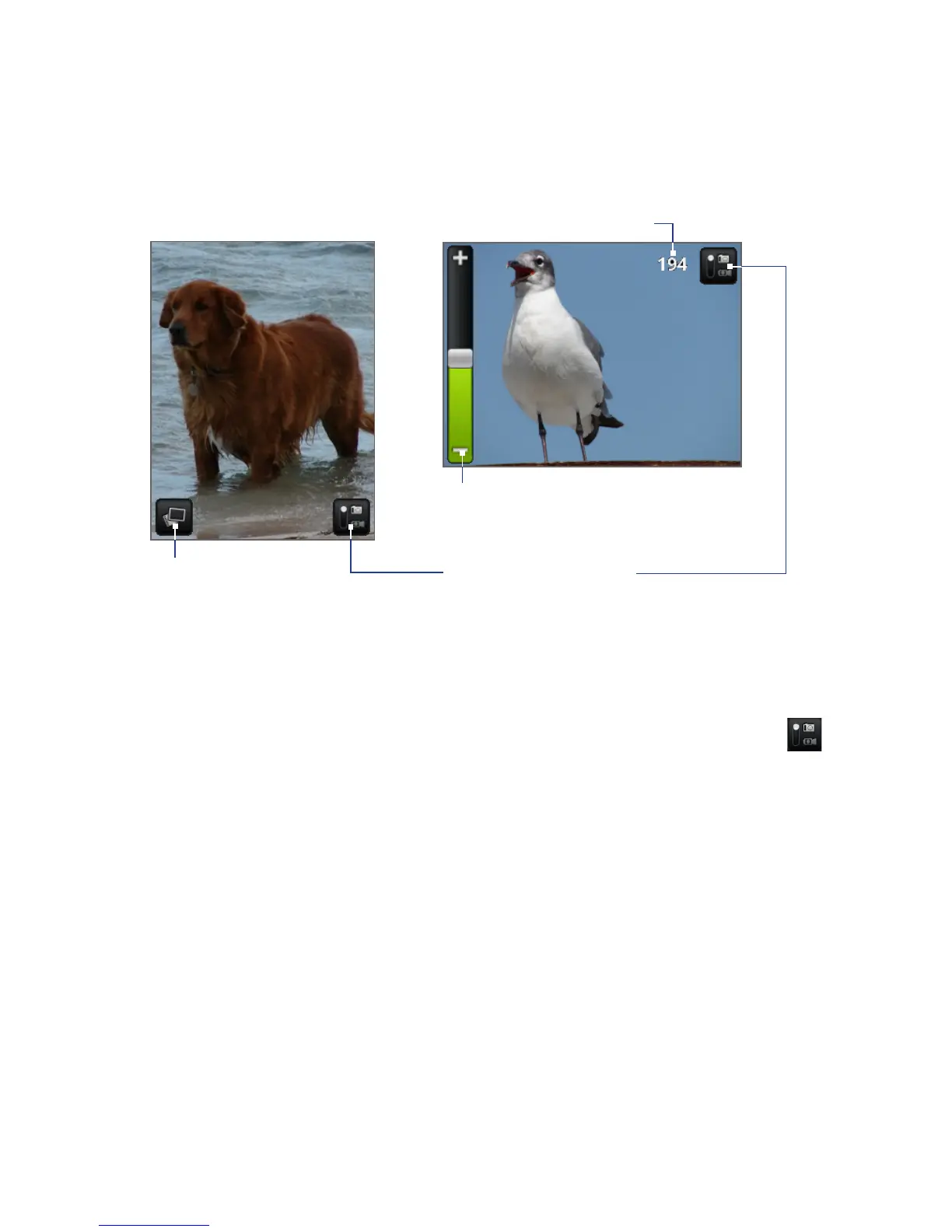
Remaining shots available*
Current capture mode.
Tap to switch between
Photo and Video modes.
Opens the Albums
program. See “Albums” in
this chapter for details.
Zoom control. Appears when you slide your
finger up or down on the live camera screen;
disappears after a few seconds.
* In Video mode, this shows the recording duration.
Changing capture modes
The phone offers two capture modes: Photo and Video. On the screen, tap to
switch between Photo and Video modes.
Taking pictures
1. Switch to Photo capture mode.
2. Frame your subject on the screen.
Tip To zoom in, slide your finger up or down on the live camera screen to open the
Zoom control and then drag the slider up or down the Zoom control bar to zoom
in or out. You can also press the Navigation Control up and down buttons (in
landscape orientation) to zoom in or out.
3. Press the ENTER button to take the shot.



 To Next Page