Phone Basics 31
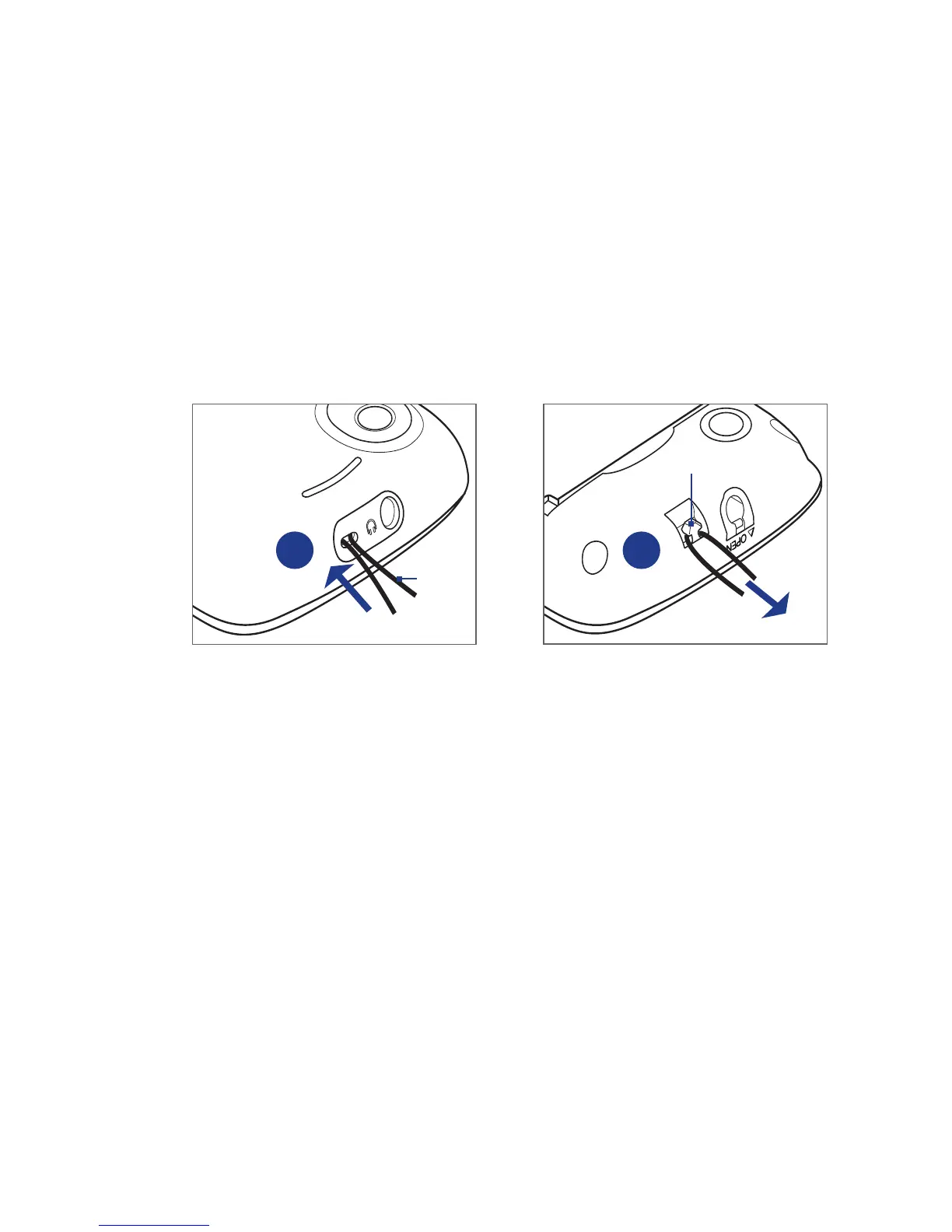
Installing a strap, lanyard, or string accessory
1. Remove the back cover.
2. Insert the loop of the strap, lanyard, or string accessory through the strap
holder hole on the back cover.
3. Attach the loop to the strap holder (T-shaped hook) on the phone’s top panel,
and then pull the string to secure the loop in place.
Back cover
Loop
T-shaped hook
2 3
4. Replace the back cover.



 To Next Page