58 Phone Calls
2.4 Ending a Call
Do one of the following to end the call:
Press END CALL/POWER.
Tap End call.
If you are using the provided wired headset, press and hold the button to end
the call.
If the phone number of the person who called is not in People, you can choose to
save the number after you hang up.
2.5 Using Call History
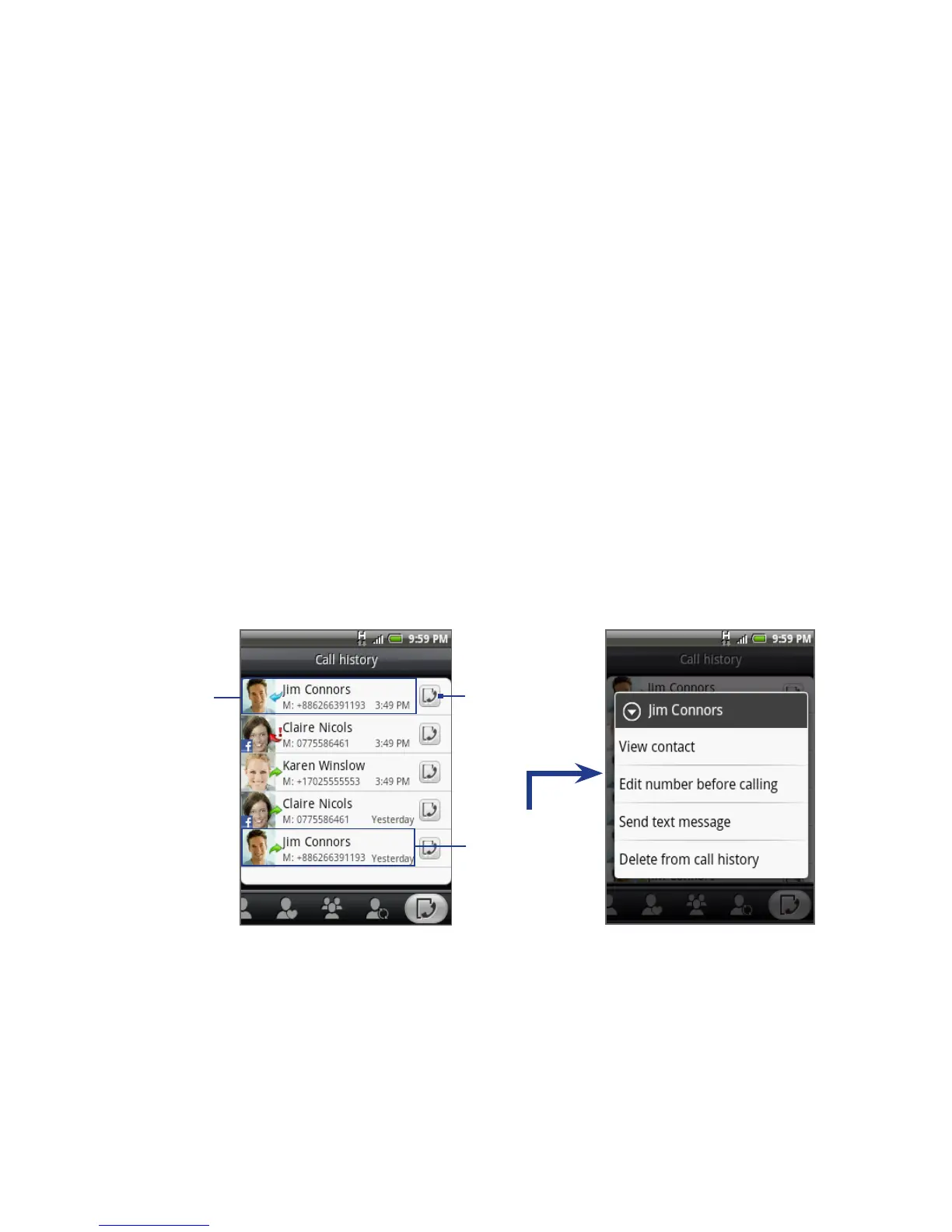
Use the Call History tab of the People screen to view all your dialed numbers,
missed calls and received calls.
Tap to view call
history for this
contact only.
Press and hold
to open the
options menu.
Tap this area
to call the
contact.
•
•
•



 To Next Page