Getting Connected 105
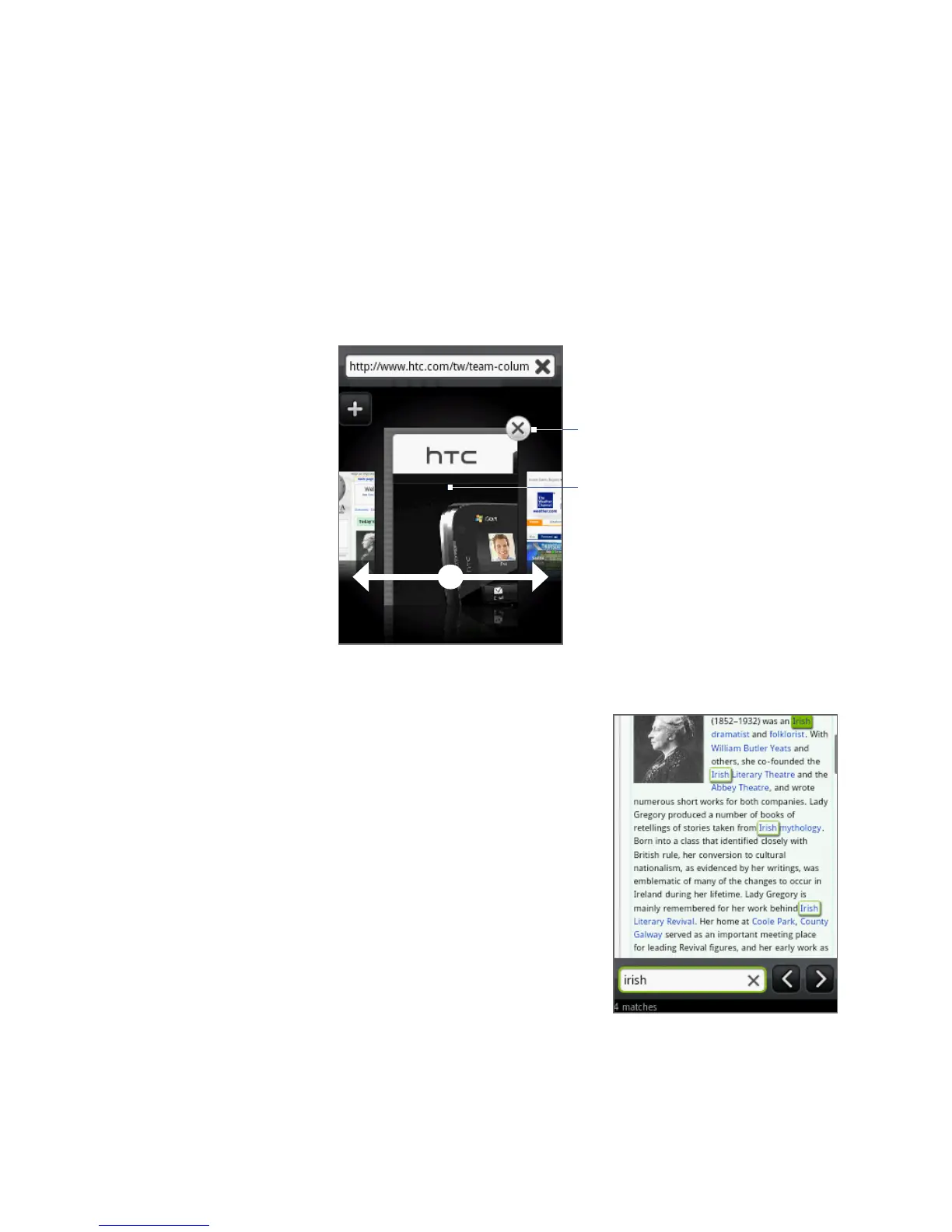
Switching between browser windows
1. On a browser window, press MENU, and then tap Windows.
2. Select the browser window you want to view by sliding your finger on the
screen from right to left.
Tap to display
the web page
in full screen.
Tap to close the
web page.
Finding text within a web page
1. While viewing a web page, press MENU
and then tap More > Find on page.
2. Enter the search item. As you enter
characters, matching text are highlighted
on the screen.
3. Press BACK to hide the keyboard and view
more matching text.
4. Tap the left or right arrow to go to the
previous or next matching text.



 To Next Page