People 63
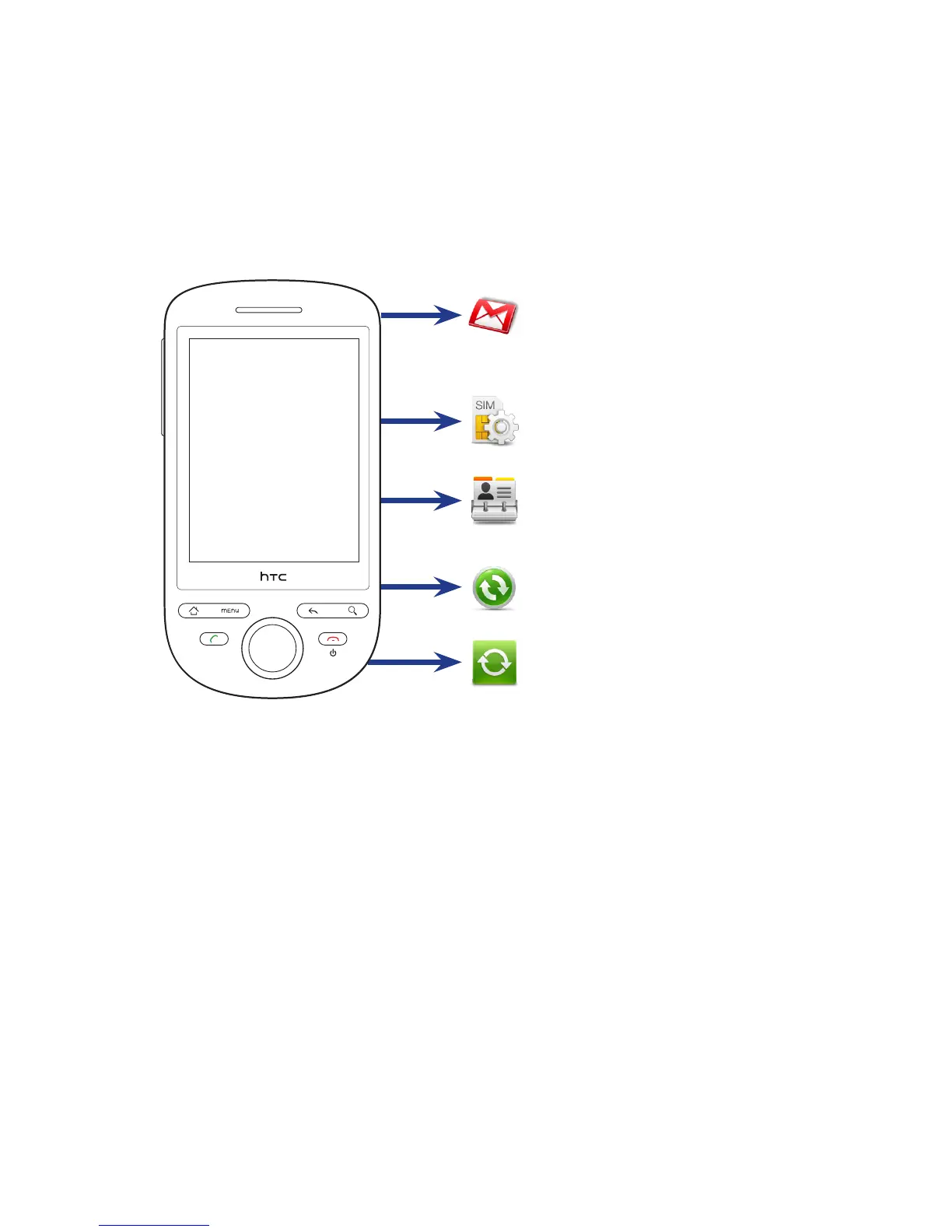
Contact sources
You can add contacts to your phone from:
SIM card
See “To import all contacts from your
SIM card” in this chapter for details.
Phone contacts
See “To add a new contact”
in this chapter for details.
Contacts on your PC
See “Using HTC Sync” in Chapter 9.
Exchange ActiveSync Server
See Chapter 5 for details.
Gmail/Google Mail contacts
Gmail/Google Mail contacts are imported
to your phone after you set up a Google
Account. For details, see Chapter 8.



 To Next Page