Google Apps 137
To view emails
Do one of the following:
Press HOME, then press and hold the status bar, and then slide down your
finger on the screen to open the Notifications panel. Tap the new email to
view it.
While in the Inbox, tap the unread email or the conversation with the unread
email to view it.
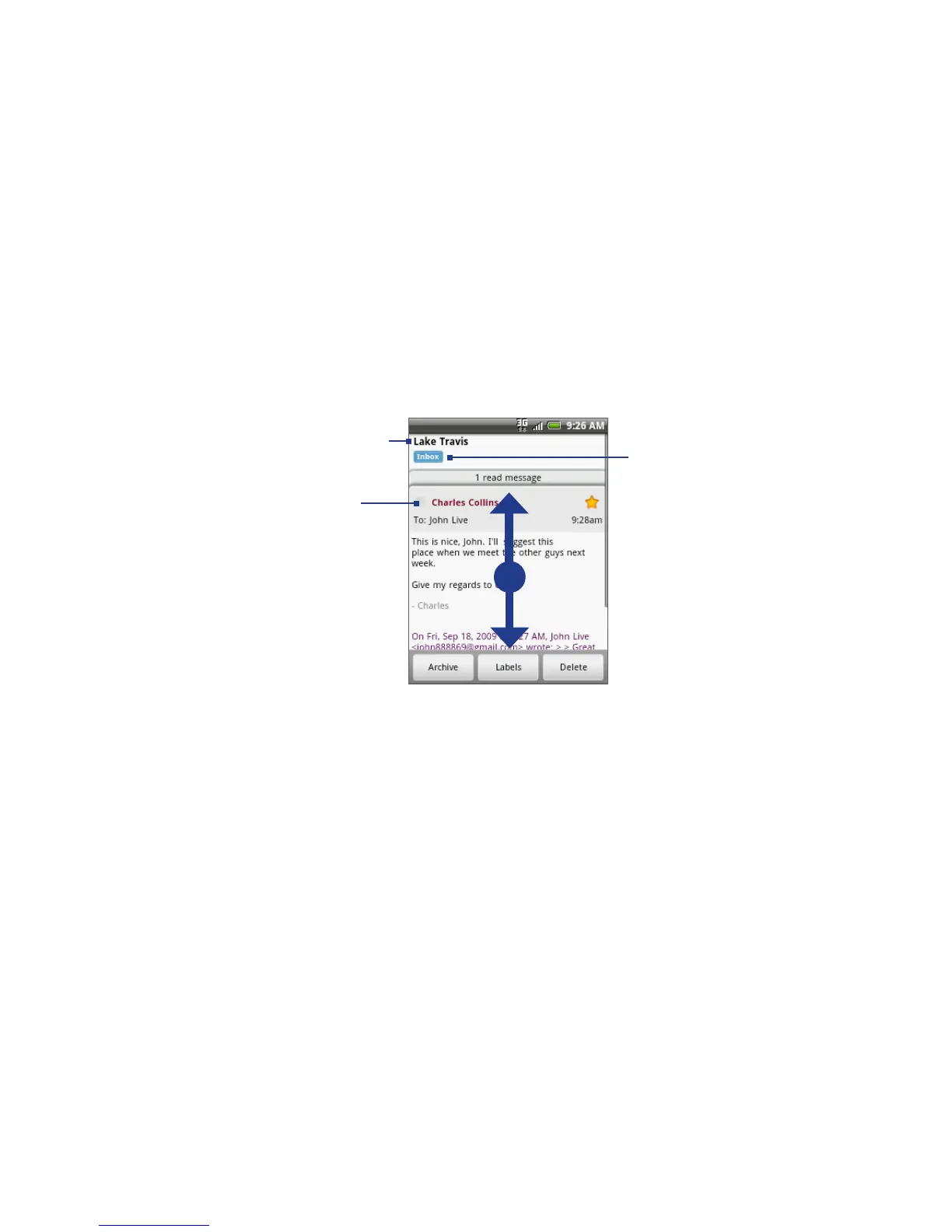
To scroll through the message:
Slide your finger up/down
on the screen.
Press the Navigation Control
up/down buttons.
•
•
Online status.
Appears when the
contact is a Google Talk
friend and you are signed
in to Google Talk.
Message subject
Message label
To search for email messages
You can search for a specific email message by sender, word in a subject, or label.
In the Inbox, press MENU and then tap Search.
Enter the search keyword in the box, and then tap Search.
•
•
1.
2.



 To Next Page