162 Google Apps
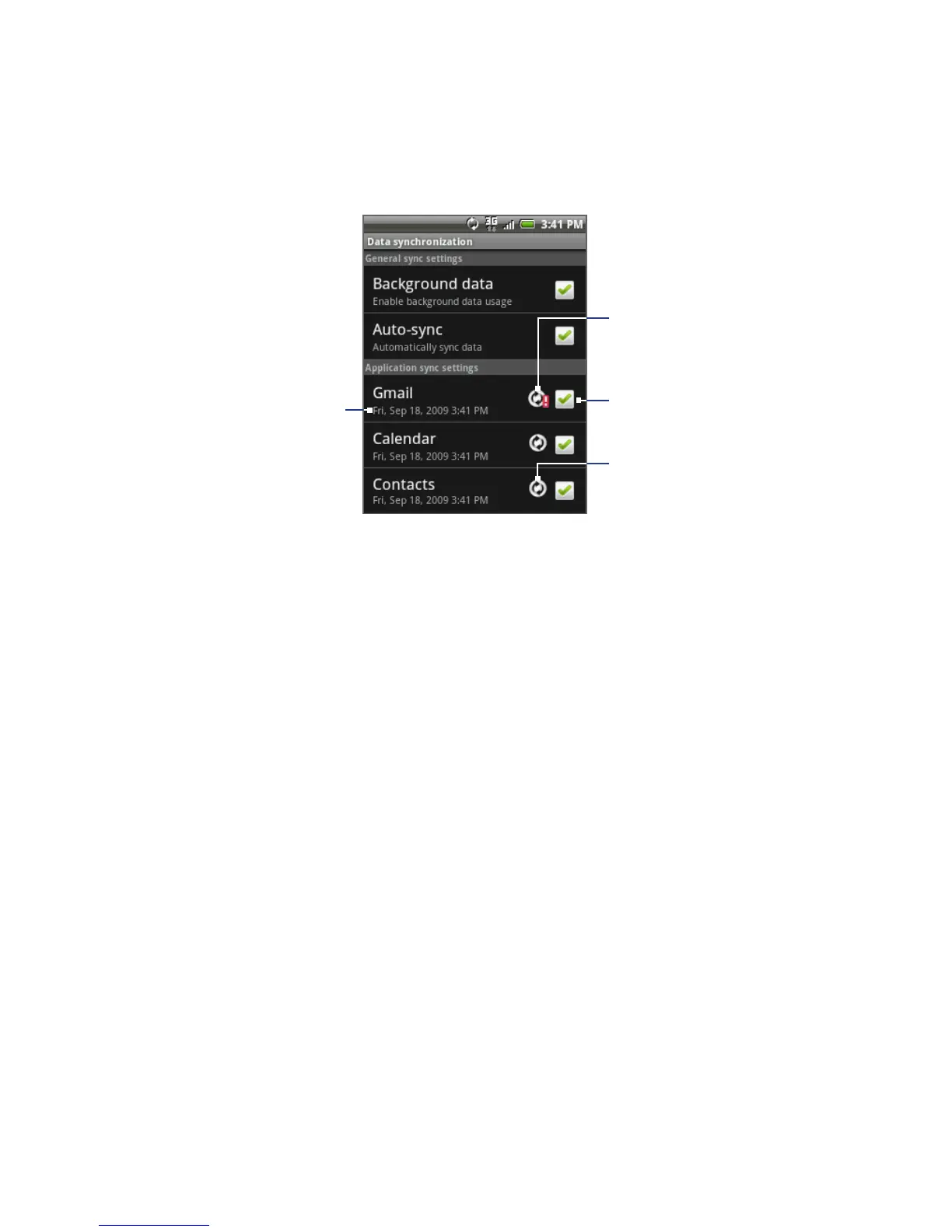
Date and time of
last synchronization
Tap to include or exclude
the application from
automatic synchronization.
The arrows move clockwise
when data is being
synchronized.
Indicates that there is
a problem with data
synchronization. Check
your data connection and
try again.
3. Select the Google Apps you want to synchronize.
Tip Select Auto-sync to automatically synchronize all applications. When Auto-sync is
disabled, you can synchronize individual applications manually by selecting their
respective check boxes.
To stop synchronization
During synchronization, press MENU, then tap Cancel sync to stop synchronization.



 To Next Page