164 Other Applications
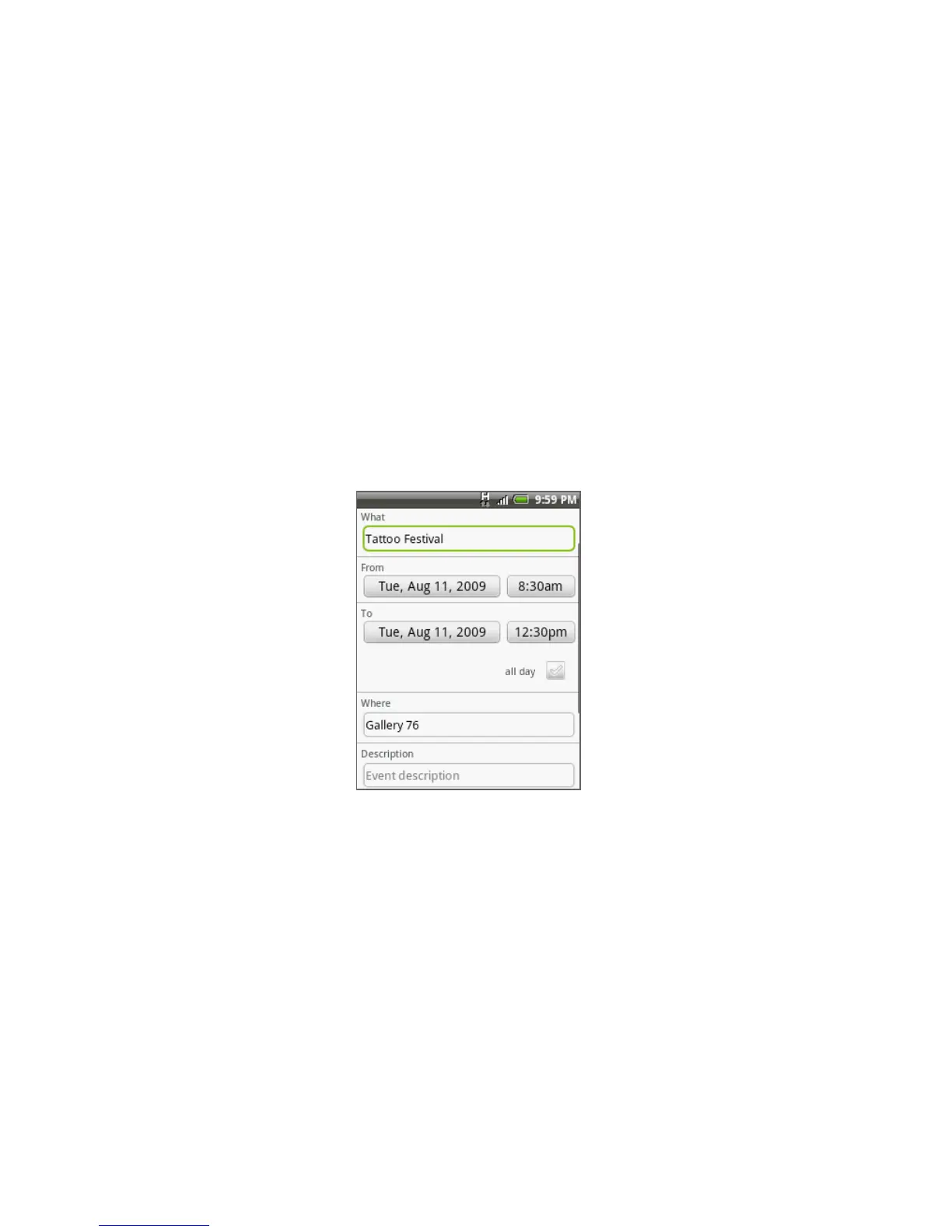
3. Enter the event name using the keyboard.
4. Do one of the following:
If there is a time frame for the event, tap the From and To date and time
to set them.
If it is a special occasion such as a birthday or a whole-day event, set the
From date, and then select the All day check box.
5. Enter the event location and description.
6. Set the event reminder time in Reminders, then select whether the event is
recurring in Repeat.
Note Press MENU and then tap Add reminder to add another reminder.
7. When finished, tap Add.
•
•



 To Next Page