#
ospf 1
area 0.0.0.0
network 30.1.1.0 0.0.0.255
#
ospf 2
area 0.0.0.0
network 40.1.1.0 0.0.0.255
network 10.2.1.0 0.0.0.255
#
return
1.7.3 Example for Configuring a GRE Tunnel to Transmit VPN
Multicast Data Encrypted with IPSec
This section provides an example for configuring a GRE tunnel to transmit multicast packets
encrypted with IPSec. In this networking, a GRE tunnel is set up between devices; multicast
packets are encapsulated with GRE and then IPSec.
Networking Requirements
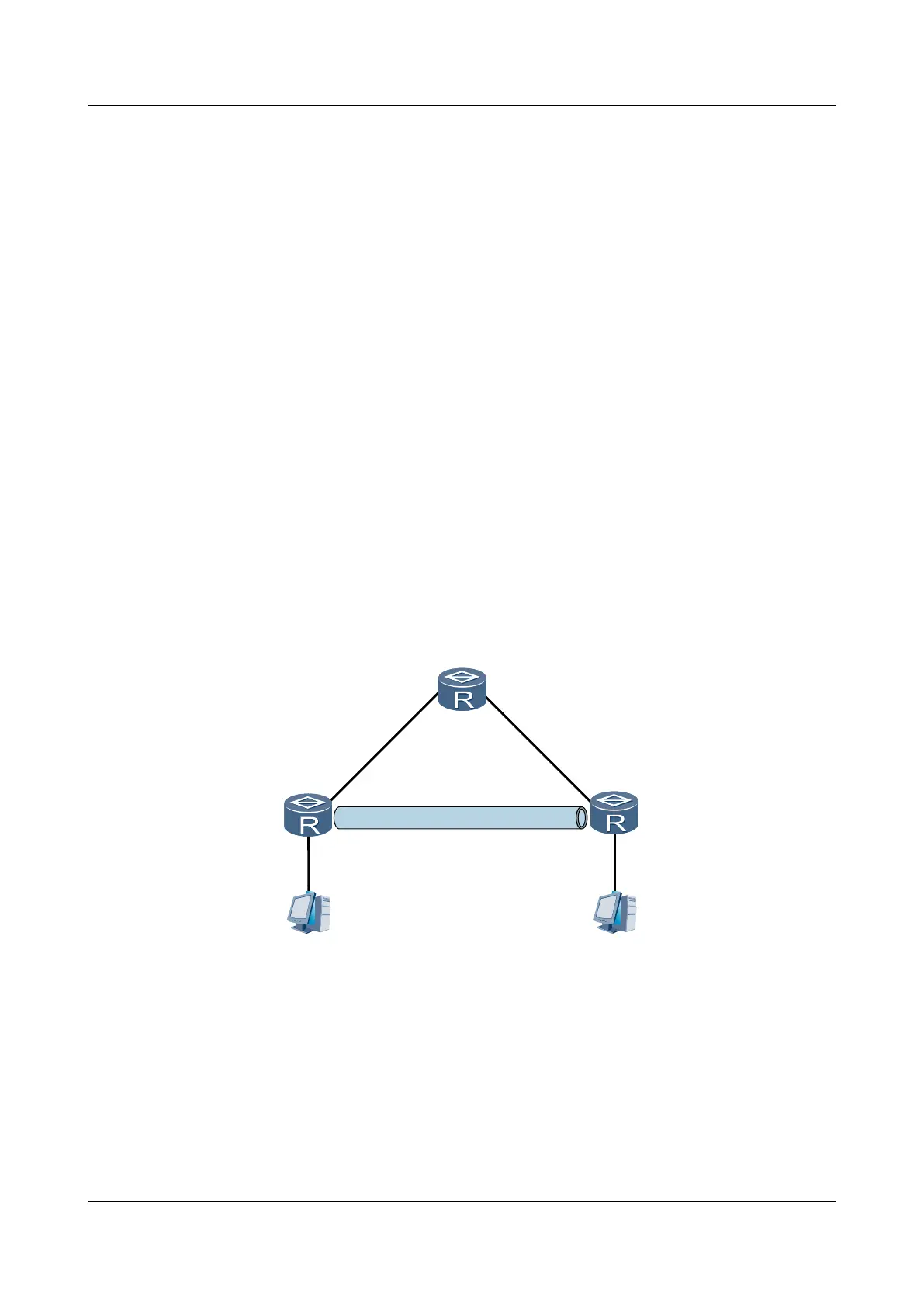
In Figure 1-7, Router A and Router C are required to transmit multicast packets, and the multicast
packets must be encrypted through IPSec. Before being encrypted through IPSec, multicast
packets must be encapsulated with GRE because IPSec cannot directly encrypt multicast packets.
Figure 1-7 Networking diagram of transmitting IPSec-encrypted multicast packets through a
GRE tunnel
RouterA
RouterC
RouterB
Tunnel0/0/1
40.1.1.1/24
Tunnel0/0/1
40.1.1.2/24
10.2.1.1/24
10.1.1.1/24
GE2/0/0
10.1.1.2/24
GE1/0/0
20.1.1.1/24
GE1/0/0
20.1.1.2/24
GE1/0/0
30.1.1.2/24
GE2/0/0
30.1.1.1/24
GE2/0/0
10.2.1.2/24
GRE with IPSec
Configuration Roadmap
The configuration roadmap is as follows:
1. Configure OSPF on the backbone network devices, namely, Router A, Router B, and
Router C, to realize the interworking between these devices.
2. Create a GRE tunnel between Router A and Router C to encapsulate multicast packets.
Huawei AR1200 Series Enterprise Routers
Configuration Guide - VPN 1 GRE Configuration
Issue 01 (2012-04-20) Huawei Proprietary and Confidential
Copyright © Huawei Technologies Co., Ltd.
25



 To Next Page
 Loading...









