Huawei Proprietary and Confidential
Copyright © Huawei Technologies Co., Ltd.
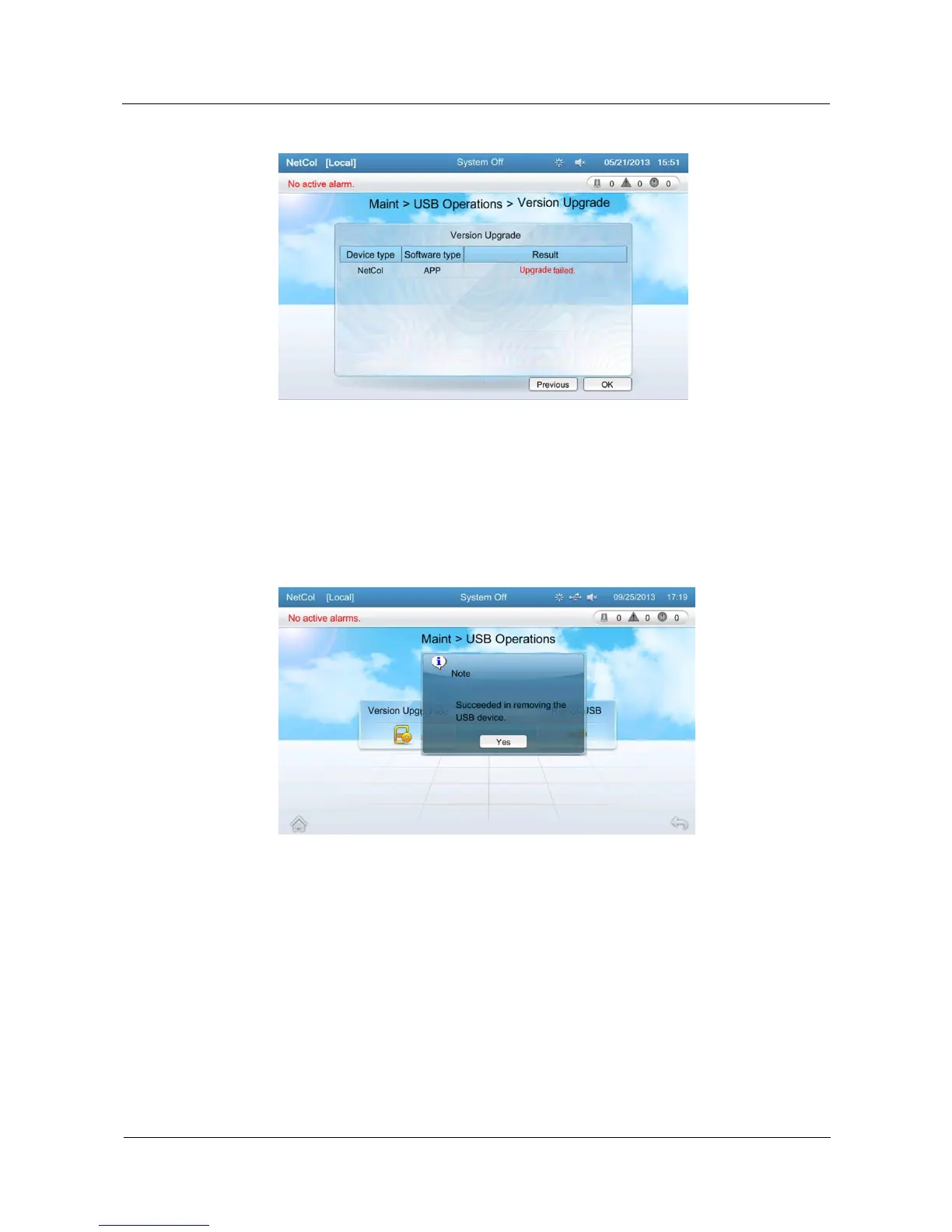
Figure 5-64 Screen displayed when the software fails to be upgraded
7. After the software is activated, the system automatically restarts. The control board and
display panel also restart.
8. Remove the USB flash drive after the system is successfully upgraded. Tap Maint >
USB Operations > Remove USB on the home screen. A message is displayed, as shown
in Figure 5-65.
Figure 5-65 Message displayed after a USB flash drive is removed
9. After the USB flash drive is removed, a message is displayed on the screen, as shown in
Figure 5-66.







 To Next Page