Huawei Proprietary and Confidential
Copyright © Huawei Technologies Co., Ltd.
6.5.6 Replacing a Water Sensor
Prerequisites
The water sensor needs to be replaced.
A spare water sensor is available.
Context
Recommended tool: Phillips screwdriver
Preparations: maintain from the rear door.
Procedure
Step 1 Remove the rear door and air filter.
Step 2 Remove signal cables from the water sensor.
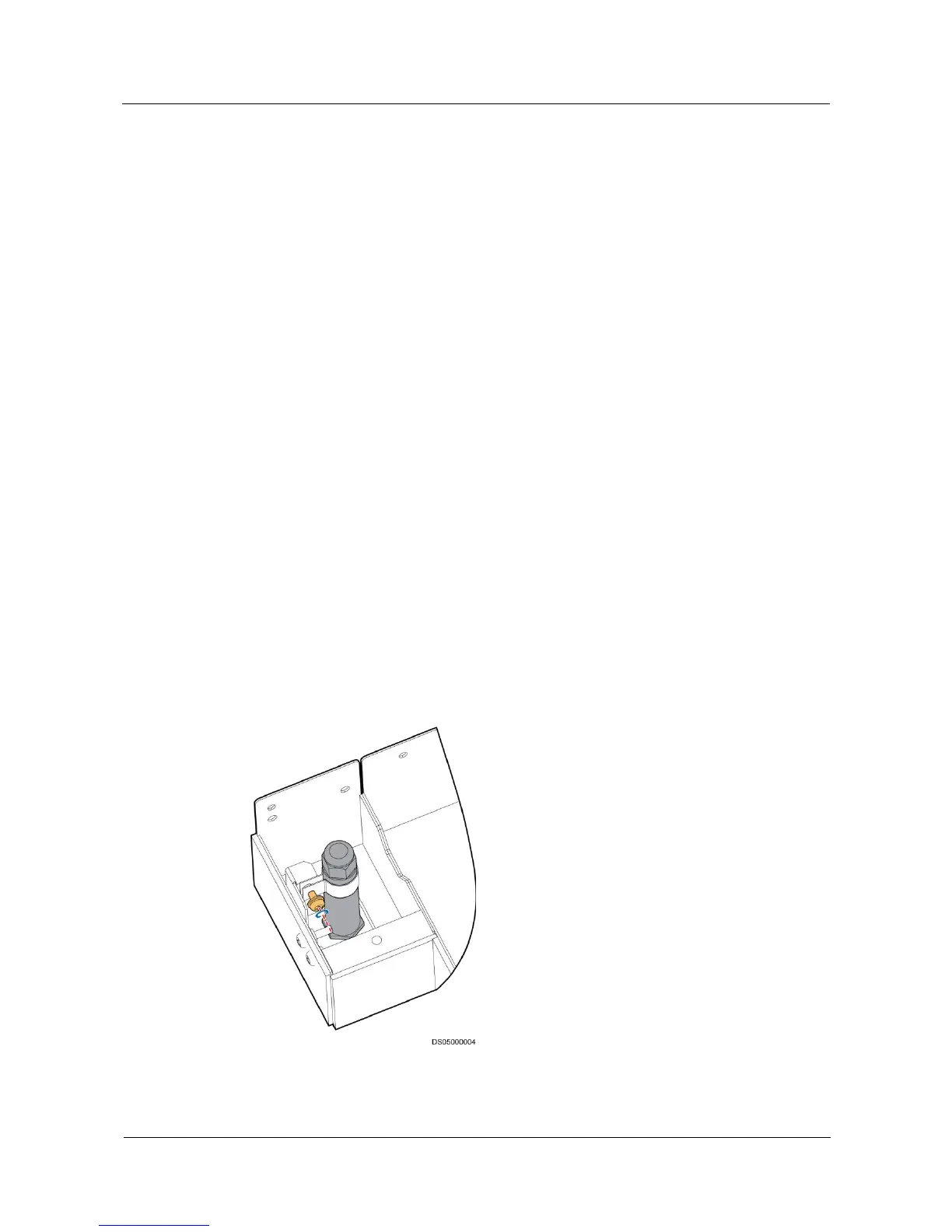
Step 3 Remove screws fastening the water sensor and metal sheet components using a Phillips
screwdriver and remove the water sensor and metal sheet components, as shown in Figure
6-6.
Step 4 Remove the screws fastening the water sensor using a Phillips screwdriver and remove the
water sensor.
Step 5 Replace the water sensor and connect control cables to the new water sensor.
Step 6 Secure the screws fastening the water sensor using a Phillips screwdriver, and reserve 5 mm
distance between the water sensor and the cabinet bottom.
Step 7 Install the air filters and rear door.
Figure 6-6 Replacing a water sensor
----End







 To Next Page