Huawei Proprietary and Confidential
Copyright © Huawei Technologies Co., Ltd.
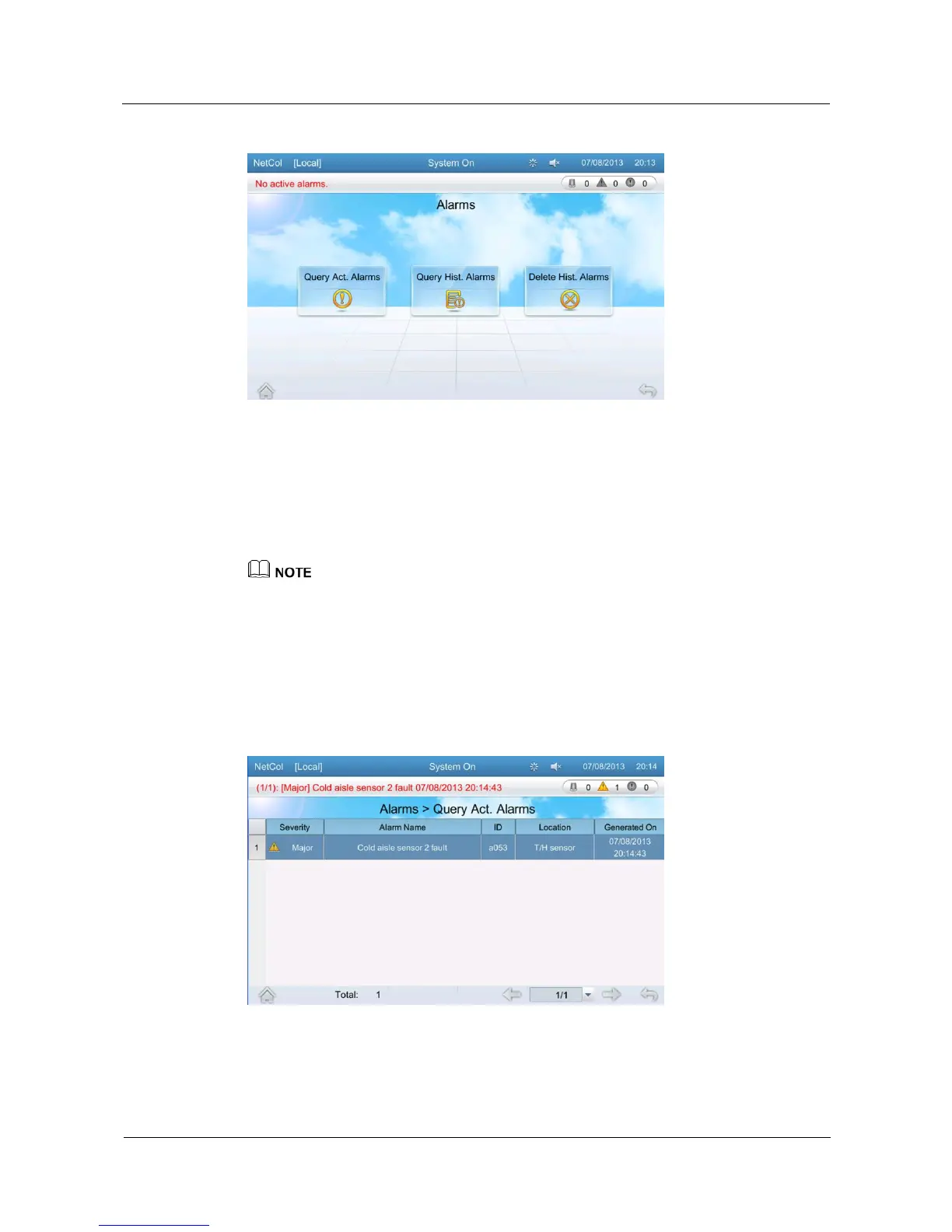
Figure 5-14 Alarms
5.10.1 Query Active Alarms
The query active alarms screen displays active alarms.
Tap Alarms > Query Act. Alarms on the home screen to enter the active alarms screen, as
shown in Figure 5-15.
Active alarms are displayed based on the time when they are generated. Alarms that are generated
most recently are displayed on the top, followed by alarms that are generated earlier.
If active alarms exist, they are displayed on the alarm bar one by one.
On the query active alarms screen you can manually delete the abnormal feedback, no refrig output,
and drain abnormal alarms .
You can query an alarm on the alarm list based on the alarm ID to view causes of the alarm and
methods used to clear the alarm.
Figure 5-15 Active alarm screen







 To Next Page