Huawei Proprietary and Confidential
Copyright © Huawei Technologies Co., Ltd.
respectively, calculate as follows: Required return-air temperature = T + 5 °C; Required
return-air humidity = H + 3%.
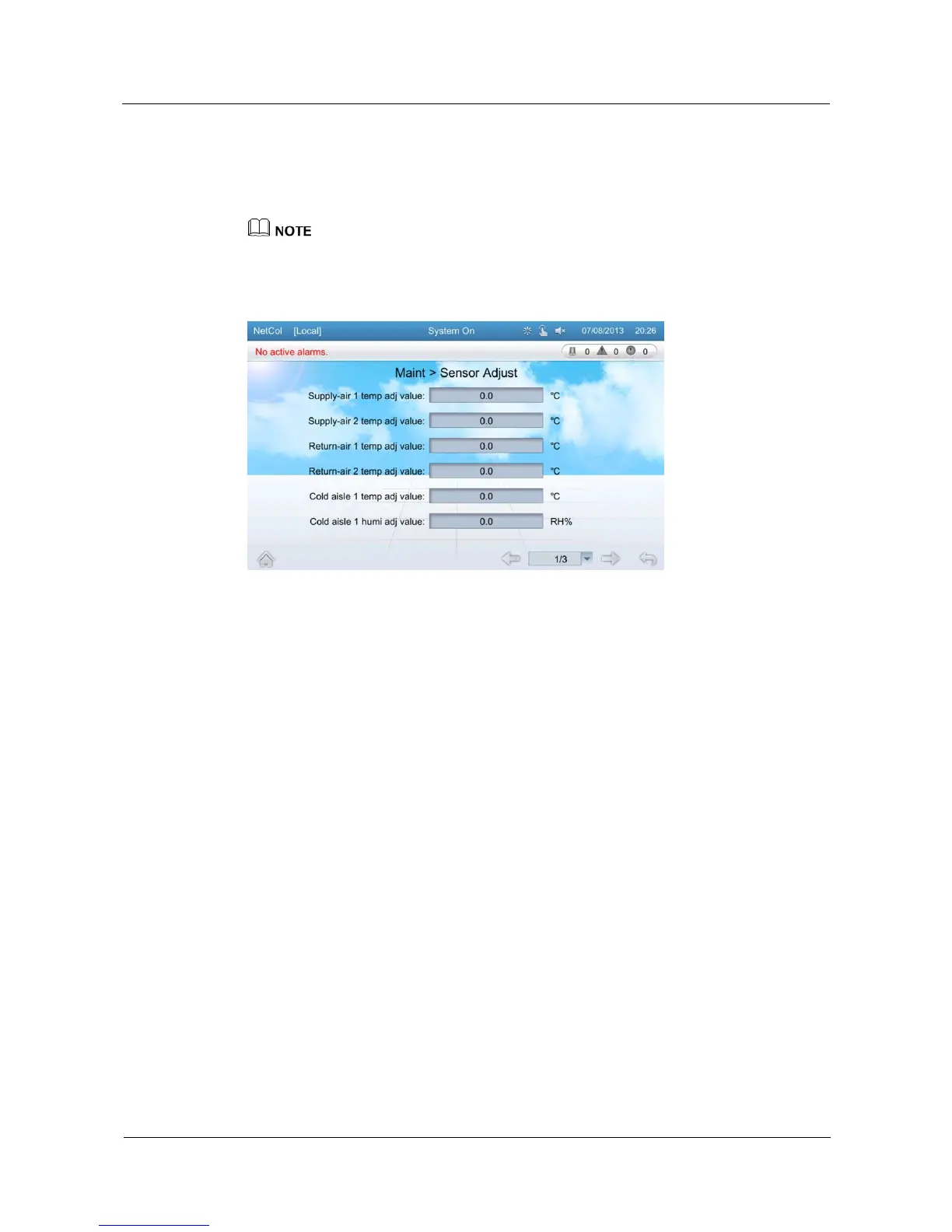
Tap Maint > Sensor Adjust on the home screen to enter the sensor adjust screen, as shown in
Figure 5-52.
If you need to adjust the sensor, log in as the Engineer user or other types of users that have higher
permission.
Figure 5-52 Sensor adjust screen
5.13.5 Screen Calibration
You can calibrate the screen by tapping the screen on the Screen Calib page or by DIP
switch.
Tapping the Screen on the Screen Calib Page
Prerequisite: The program of the display board works normally; the deviation between the
touching point and the responding point is small; the Screen Calib page can be entered over
the screen.
Tap Maint > Screen Calib to enter the following screen, as shown in Figure 5-53. Figure
5-53 is displayed when the screen calibration is complete.







 To Next Page