Huawei Proprietary and Confidential
Copyright © Huawei Technologies Co., Ltd.
5.11.1 User Settings
Settings Screen
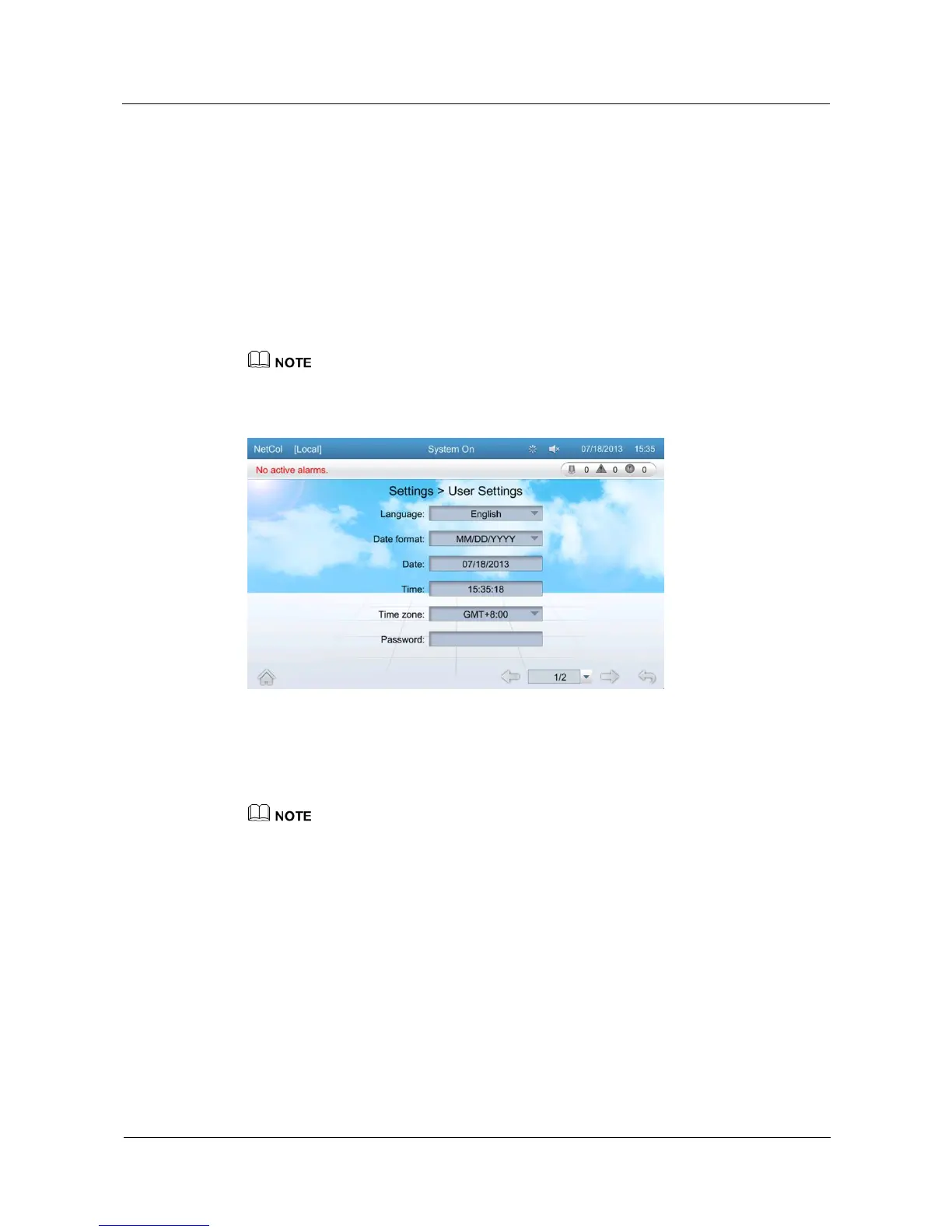
On the user settings screen, you can configure the language, time, and password for the
system, and set the contrast, saturation, and brightness for the LCD.
Tap Settings > User Settings on the home screen to enter the user settings screen, as shown
in Figure 5-22.
Tap items on the user settings screen to configure parameters and query the value range of
parameters.
To perform user settings, log in as the Operator user or other types of users that have higher permission.
Figure 5-22 User settings screen
Changing Password
Tap Password to enter the password setting screen as shown in Figure 5-23.
The user changes only the password for the current user name. The password must be a string of six
digits. Letters and special characters are not supported.







 To Next Page