Huawei Proprietary and Confidential
Copyright © Huawei Technologies Co., Ltd.
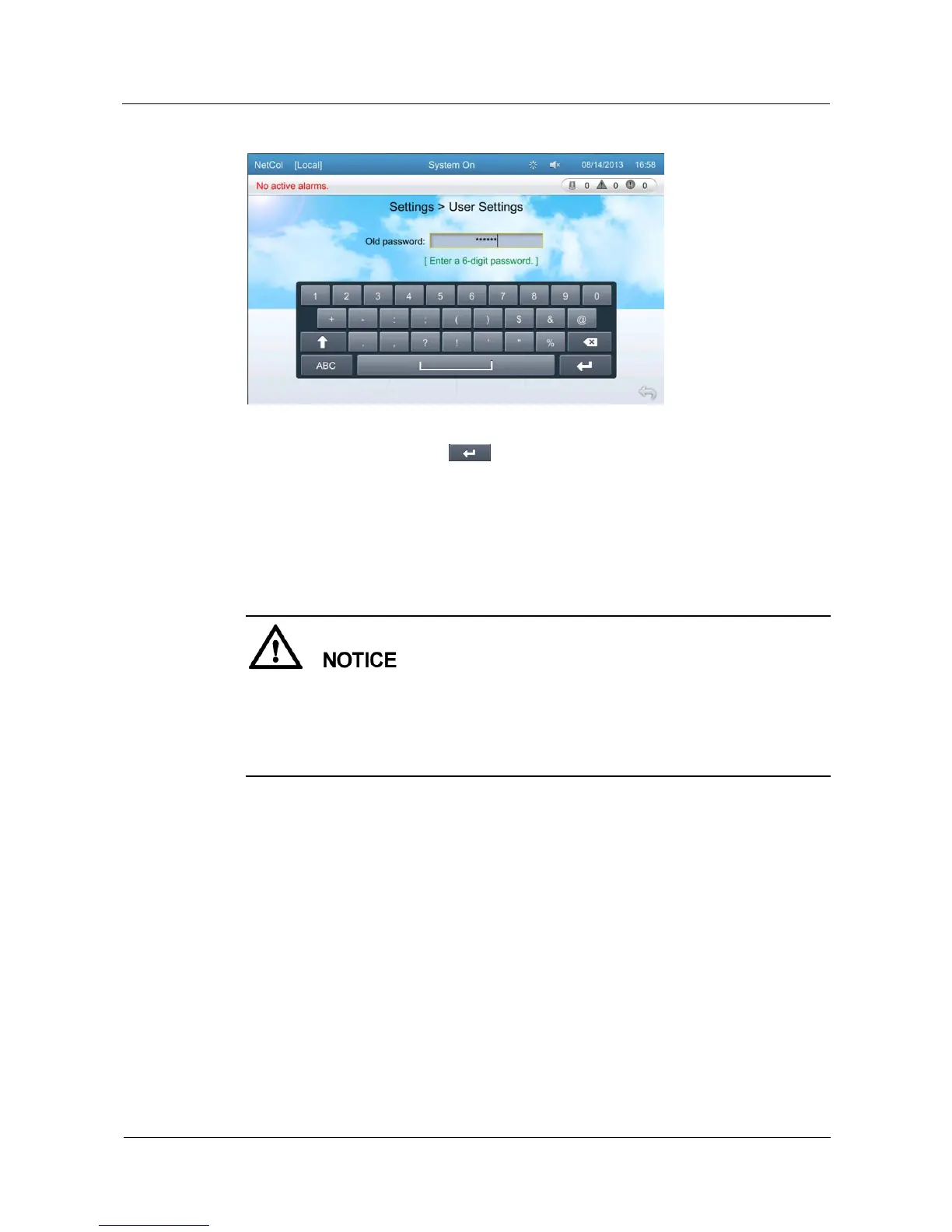
Figure 5-23 Password setting screen
Enter the old password, and tap to enter the new password setting screen, follow the
prompts to enter a new password in order.
Restore the Default Password
If a user forgets the changed password, the user can use the DIP switch S2 on the main control
board to restore the password to the default password.
After password restoration is performed, passwords of all users are restored to default ones.
Other users may be affected. Therefore, exercise caution when performing password
restoration.
To ensure device security, operate the DIP switch after powering off the main power
supply of the device.
The operations for password restoration are as follows:
1. Disconnect the main power supply of the device.
2. Set bits 1 and 3 of the DIP switch S2 to ON, and other bits to OFF. Figure 5-24 shows
positions of DIP switches on the main control board.







 To Next Page