5.11 Settings
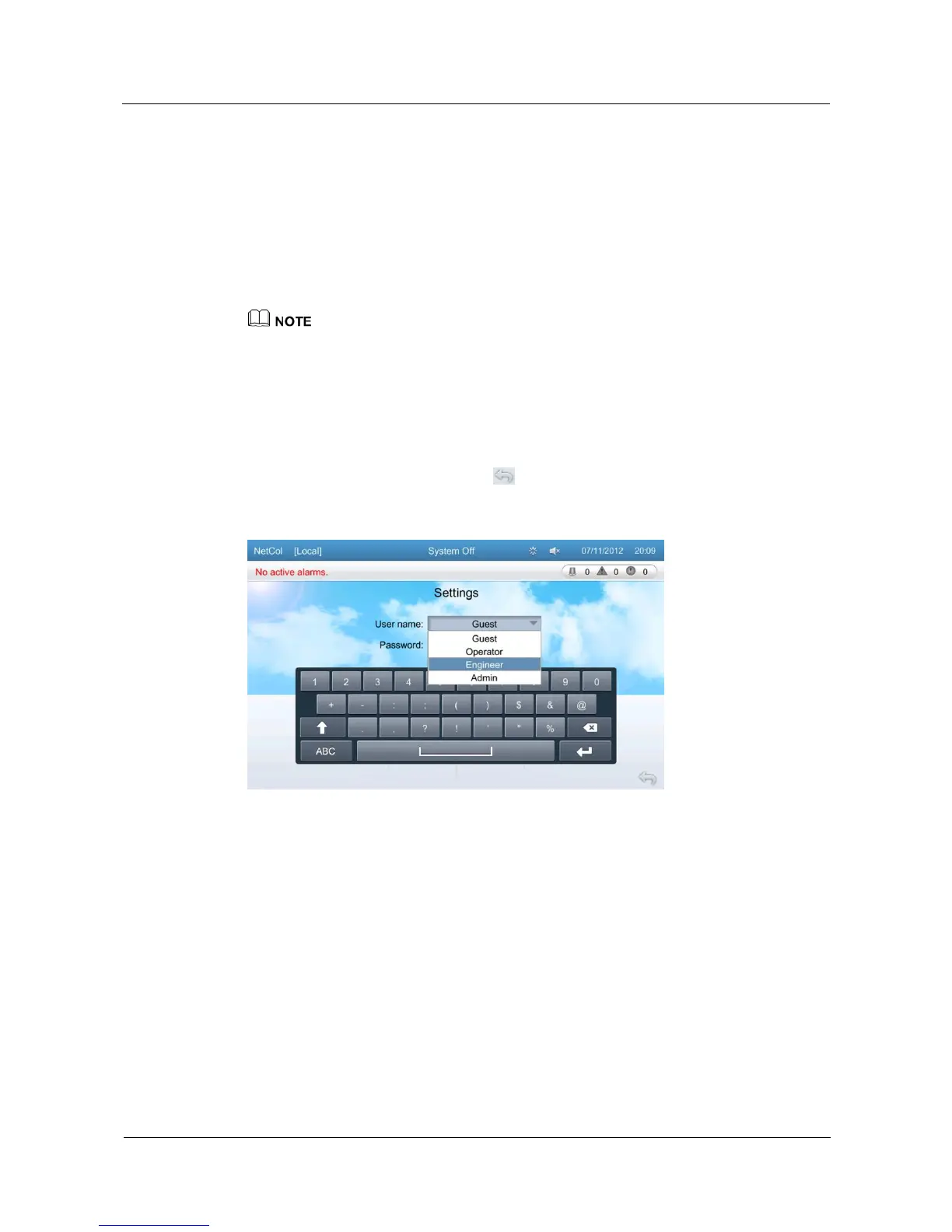
Before configuring the system, you need to enter the user name and password on the screen
for logging in to the Settings screen, as shown in Figure 5-18. The system then authenticates
your user permission.
The Settings screen displays User Settings, Comm Settings, Alarm Settings, System
Settings, Basic Settings, and Restore Defaults buttons.
Tap Settings to enter the Settings screen, as shown in Figure 5-19.
The Guest user can only query parameters on screens. If you need to configure parameters, log in as
other types of users.
Take cond pump 1 exceed runtime as an example, tap Settings > Alarm Settings > Drain Device
enter the screen as show in Figure 5-20, select the cond pump 1 exceed runtime and put the
parameters.
When configuring the temperature and humidity parameters or other parameters, do not place the
cursor between the decimal point and the following digit of the value. Otherwise, the decimal point
cannot be deleted, and the parameter value fails to be configured.
After parameters are configured, tap to exit the screen.
Figure 5-18 Screen for logging in to the settings screen







 To Next Page