Huawei Proprietary and Confidential
Copyright © Huawei Technologies Co., Ltd.
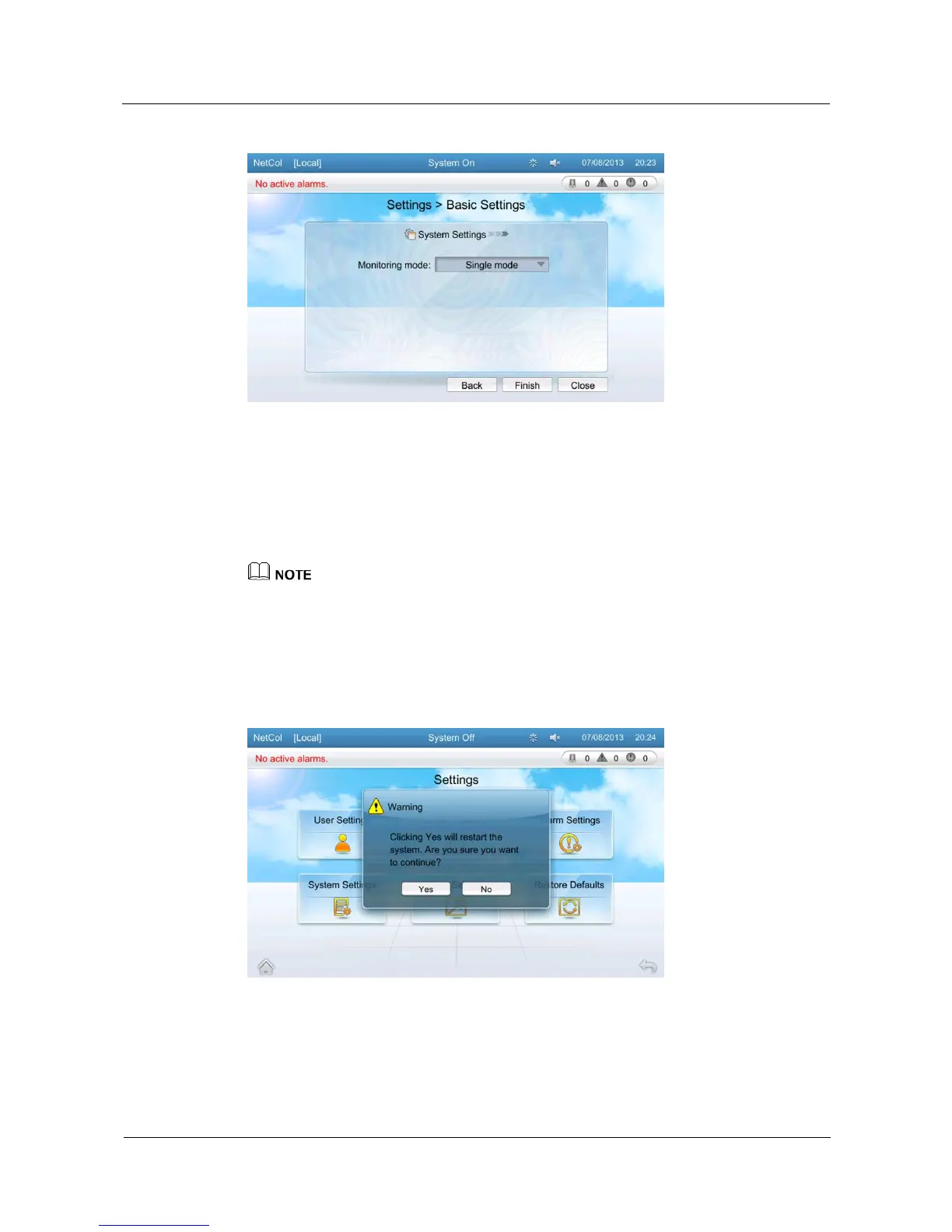
Figure 5-37 System Setting
5.11.6 Restore Defaults
By restore defaults, you can restore parameters to factory values and save the restored values.
Tap Settings > Restore Defaults on the home screen to enter the following screen, as shown
in Figure 5-38.
If you need to restore preset settings, log in as the Admin user.
You can restore preset settings only when the NetCol5000-C is shut down.
Tap Restore Defaults and then tap Yes. Parameters, except the current setting parameters, are
restored to the factory values. Perform this operation with caution.
When the restore defaults setting is done, the system would start automatically.
Figure 5-38 Screen for restoring preset settings







 To Next Page