Huawei Proprietary and Confidential
Copyright © Huawei Technologies Co., Ltd.
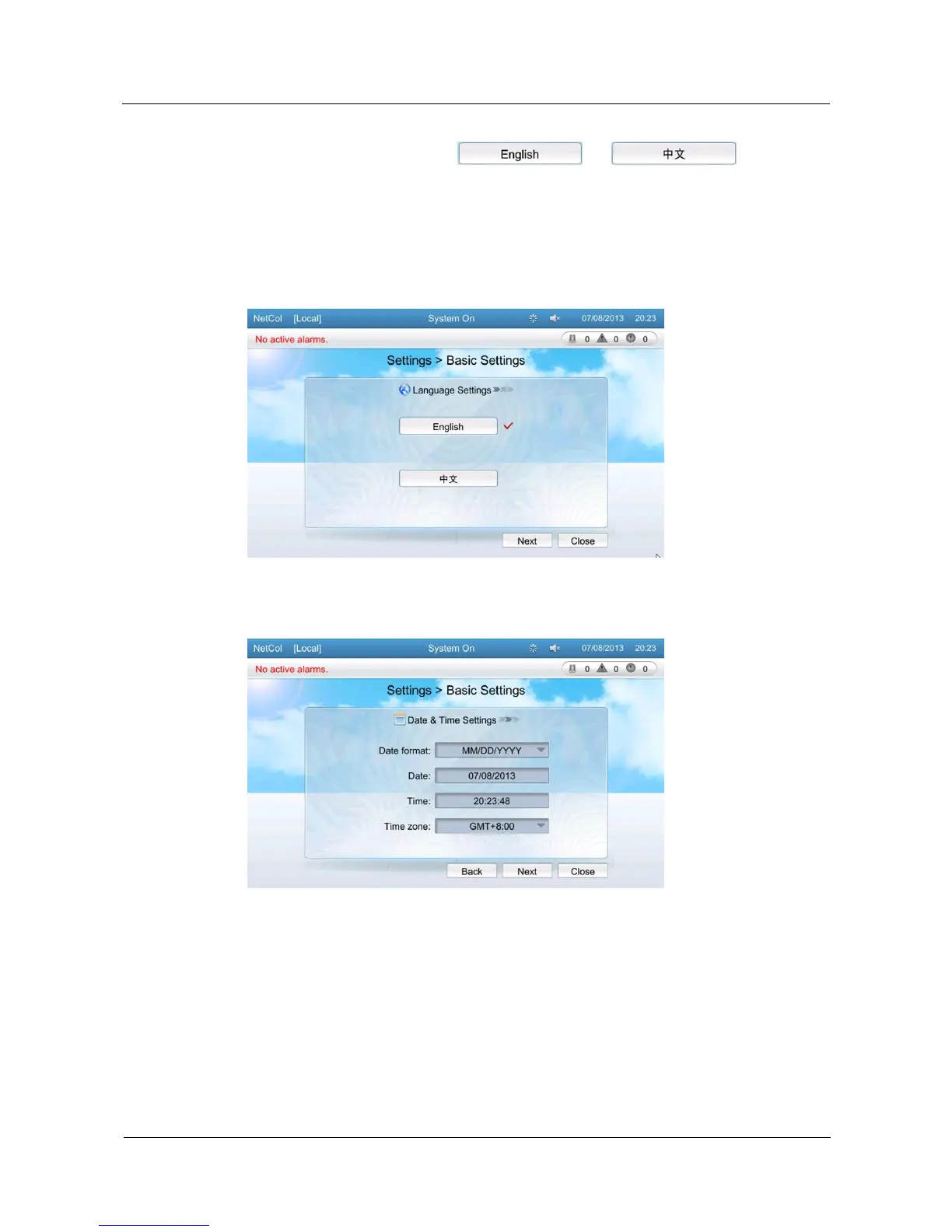
1. Tap Settings > Basic Settings on the home screen to enter the Language Settings
screen. You can select from and .
2. After the language is configured, tap Next to enter the Date & Time Settings screen.
3. Configure the current time and date and tap Next to enter the System Settings screen.
4. Configure the Monitoring mode on the System Settings screen. Select Finish to save
the settings and exit the screen.
Figure 5-35 Language Setting
Figure 5-36 Date Time Setting







 To Next Page