Huawei Proprietary and Confidential
Copyright © Huawei Technologies Co., Ltd.
3. Connect the main power supply of the device.
Wait 30s. All user passwords are restored to the default ones.
4. Disconnect the main power supply of the device.
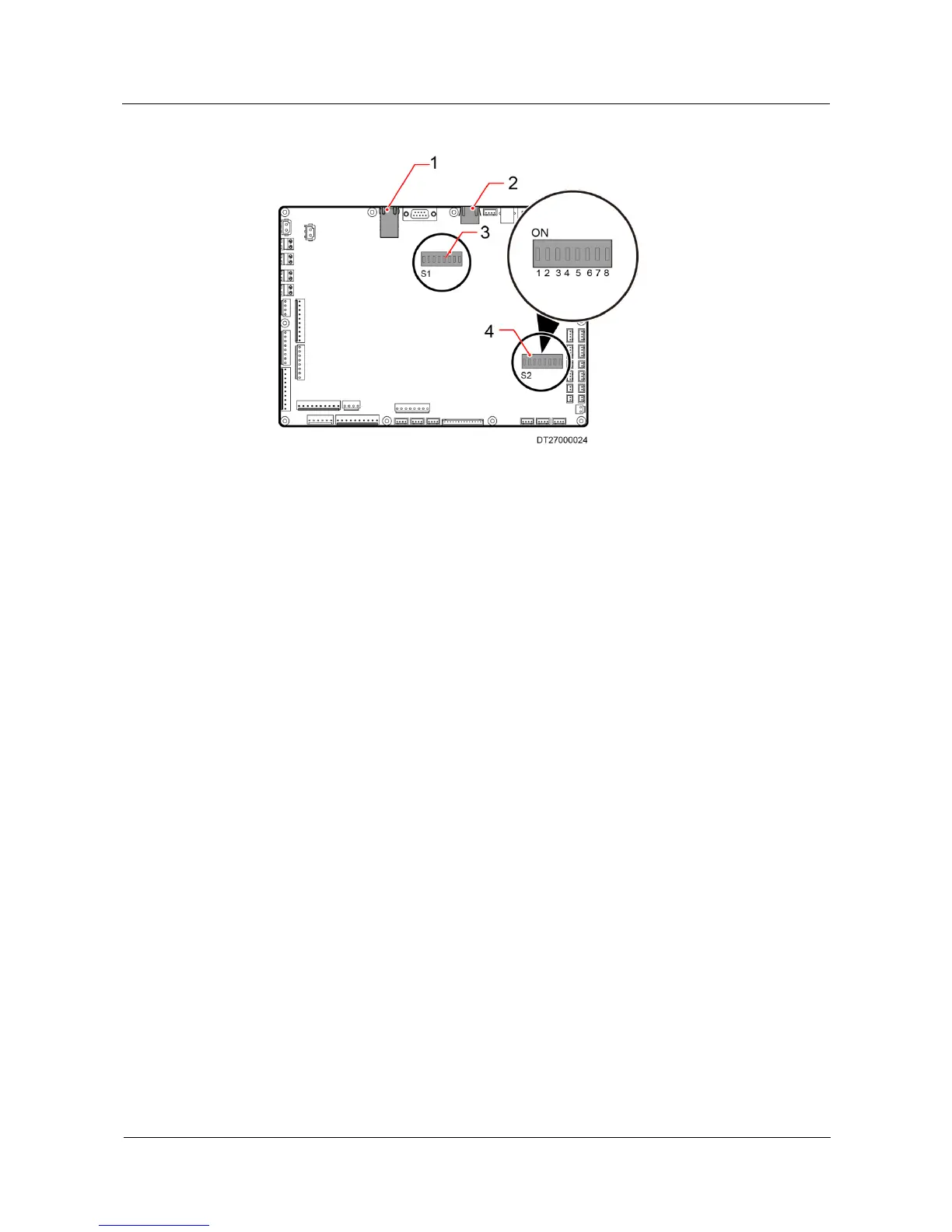
5. Set all bits of the DIP switch S2 to OFF.
6. Connect the main power supply of the device.
5.11.2 Communications Settings
On the communications settings screen, you can configure the protocol type, baud rate, and
communication address.
Tap Settings > Comm Settings on the home screen to enter the communications settings
screen, as shown in Figure 5-25.
Tap items on the communications settings screen to configure parameters and query the value
range of parameters.







 To Next Page