The uppermost bar is the status bar, under which is the alarm bar.
You can tap in the status bar to quickly mute the buzzer. Or, you can tap
in the alarm bar to enter the active alarm screen to mute the buzzer.
If you are already in the alarm screen, the buzzer cannot be muted even if you tap
. is changed to after the buzzer is muted.
You can tap in the alarm bar to enter the active alarm screen that
displays all active alarms.
in the status bar indicates that the display panel communicates properly with the main control
board. If is displayed in this position in the status bar, the communication fails.
5.6 Start and Shutdown
Tap the Start or Shutdown buttons on the home screen to start or shutdown the
NetCol5000-C.
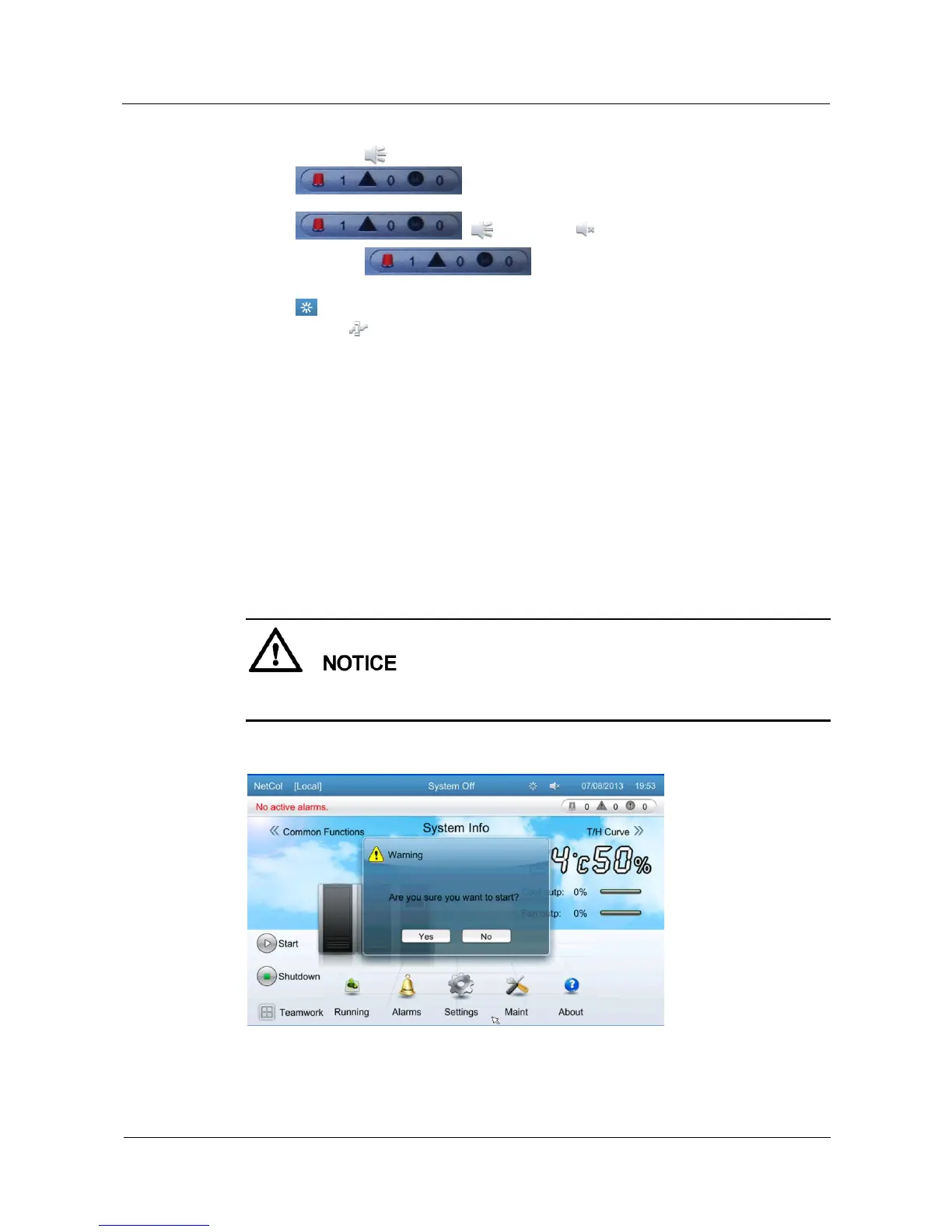
Tap Start or Shutdown on the home screen. A warning is displayed, indicating whether to
start or shutdown the NetCol5000-C, as shown in Figure 5-4 and Figure 5-5. Tap Yes. If the
device is successfully started, the system displays a message, indicating that the command is
successfully triggered.
If a power failure occurs and the NetCol5000-C is powered on again, the NetCol5000-C
automatically restores to the original state (start or shutdown) before the power failure.
Figure 5-4 Starting the NetCol5000-C







 To Next Page