Huawei Proprietary and Confidential
Copyright © Huawei Technologies Co., Ltd.
5.3 Startup Screen
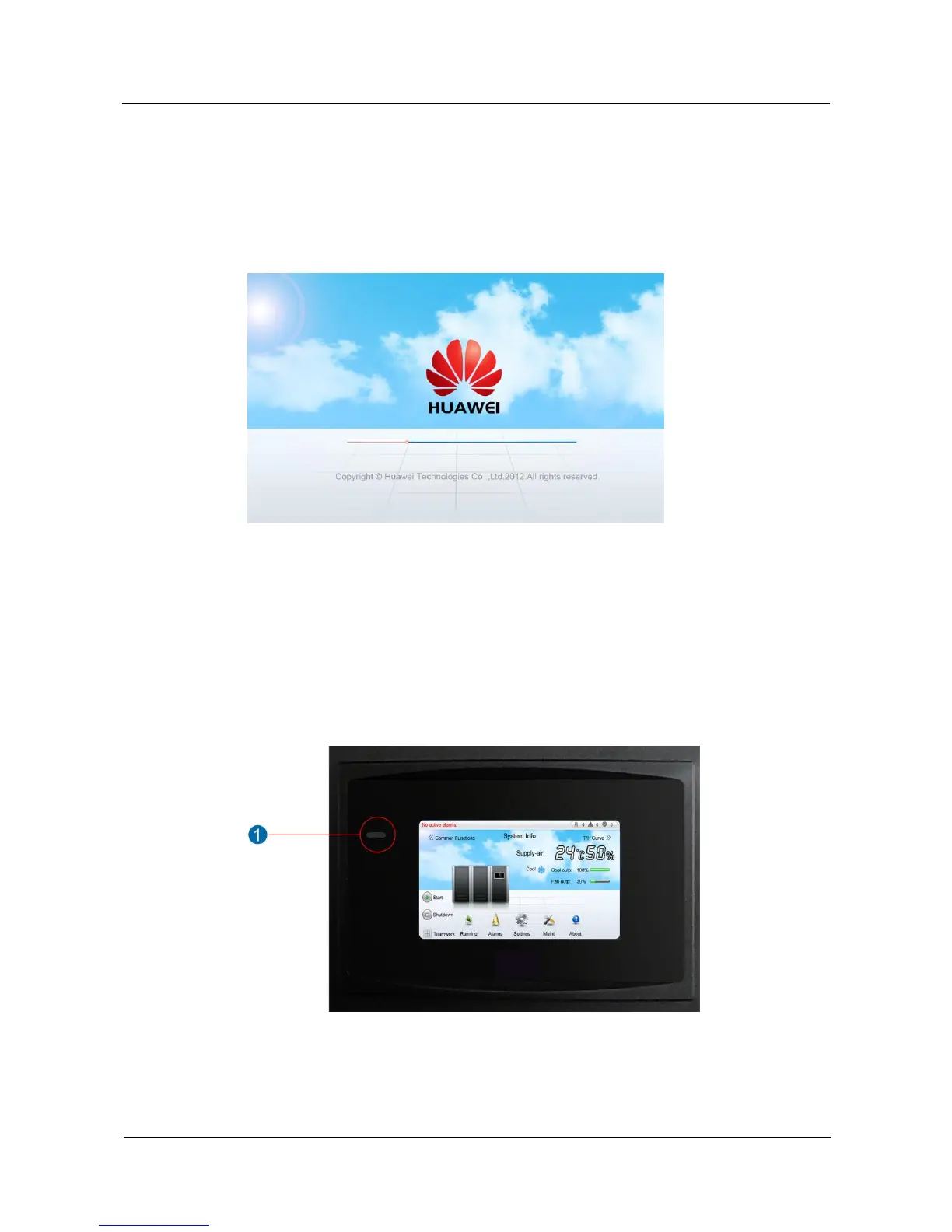
After the NetCol5000-C is powered on, the startup screen is displayed, as shown in Figure 5-1.
When the NetCol5000-C is powered on for the first time, the LCD displays the Basic Settings
screen after the startup screen after the startup screen.
Figure 5-1 Startup screen
5.4 Indicator
The indicator on the panel displays operating status of the NetCol5000-C. Figure 5-2 shows
the location of the indicator. Table 5-1 lists status of the indicator. If multiple alarms are
generated, the indicator enters the state that represents the most severe alarm.
Figure 5-2 Location of the indicator







 To Next Page