Huawei Proprietary and Confidential
Copyright © Huawei Technologies Co., Ltd.
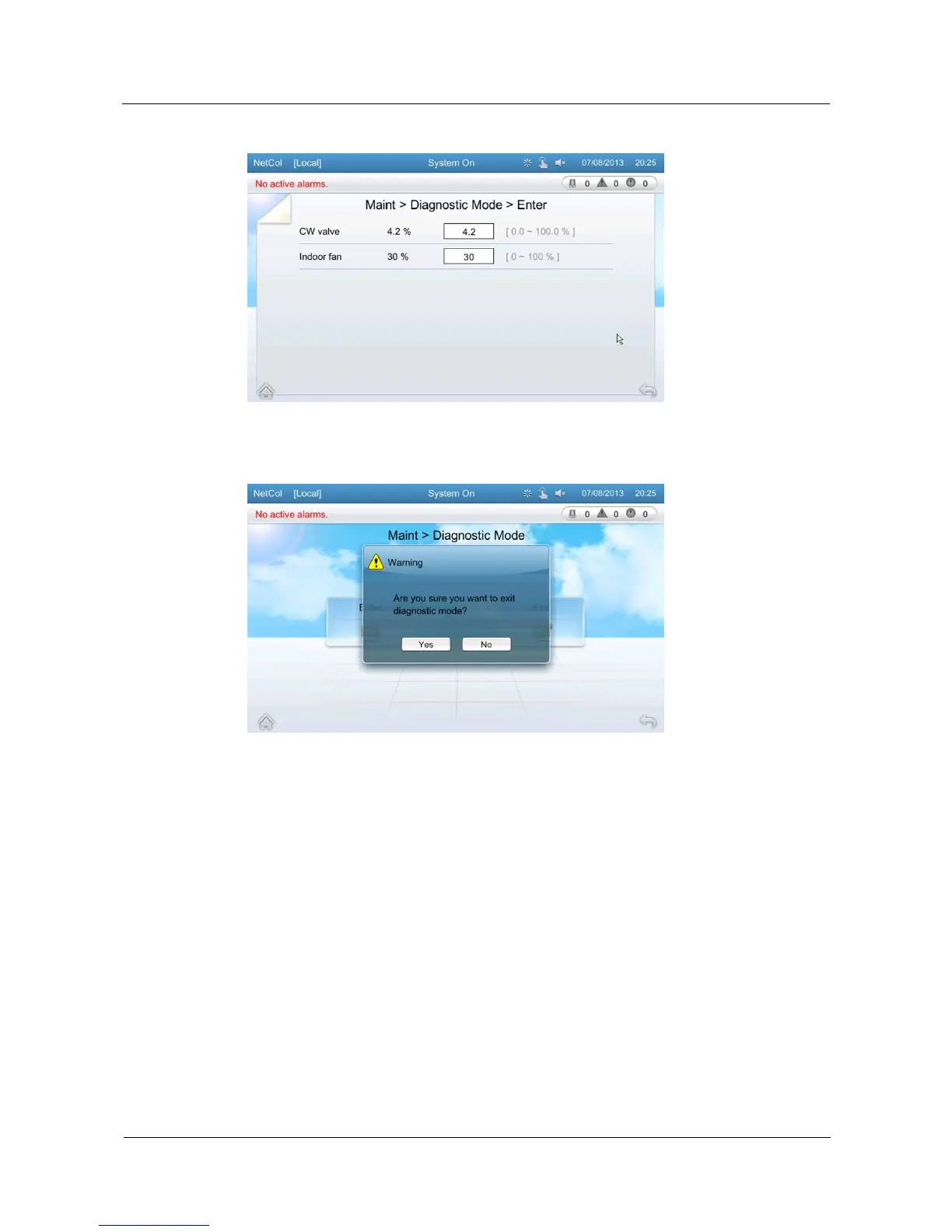
Figure 5-47 Entering the diagnostic mode
Figure 5-48 Exiting the diagnostic mode
5.13.2 Log Maintenance
On the log maintenance screen, you can query or delete logs. Logs record operations on the
system. Therefore, maintenance and technical service engineers can query logs to locate
operations on the system. You can delete logs in a one-click manner.
Tap Maint > Log Maint > Query Logs on the home screen to enter the log query screen, as
shown in Figure 5-49.
Tap Maint > Log Maint > Delete Logs on the home screen to enter the following screen, as
shown in Figure 5-50. Tap Yes to delete logs.







 To Next Page