Huawei Proprietary and Confidential
Copyright © Huawei Technologies Co., Ltd.
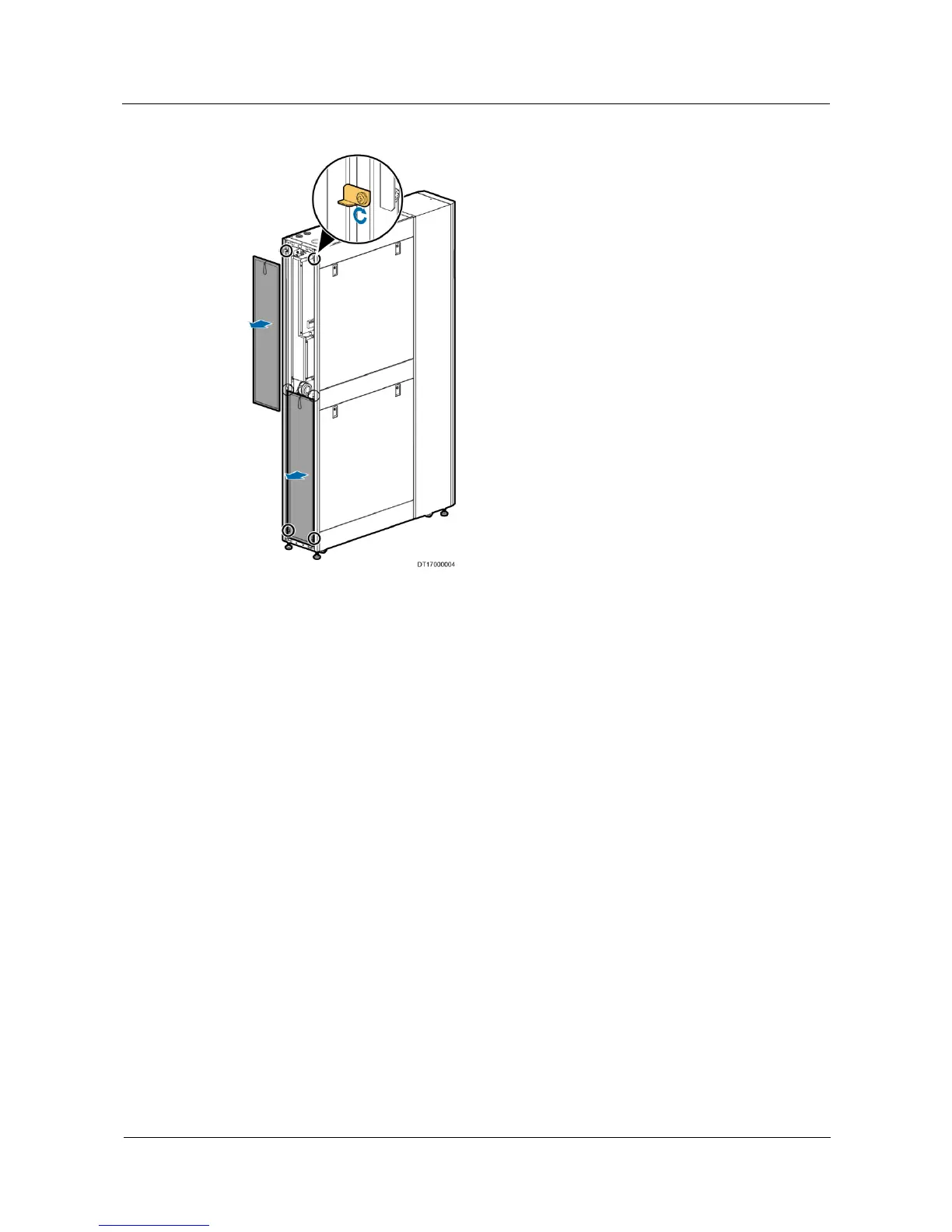
Figure 3-8 Removing the filters
----End
3.7 Removing the Side Panel
Prerequisites
Figure 3-9 shows how to remove the side panel of the NetCol5000-C.
Procedure
Step 1 Unlock the two locks on the side panel.
Step 2 Pull the side panel outwards while holding down the two locks.
Step 3 Open the top of the side panel to 30 °, and then push the side panel upwards by using both
hands until it is removed, as shown in Figure 3-9.







 To Next Page