5.9 Running
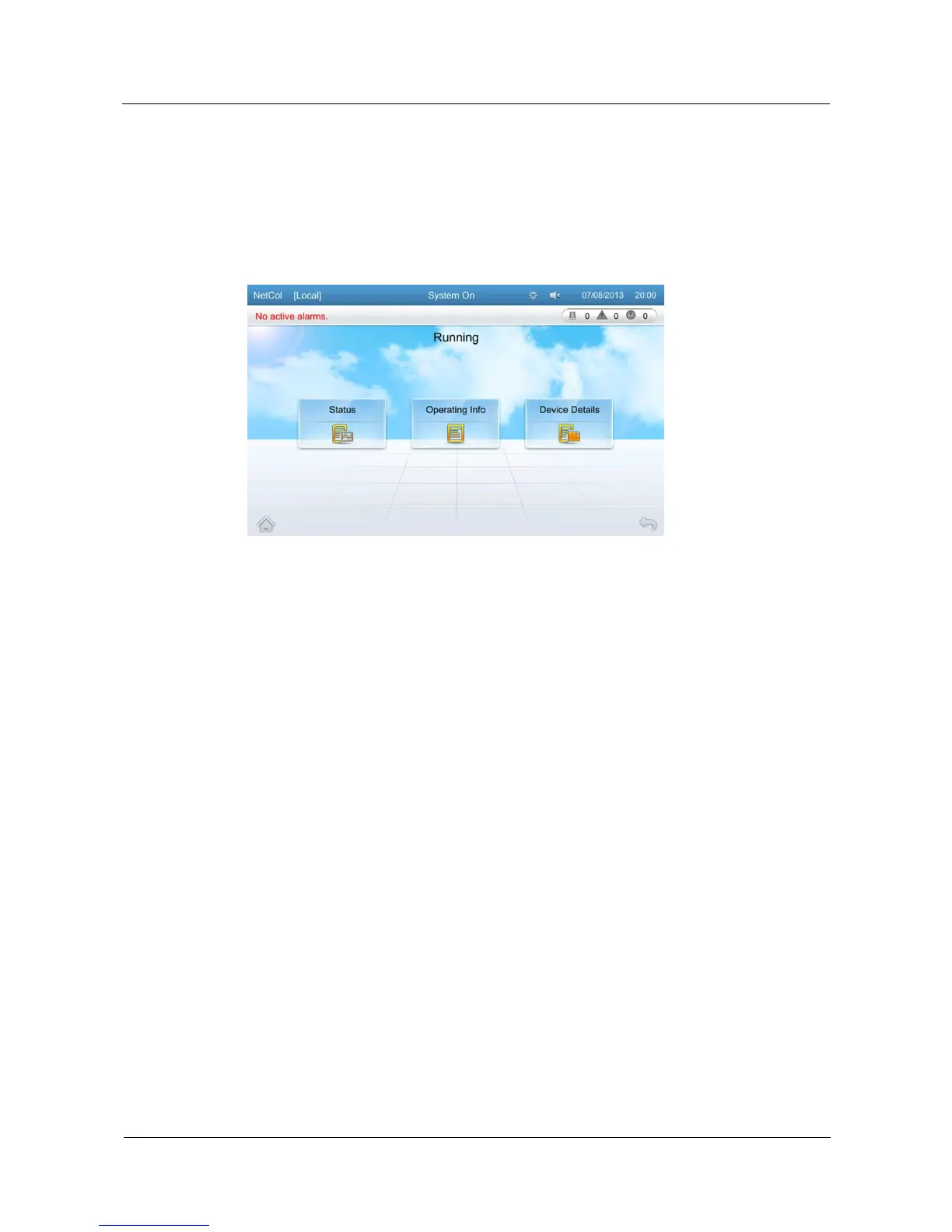
On the Running screen, you can query the operating status, system information, and device
list.
Tap Running on the home screen to enter the Running screen, as shown in Figure 5-11.
Figure 5-11 Running
5.9.1 Status
On the Status screen, you can query operating status of the air conditioning system, including
CW valve, indoor fan, cond pump, remote on/off, and EMS.
Tap Running > Status on the home screen to enter screen as shown in Figure 5-8.
5.9.2 System Information
On the system information screen, you can query the temperature, humidity, voltage, dew
point temp, and anti-cond protection of NetCol5000-C.
Tap Running > System Info on the home screen to enter the system information screen, as
shown in Figure 5-9.
5.9.3 Device Details
On the device Details screen, you can query names and operating status of components of the
NetCol5000-C, including T/H sensor, CW valve, indoor fan, drain device.
Tap Running > Device Details on the home screen to enter the device details screen, as
shown in Figure 5-12.







 To Next Page