Huawei Proprietary and Confidential
Copyright © Huawei Technologies Co., Ltd.
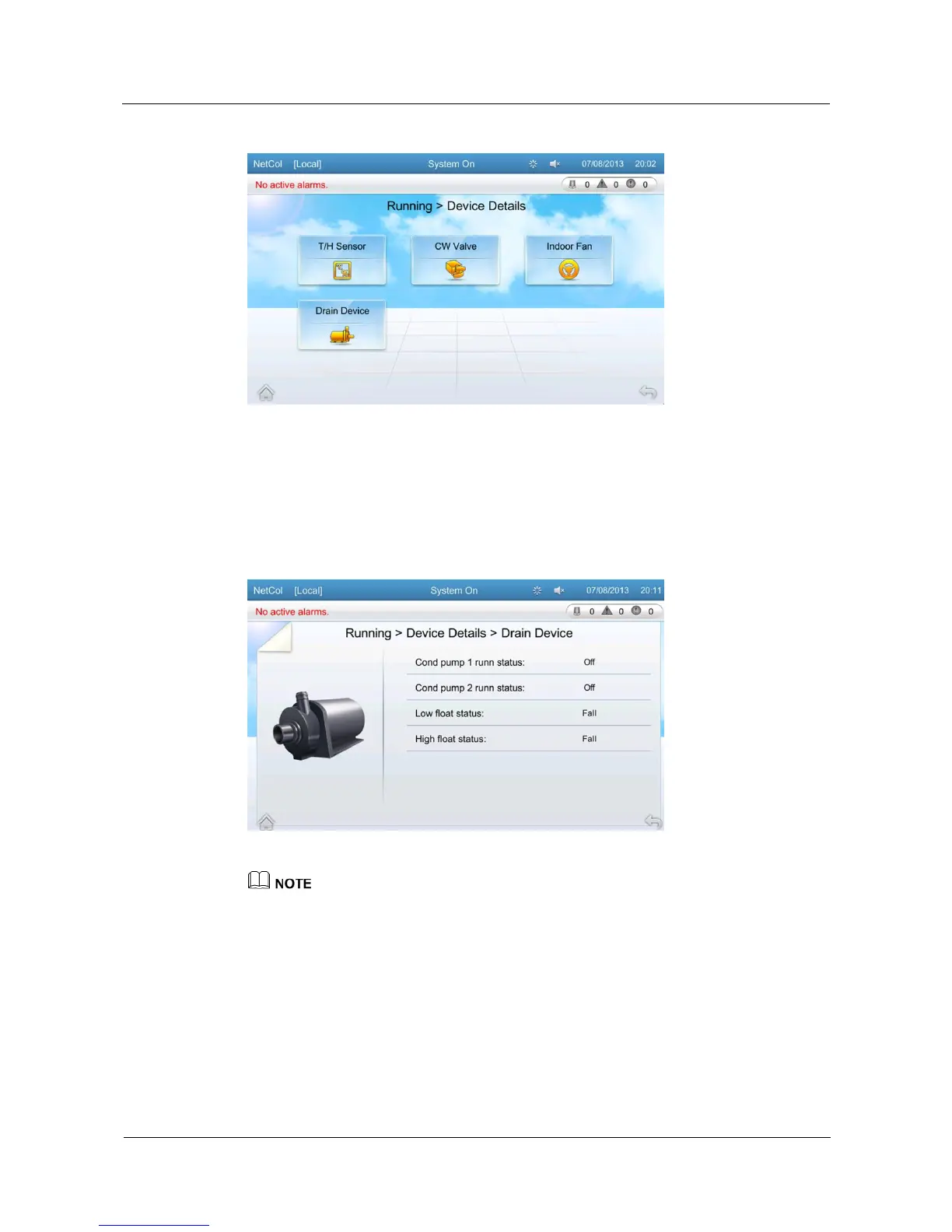
Figure 5-12 Device details screen
You can tap buttons on the device details screen to query operating status of related devices.
Take cond pump as an example. To query running status of drain device, tap Running >
Device Details > Drain Device on the home screen. Figure 5-13 shows the running status of
cond pump 1, 2, low float, and high float.
Figure 5-13 Screen displaying operating status of drain device
The above takes the cond pump as an example to show the numbering rule for devices. Assume that the
personnel face the temperature control equipment. Cond pump on the left of the personnel is numbered 1
and that on the right of the personnel is numbered 2. This rule applies to other devices as well.
5.10 Alarms
On the Alarms screen, you can query active alarms, query hist alarms and delete hist alarms.
Tap Alarms on the home screen to enter the Alarms screen, as shown in Figure 5-14.







 To Next Page