Huawei Proprietary and Confidential
Copyright © Huawei Technologies Co., Ltd.
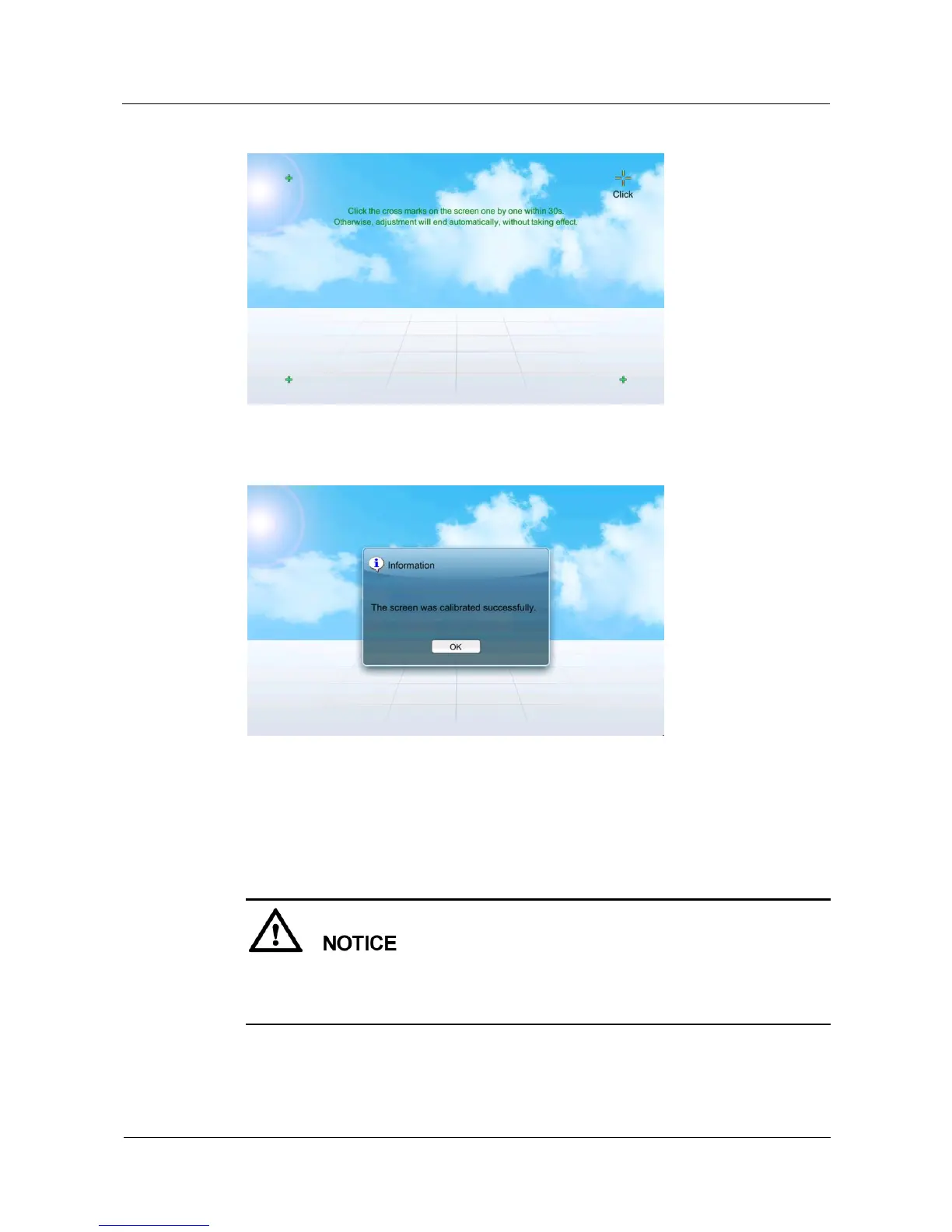
Figure 5-53 Screen calibration page
Figure 5-54 Screen displayed when the calibration is complete
Calibrating the Screen by DIP Switch
Prerequisite: The display board works normally; the deviation between the touching point and
the responding point is unfavorably big; or the screen does not respond when being tapped.
You can calibrate the screen by DIP switch only when the device is powered on for the
first time or only on the home page.
After the screen calibration is complete, flip all the toggle switches to OFF.
The toggle switches for the screen as shown by 3 in Figure 5-56. Flip the fourth toggle switch
to ON↓ and the rest to the opposite to calibrate the screen.







 To Next Page