Non-Secured Installation
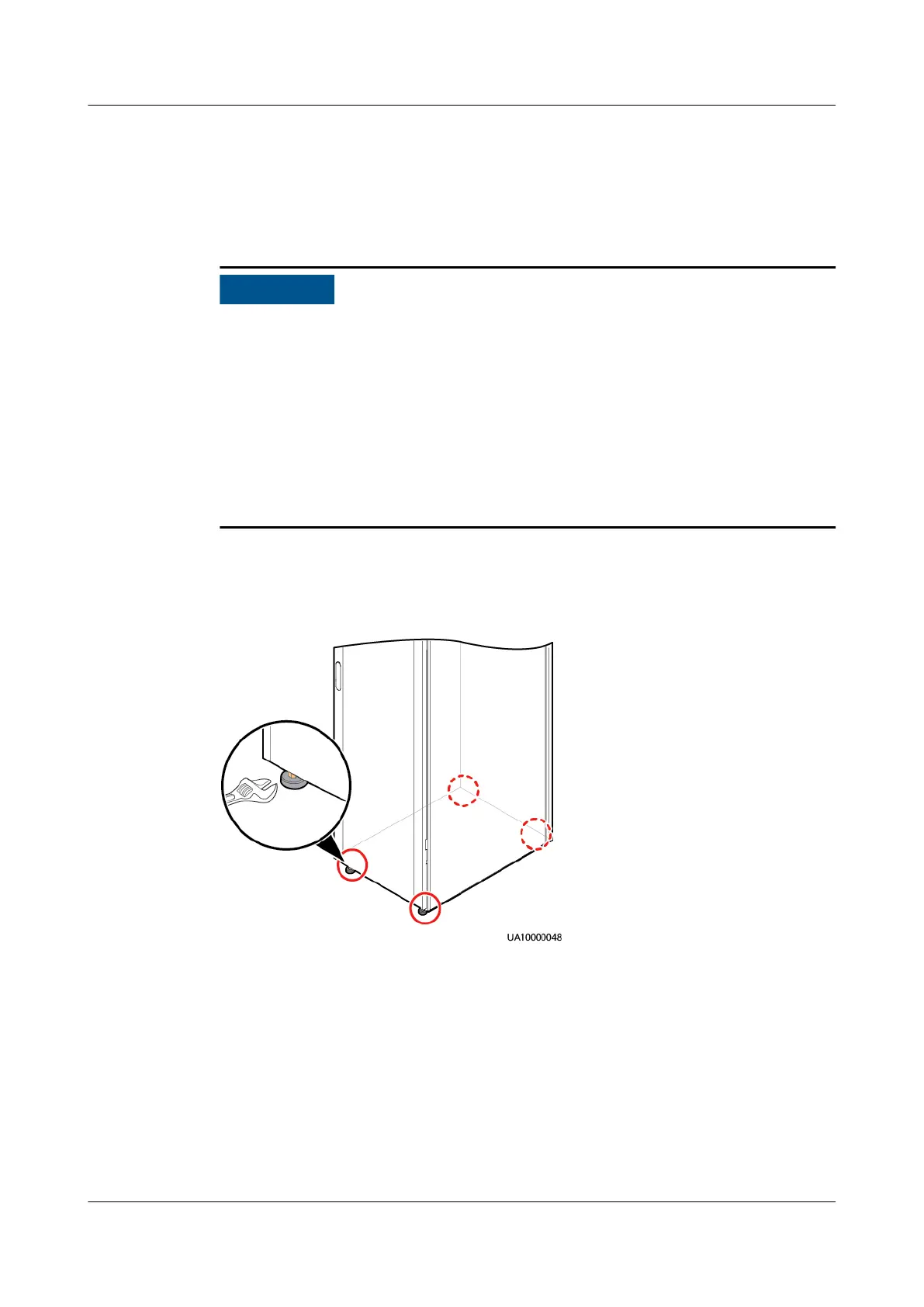
Step 1 Raise the four anchor bolts at the bottom of the UPS cabinet by using a wrench
until all the four castors at the bottom hang in the air and the anchor bolts bear
all of the cabinet weight.
1. Wrench an anchor bolt clockwise to elevate the cabinet, or wrench it
counterclockwise to lower the cabinet. The anchor bolts can be wrenched
within a range of 0–8 mm.
2. To prevent cabinet tilting, adjust the four anchor bolts instead of one anchor
bolt.
3. Use a measuring tape for measurement when leveling the cabinet to ensure
that the height between the cabinet top and the
oor is 2000 mm (tolerance
+3 mm).
4. Do not remove anchor bolts. Otherwise, you need to rework them for use.
Step 2 Check the cabinet levelness using a level. If the cabinet is not level, wrench the
anchor bolts.
Figure 3-10 Adjusting the leveling feet
----End
Installing the Cabinet on an ESD Floor
A support is required when the UPS is installed on an ESD oor. The support
height depends on the height between the ground and the ESD oor.
Step 1 Lift the UPS onto the support and align the UPS mounting holes with those on the
oor.
Step 2 Level the UPS by adjusting the anchor bolts and using a level.
UPS5000-E-(30 kVA–180 kVA)
User Manual (Integrated UPS) 3 Installation
Issue 02 (2022-12-30) Copyright © Huawei Digital Power Technologies Co., Ltd. 58












 To Next Page