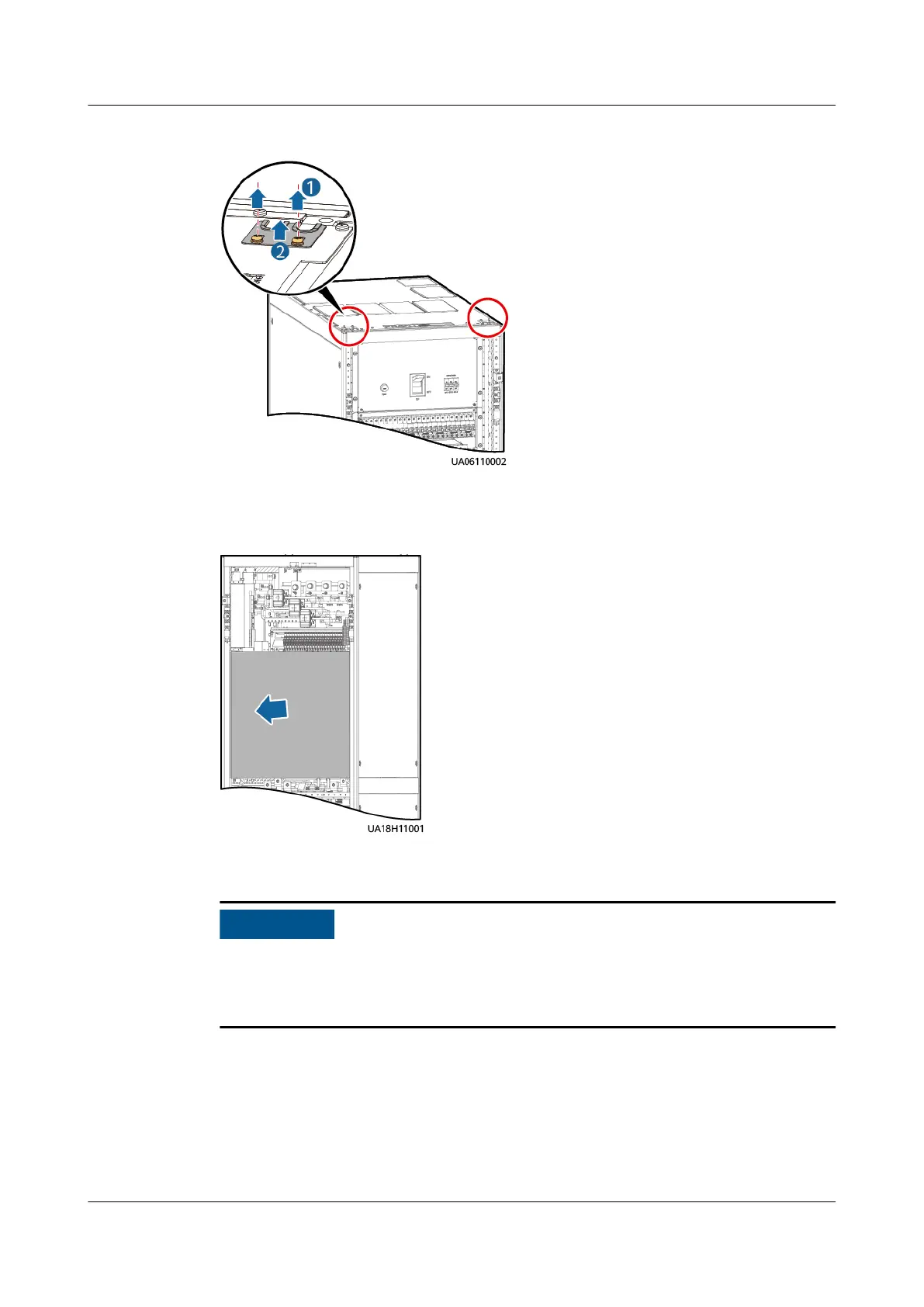
Figure 3-21 Removing cable hole protection panels
Step 2 Open the rear door, and remove the insulation panels at the rear of the cabinet.
Figure 3-22 Removing insulation panels
Step 3 Connect a ground cable to the UPS cabinet.
● Before connecting cables, ensure that all UPS input switches are turned o.
● You need to prepare terminals onsite. The length of the copper wire should be
the same as that of the part of the terminal that covers the conductor.
UPS5000-E-(30 kVA–180 kVA)
User Manual (Integrated UPS) 3 Installation
Issue 02 (2022-12-30) Copyright © Huawei Digital Power Technologies Co., Ltd. 68












 To Next Page