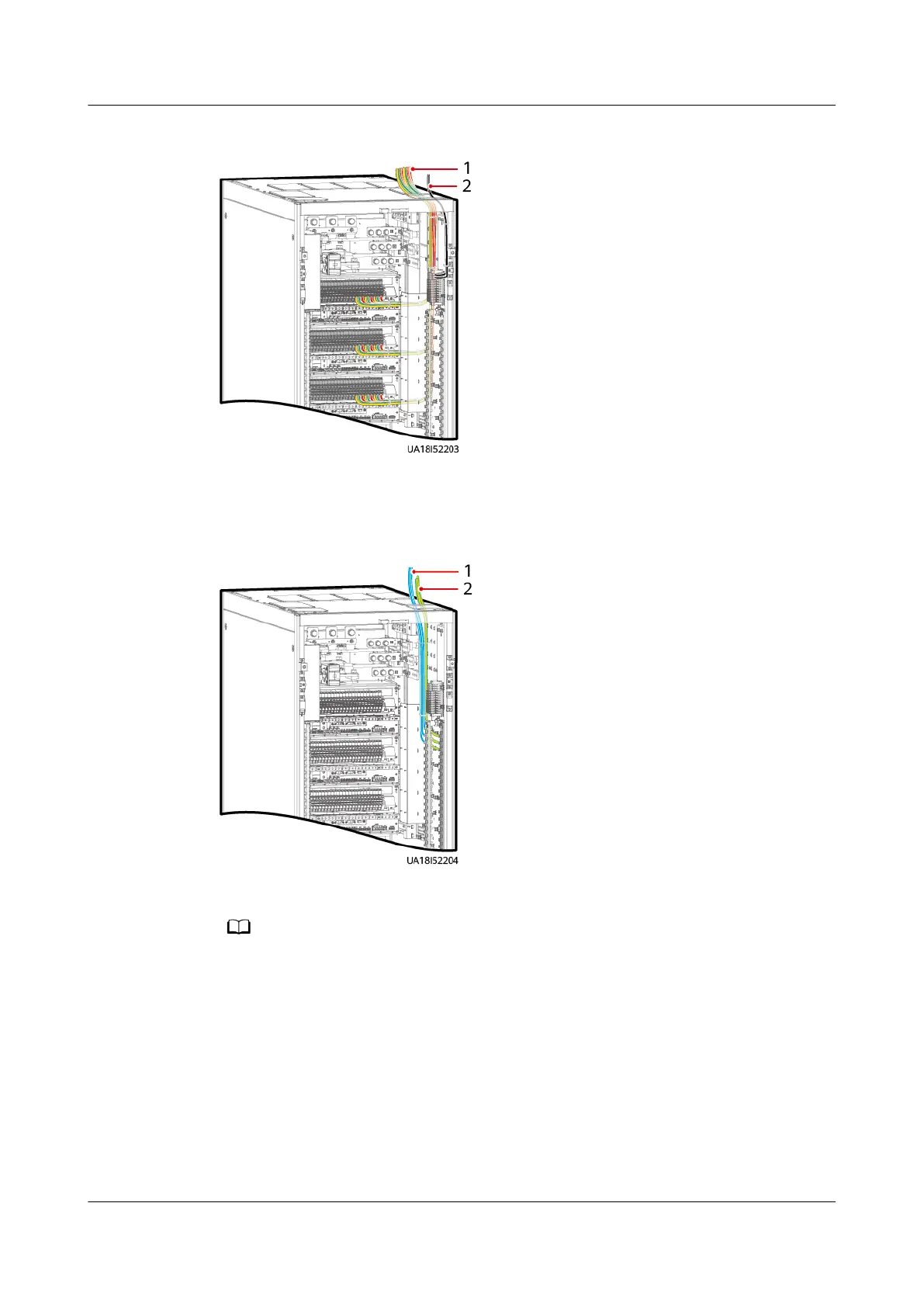
Figure 3-25 Connecting output power cables to customer terminals
(1) Output power cables for IT devices and
smart cooling products
(2) Output power cables for lights
Figure 3-26 Output N cables and PE cables
(1) N cables
(2) PE cables
The number of cables shown in the gure is for reference only. The actual number depends
on the output load.
Step 6 Connect battery cables.
UPS5000-E-(30 kVA–180 kVA)
User Manual (Integrated UPS) 3 Installation
Issue 02 (2022-12-30) Copyright © Huawei Digital Power Technologies Co., Ltd. 70












 To Next Page