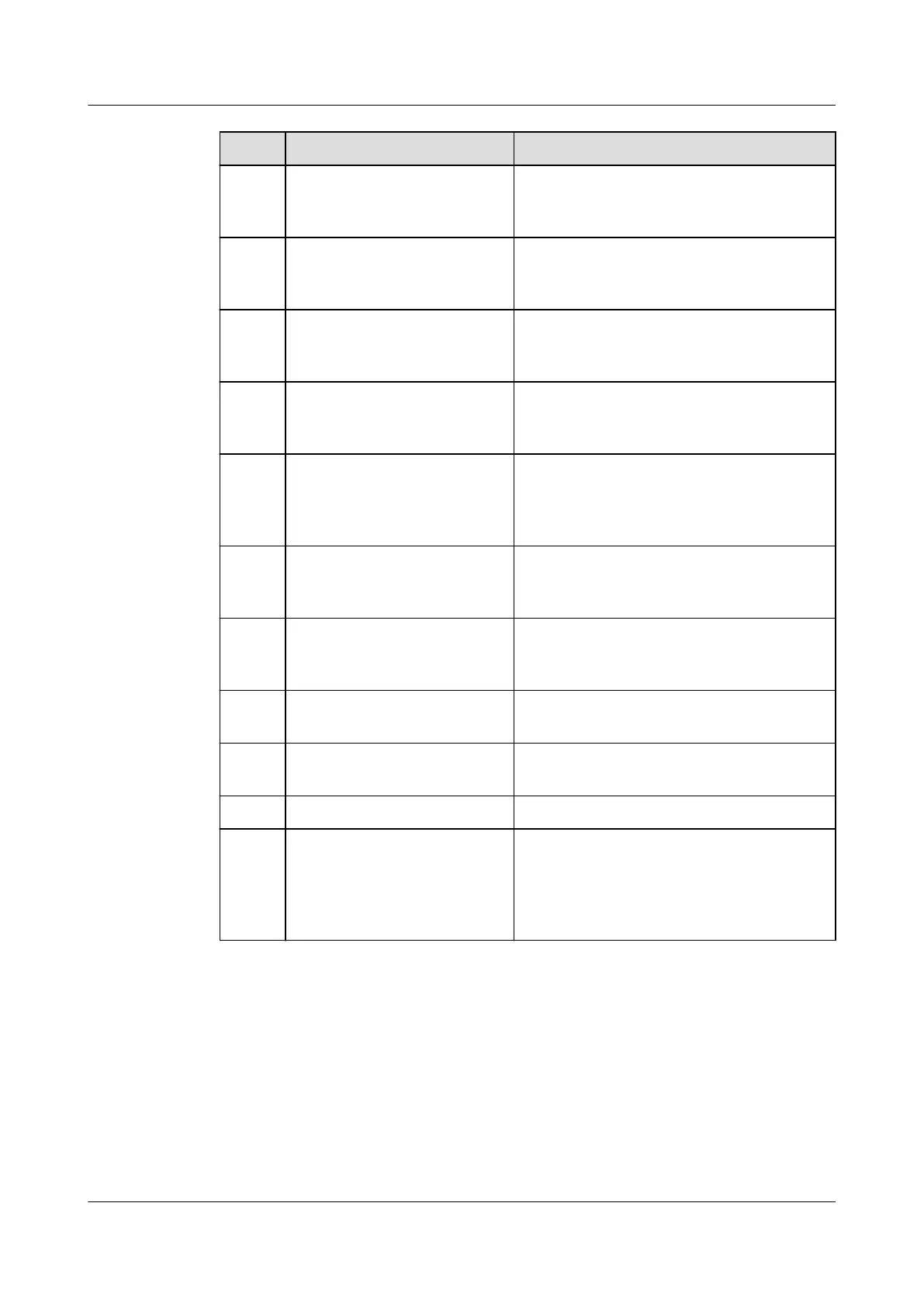
No. Item Expected Result
07 Distances between cable
ties
Distances (recommended: 30 cm)
between cable ties are the same, and no
burr exists.
08 Correct cable connections Check against cable connection
diagrams whether cable connections are
correct.
09 Connections of input and
output live wires and
neutral wires
The connections must be correct. Do not
reversely connect the input L1, L2, L3,
and N wires of the integrated UPS.
10 Phase sequences of input
and output live wires
Use a cable sequence tester to check
that the phase sequences of the UPS
input and output live wires are correct.
11 Connections between input
positive and negative
terminals and N terminals
of batteries
Use a multimeter to check that the
voltage between positive and negative
terminals and N terminals of batteries is
correct.
12 Operating environment The inside and outside of the cabinet are
free from conductive dust or other
sundries.
13 Short circuit between
copper bars
Check that copper bars are open-
circuited using a multimeter or an
insulation resistance tester.
14 Whether the SPD switch is
turned on
If the SPD switch is OFF, turn it on.
15 Cabinet circuit breaker
status
The circuit breakers in the cabinet are
OFF.
16 Fuse installation Fuses have been installed in the cabinet.
17 Whether the cable route
hinders the operation of
components or damages
the insulation layer of
cables
The cable route does not hinder the
operation of components or damage the
insulation layer of cables.
UPS5000-E-(30 kVA–180 kVA)
User Manual (Integrated UPS) 3 Installation
Issue 02 (2022-12-30) Copyright © Huawei Digital Power Technologies Co., Ltd. 77












 To Next Page