Page 66 Manual
Bidirectional Scan Yes The camera scans the selected scan area size and stops at
the position where the scan area ends. The next scan
sequence starts from this position in opposite direction.
No The camera scans the selected scan area size and returns
to its initial start position. While the camera returns to the
start position the document can be changed.
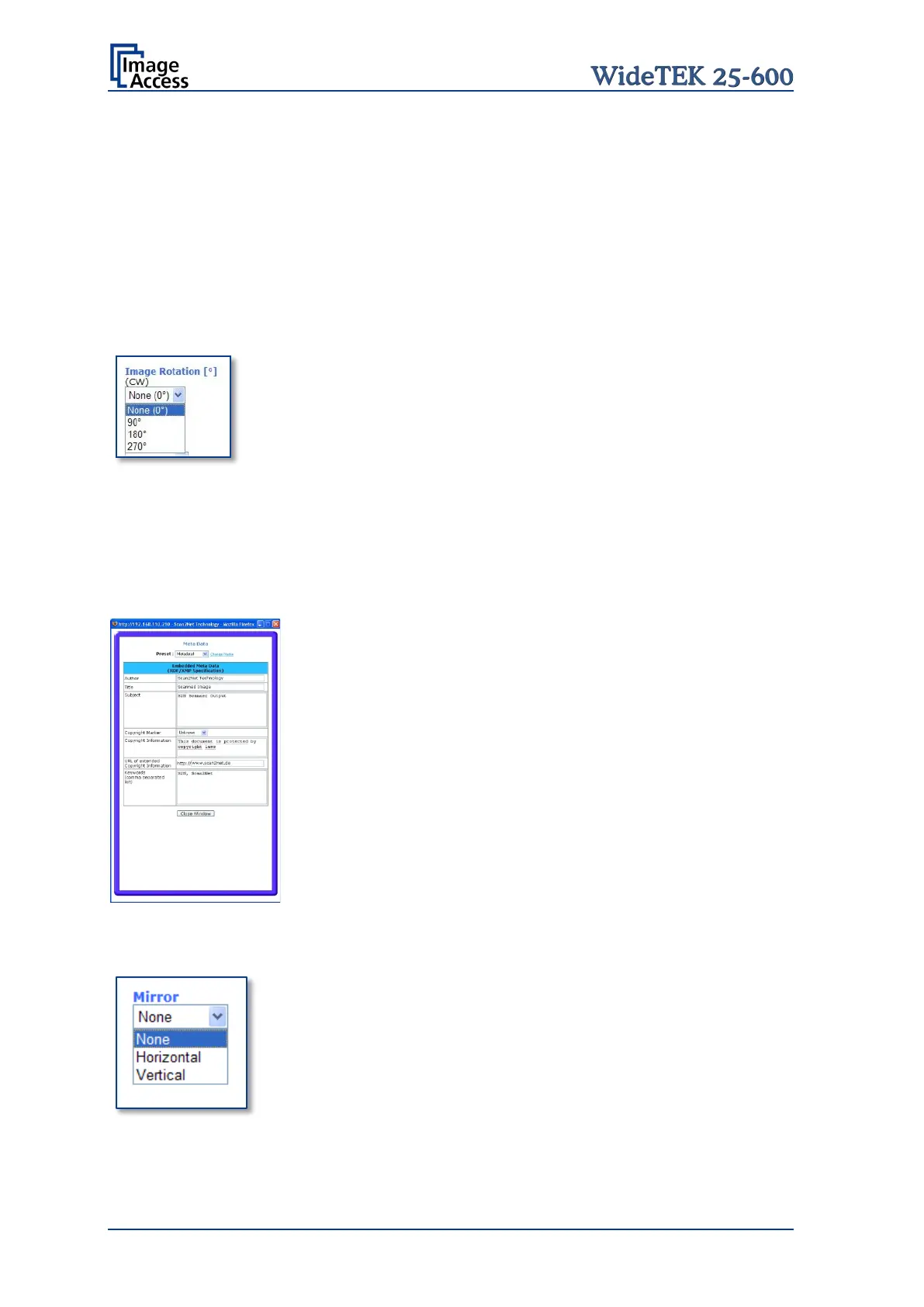
The image can be rotated before it is displayed.
The rotation can be any degree of out of 90°, 180°, 270° or
none. The angle is defined in the clockwise direction.
Click on the selection arrow and select the rotation angle
from the list.
Embedded ICC Profiles If set to Yes an ICC profile is embedded into every image after
scanning.
Select Yes to add metadata information to the image.
Clicking the Option
link opens a window, where the
embedded metadata can be entered.
To close the option window click the button Close Window
The image can be mirrored before displaying.
Click on the selection arrow and set the desired mirror axis.
Available are Horizontal or Vertical.
Select None to display the image without mirroring.








 To Next Page