Chapter 4 — ED40 Setup
24 ED40 Decode Board Integration Guide
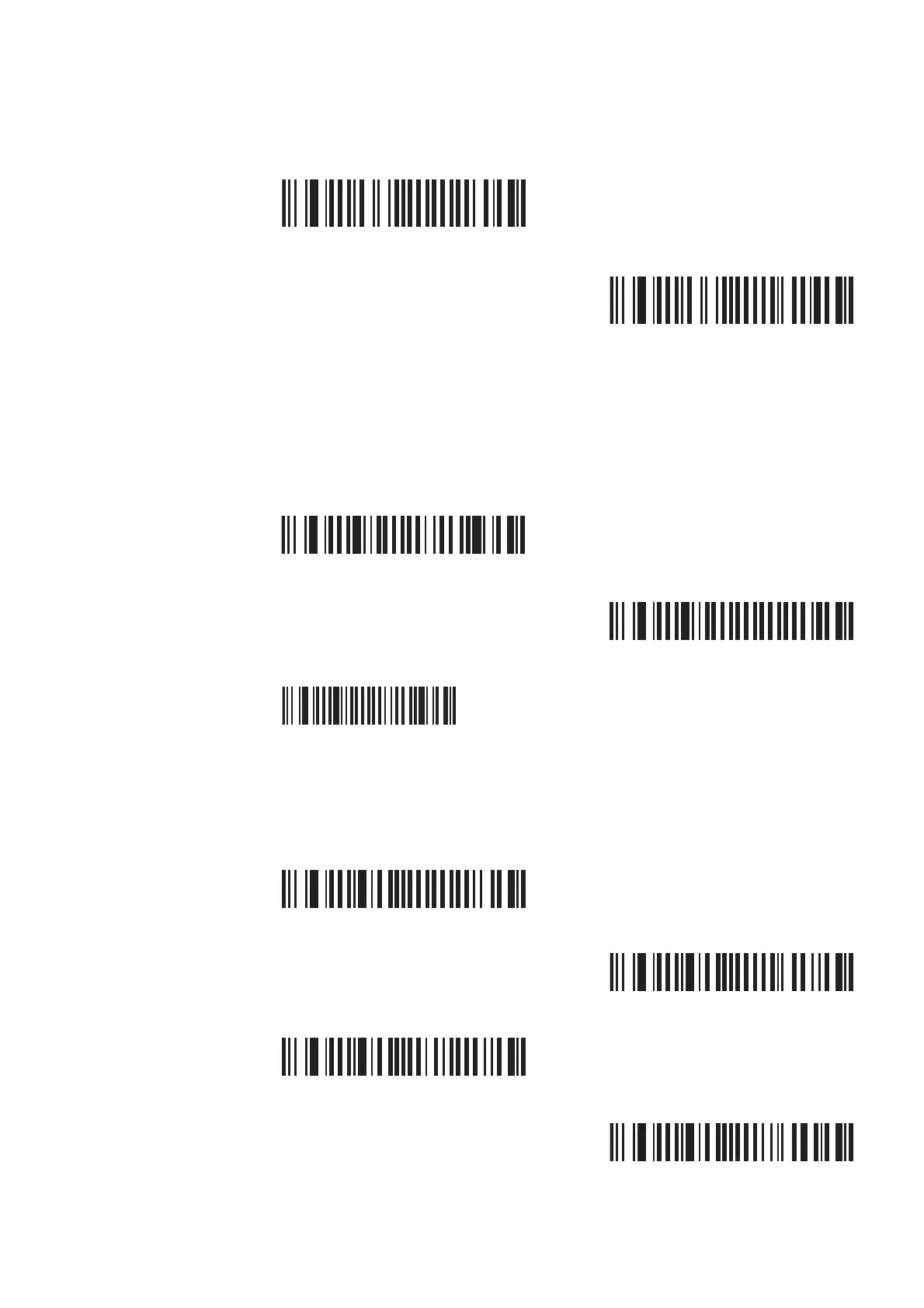
Stop Bits
Scan one of these bar codes to set the stop bits.
USB Interface Parameters
By default the ED40 uses the Virtual COM USB cable mode. If you will be
operating your ED40 with a USB cable in USB Virtual COM cable mode, see
“USB Operation” on page 37 for more information.
USB Cable Mode
International Keyboard
Select your international keyboard if using USB Keyboard HID cable mode. This
setting does not apply to USB Virtual COM. For additional international
keyboards, see EasySet.
1 (*)
SW 63 44 00
2
SW 63 44 01
USB Virtual COM (*)
SW 68 40 02
USB Keyboard HID
SW 68 40 00
USB Virtual COM + Video
SW 68 40 03
North American Windows (*)
SW 67 40 00
French Windows
SW 67 40 01
French Canadian Windows 95/98
SW 67 40 03
French Canadian Windows XP/2000
SW 67 40 04



 To Next Page