Chapter 5 — Firmware Download
40 ED40 Decode Board Integration Guide
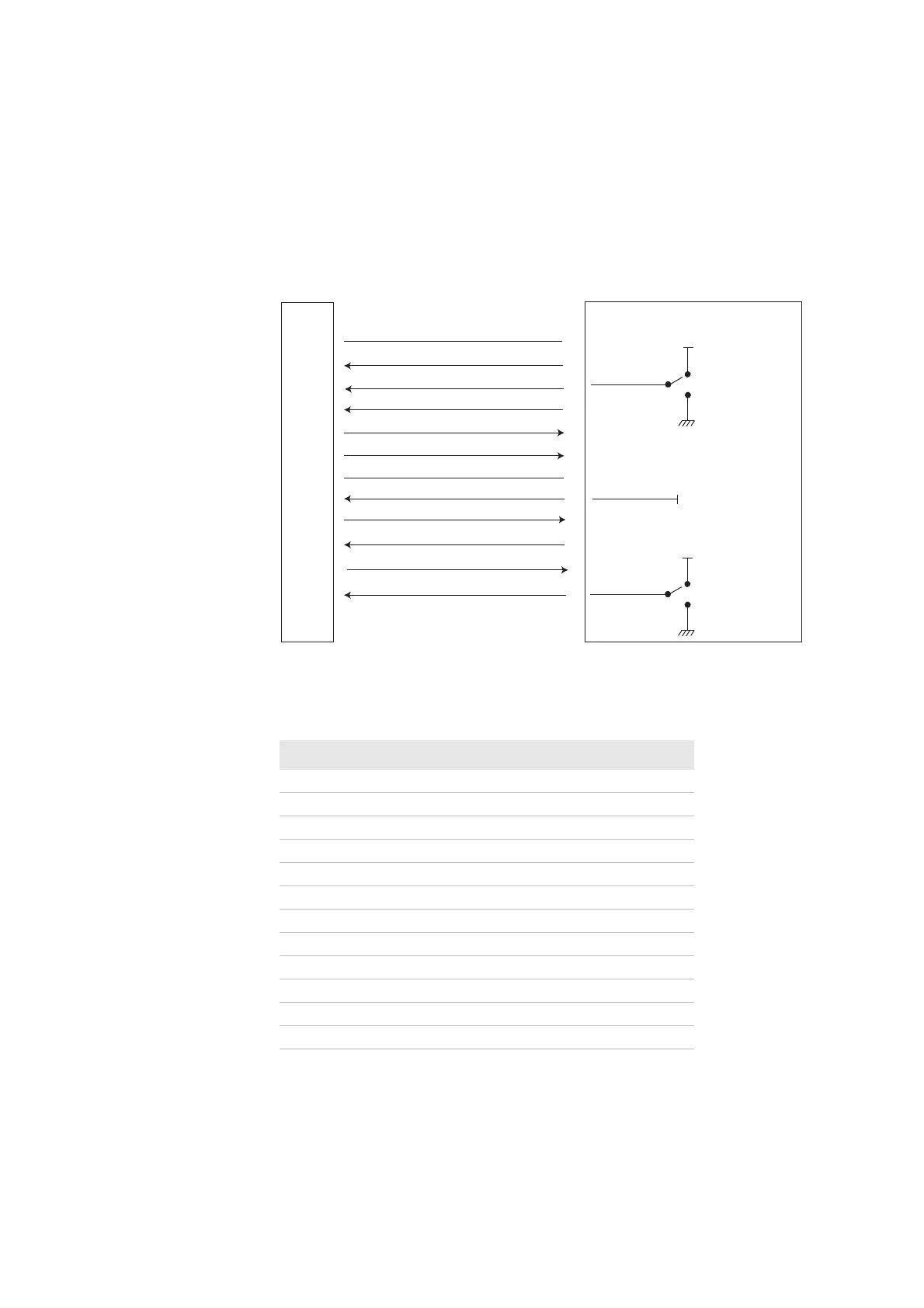
Connections for Firmware Download
Intermec recommends connecting the ED40 as shown below for firmware
download. These connections allow you to initialize firmware download through
hardware initialization. For more information, see “Initializing Download
Mode” on page 42.
RS-232 Interface
Connections for Firmware Download—RS-232 Interface
Contact Description—RS-232 Interface Firmware Download
Host Contact Description
1 Vcc Scanner
2RXD
3 Must Be Connected To Vcc.
4Power Enable
5TXD
6RTS
7GND Scanner
8 Must Be Connected To Vcc.
9LED
10 CTS
11 Buzzer
12 Must Be Connected To Vcc.
ED40
HOST
1
2
3
4
5
6
7
8
9
10
11
12
RXD
Trigger
Power enable
TXD
RTS
GND
Detect in 1
LED
CTS
Buzzer
Detect in 0
Vcc
trigger on
Vcc
trigger o/
firmware download
Vcc
Vcc
normal operation
firmware download



 To Next Page