Chapter 5 — Firmware Download
ED40 Decode Board Integration Guide 41
USB Interface
When performing a firmware download using the USB interface, the decode
board automatically uses a USB Virtual COM interface. For first time use of the
USB Virtual COM interface, see “USB Operation” on page 37.
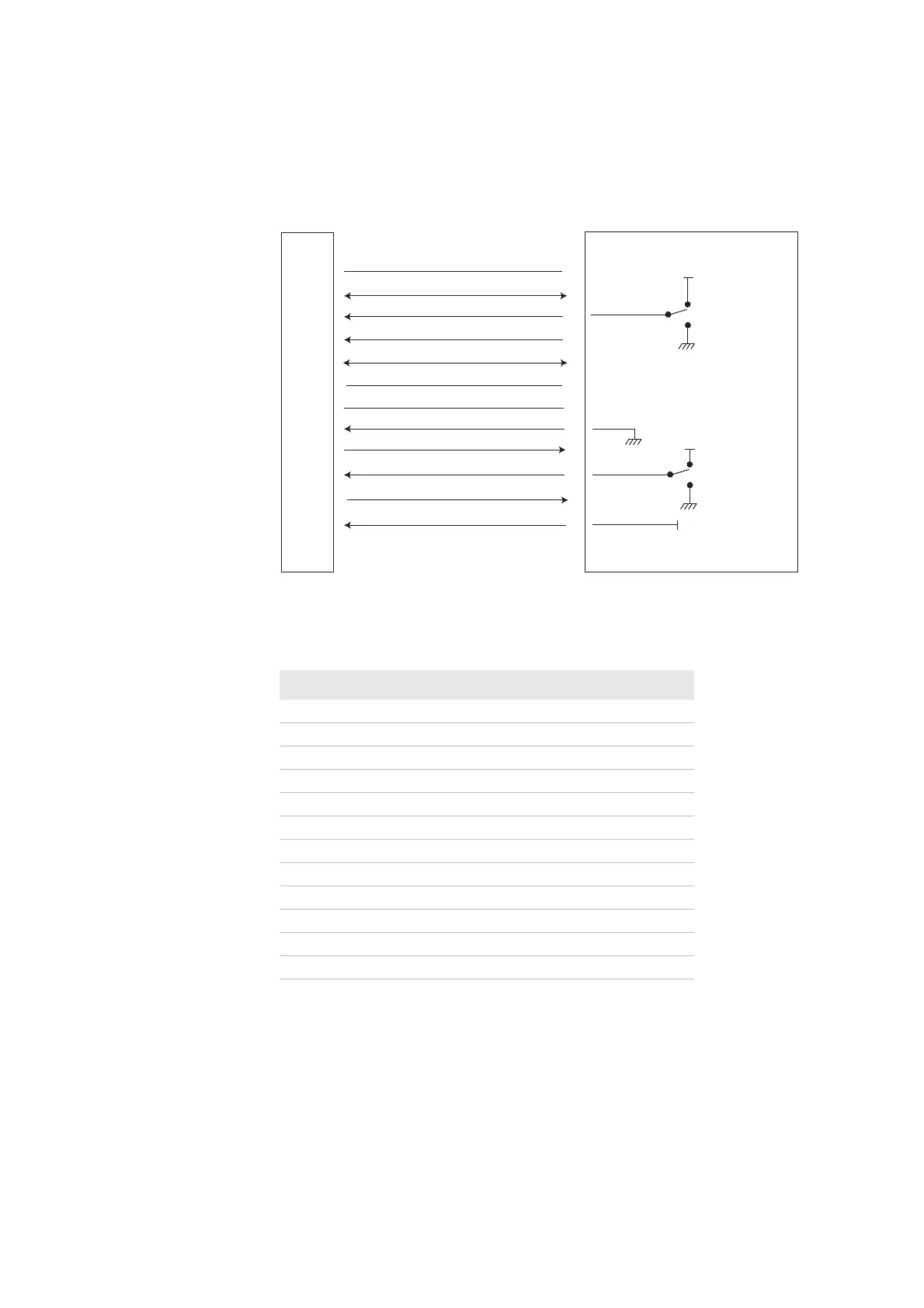
Connections for Firmware Download—USB Interface
Contact Description—USB Interface Firmware Download
Host Contact Description
1 Vcc Scanner
2USB D+
3 Must be connected to Vcc
4Power Enable
5USB D-
6 Do not connect
7GND Scanner
8 Must be connected to GND
9LED
10 Must be connected to Vcc
11 Buzzer
12 Must Be Connected To Vcc.
ED40
HOST
1
2
3
4
5
6
7
8
9
10
11
12
USB D+
Trigger
Power enable
USB D-
Do not connect
GND
Detect in 1
LED
Detect in 2
Buzzer
Detect in 0
Vcc
trigger on
Vcc
trigger o/
firmware download
Vcc
Vcc
normal operation
firmware download



 To Next Page