LIP-9071 iPKTS User Guide
26
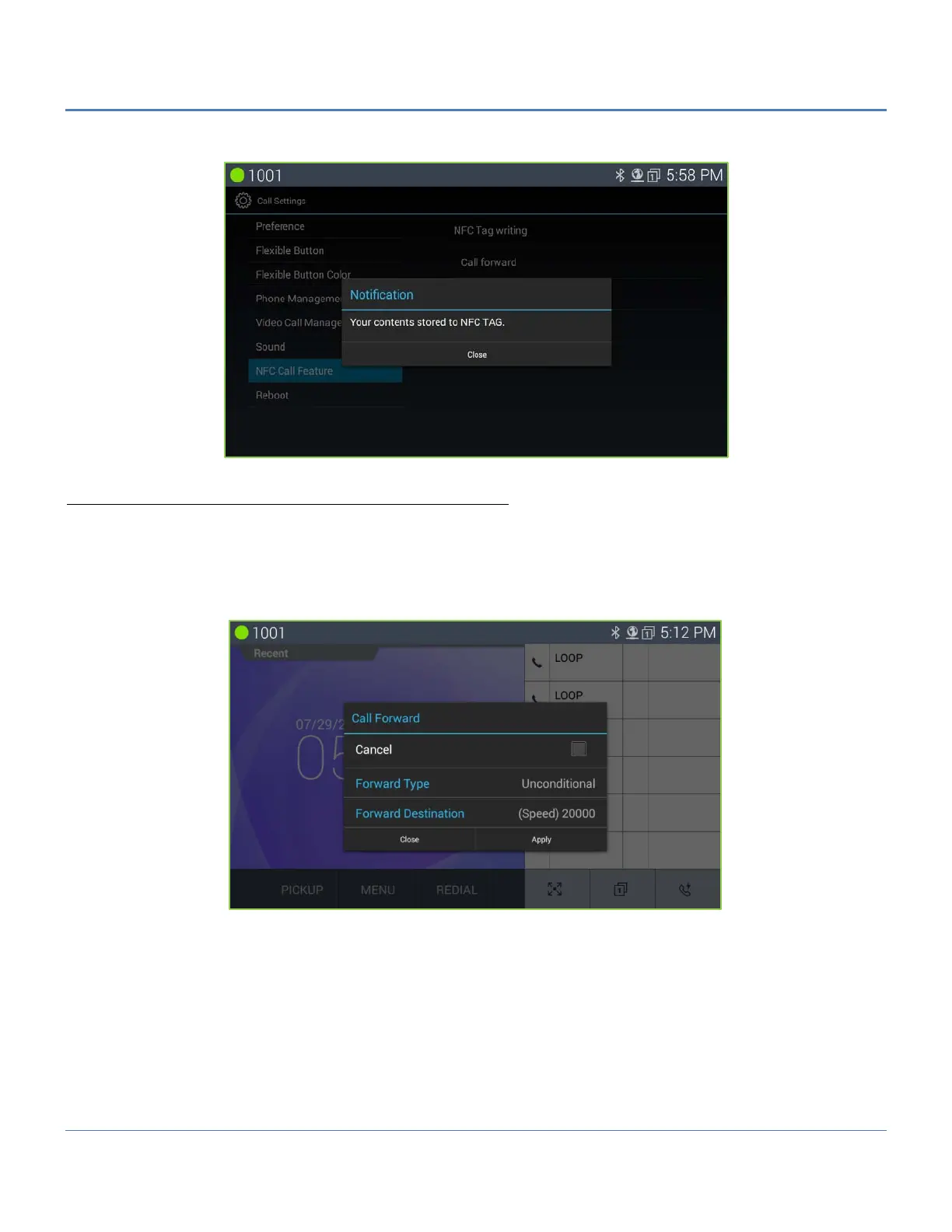
After writing is success, LIP-9071 shows the following screen.
Read NFC Call Forward tag (Using NFC Call Forward tag)
User can executes call forward feature by an NFC call forward tag previously recorded. And user can re-write the tag if
user needs to change the information of the tag.
In order to use the NFC call forward tag, user just tags the NFC tag on the tag pad of LIP-9071
The following is the screen by tagging the NFC call forward tag.
First make sure that the information shown is correct. User touch “Apply” button for call forward setting. Otherwise,
touch “Close”.
User must tag one more time to cancel call forward setting by using the same tag and check the check box for cancel
on the dialog window. Then Use can cancel the call forward by pressing “Apply” button.



 To Next Page